29
Settings & Adjustments 3
To specify the balance and level of the speakers
You can use the Test Tone function to check whether all the
speakers are connected correctly.
ON
Turn on the Test Tone function.
OFF
Turn off the Test Tone function.
- - SPEAKER SETUP PAGE - -
CNTR DELAY
REAR DELAY
SET TEST TONE OFF
TEST TONE
MAIN PAGE
ON
OFF
AUDIO OUT (Selecting the Audio Output Mode)
See page 13.
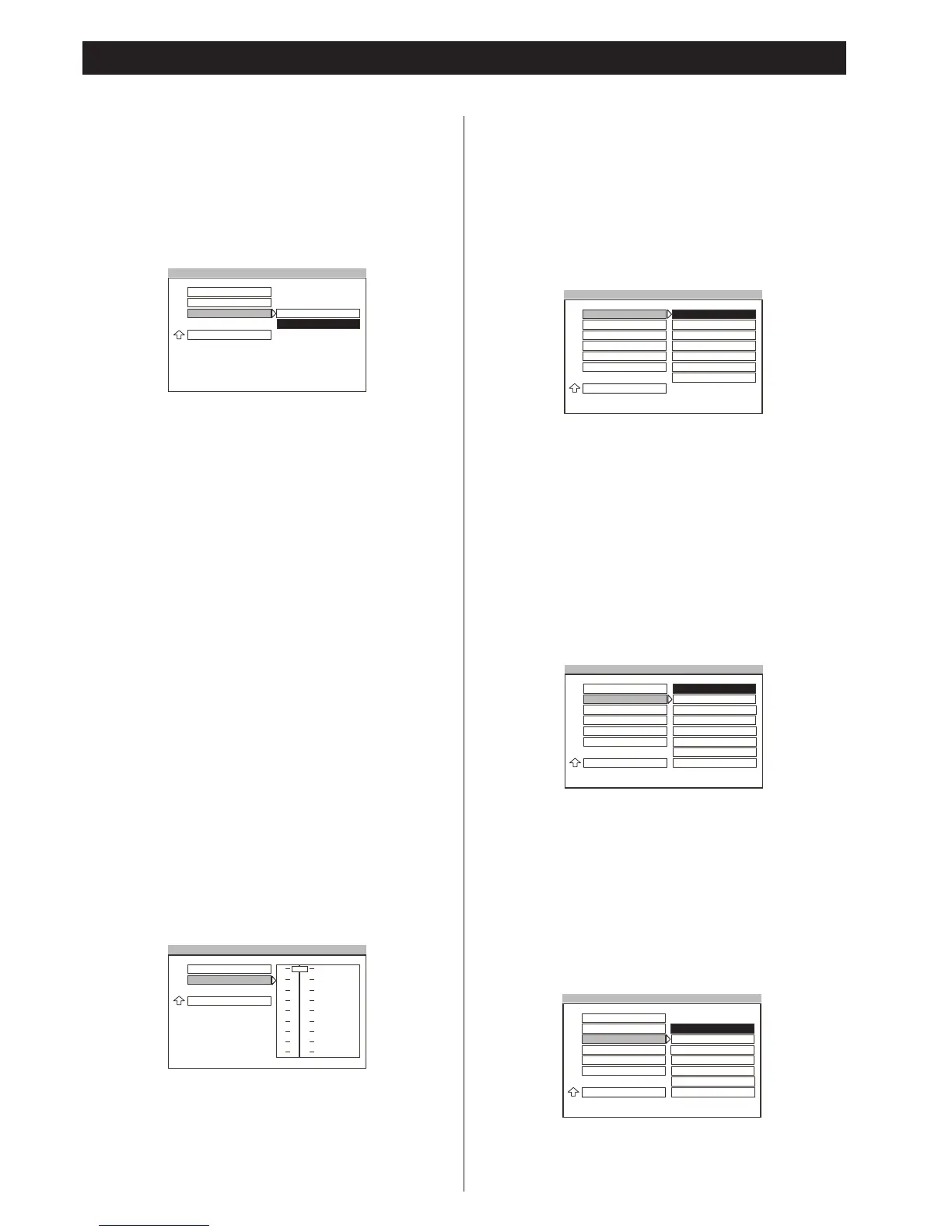
Dynamic Range Setting
In many listening situations, it is objectionable to allow the sound
to become very loud, and thus the loudest sounds must be
compressed downwards in level. Likewise, the very quiet sounds
would be inaudible and must be brought upwards in level to be
heard. Dolby Digital satisfies these needs through the dynamic
range controlling.
Selects the dynamic range compression to fit the individual
listening situation of the audience. The variable range is from
FULL, 7/8 to 1/8, or OFF.
FULL
Audio with fully compressed dynamic range.
7/8~1/8
Audio with partially compressed dynamic range.
OFF
Audio with uncompressed dynamic range.
Note
<
The Dynamic Range settings only support Dolby Digital
programs.
- - AUDIO SETUP - -
AUDIO OUT
DYNAMIC
FULL
6/8
4/8
2/8
OFF
MAIN PAGE
FULL DYNAMIC RNG COMPRESSION
Setting the Language for Audio
Selects the preferred language for audio.
Notes
<
When you select a preferred language that is not recorded on
the DVD, one of the recorded languages is automatically
selected.
<
You can select any recorded language for audio by pressing
the LANGUAGE button when playing a DVD disc (see page 22).
Setting the Language for Subtitle
Selects the preferred language for subtitle.
Notes
<
When you select a preferred language that is not recorded on
the DVD, one of the recorded languages is automatically
selected.
<
You can select any recorded language for subtitle using
SUBTITLE button when playing a DVD disc (See page 21).
- - PREFERENCES PAGE - -
AUDIO
ENGLISH
FRENCHSUB TITLE
DISC MENU
PARENTAL
PASSWORD
DEFAULTS
SPANISH
SET PREFERENCE TO ENGLISH
CHINESE
JAPANESE
MAIN PAGE
GERMAN
ITALIAN
- - PREFERENCES PAGE - -
AUDIO
ENGLISH
FRENCHSUB TITLE
DISC MENU
PARENTAL
PASSWORD
DEFAULTS
SPANISH
SET PREFERENCE TO ENGLISH
CHINESE
JAPANESE
MAIN PAGE
GERMAN
ITALIAN
OFF
Setting the Language for Disc Menu
Selects the preferred language for Disc Menu.
Note
<
When you select a preferred language that is not recorded on
the disc, one of the recorded languages is automatically
selected.
- - PREFERENCES PAGE - -
AUDIO
ENGLISHSUB TITLE
DISC MENU
PARENTAL
PASSWORD
DEFAULTS
FRENCH
SET PREFERENCE TO ENGLISH
SPANISH
CHINESE
MAIN PAGE
JAPANESE
GERMAN
ITALIAN
家电维修技术论坛 http://www.bjjdwx.com/forum.php
79网络 http://www.79wl.com



 To Next Page