30
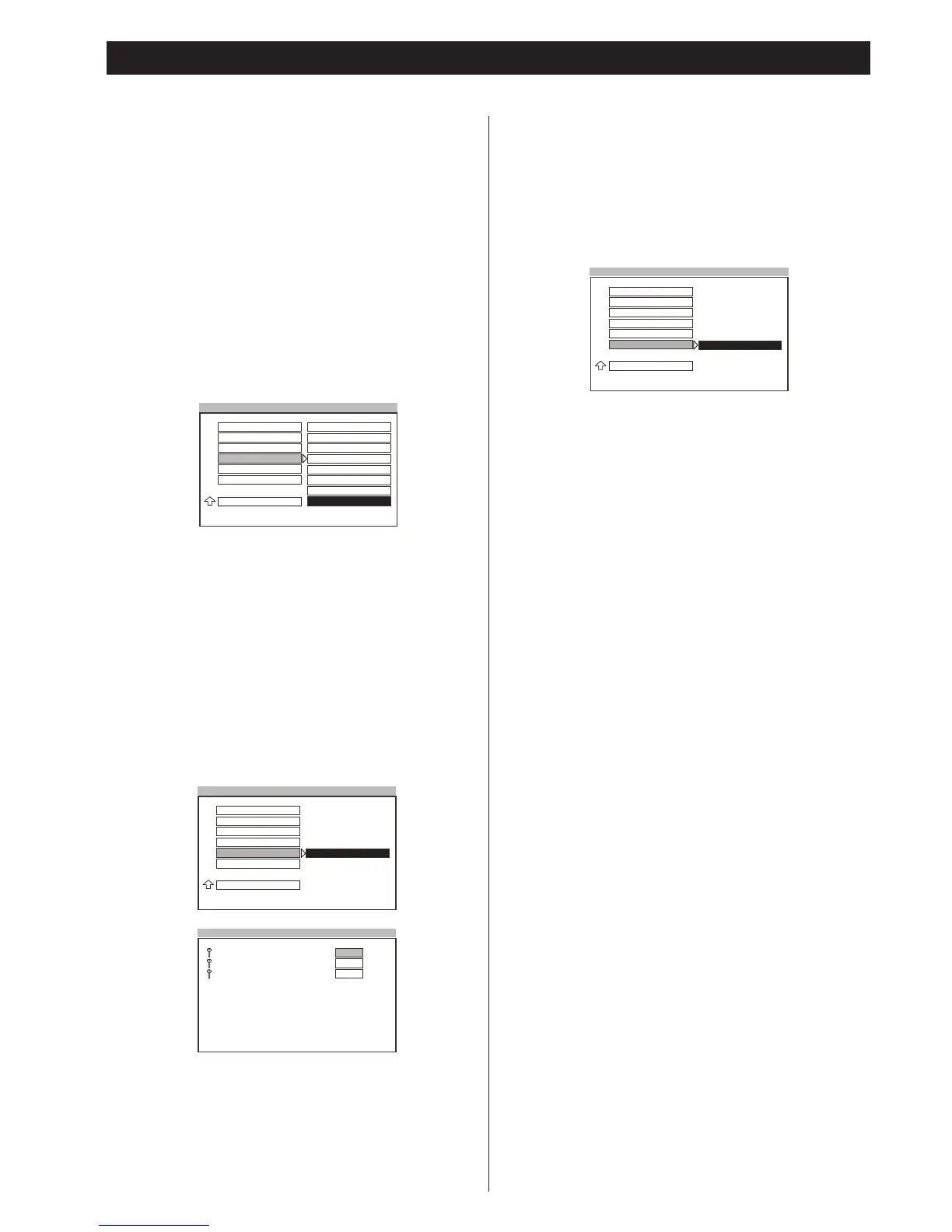
Setting the Parental Control Level
Playing some DVD discs can be limited depending on the age of
the users. The parental control function in this system allows
playback limitation level to be set by the parent. The default
setting is “NO_PARENTAL”.
Notes
<
The lower the level is set, the stricter the limitation is offerred.
<
If the parental control level of the loading DVD disc is lower
than the setting level, the “PARENTAL VIOLATION” message
will be shown on the TV screen, and the system will refuse to
play the disc.
<
To change the parental control level, a correct password is
needed to key in.
<
To avoid locking forever, you must memory the password!
<
A universal password is supplied as default, that is “3308”.
Setting a New Password
Depending on your personal like, you can set a new password for
the parental control to replace the old one.
The default password is “
3308”.
Notes
<
This password is used to unlock the resetting function of
parental control.
<
The new password must be easy to memory for you.
Resetting SETUP
Selects “RESET” and press the ENTER button.
All of the items in the SETUP menu will be reset as defaults.
Note
<
The parental control and its unlocking password will not be
reset.
Settings & Adjustments 4



 To Next Page