31
Audio Channels Selection
This function are arranged mostly for supporting Karaoke.
While you are playing a disc with different channels recorded,
press the AUDIO button repeatedly to select the following audio
modes.
DVD
KARAOKE DVD
VCD
CD
Notes
<
Depending on the disc, you may not get the above function(s).
<
The function of audio channel selection is not available for
MP3 discs.
DVD/VCD/CD
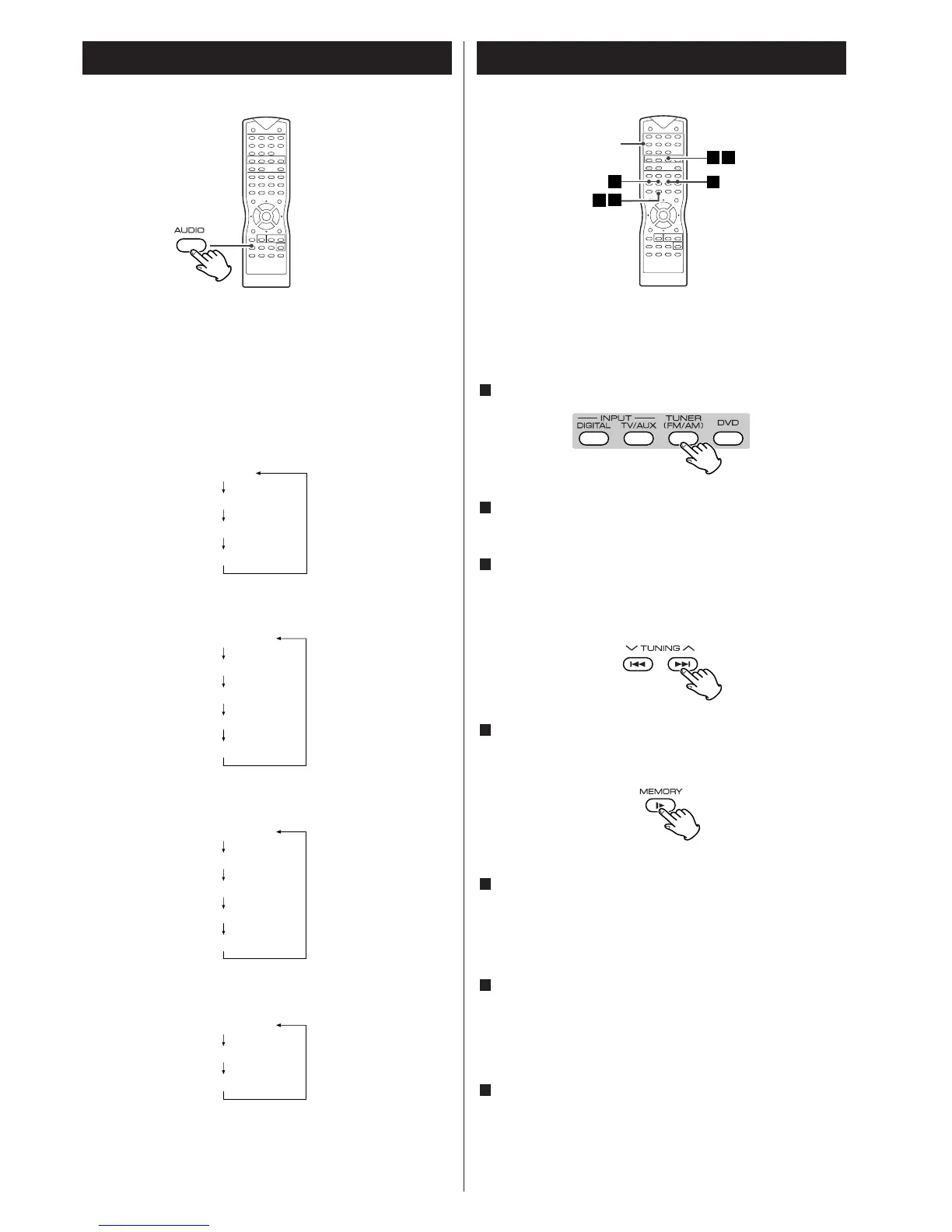
Tuner 1
Presetting Radio Stations
You can preset up to 40 stations for FM and AM.
Press the TUNER button to select Tuner function.
In TUNER mode, press the TUNER button repeatedly to select
desired FM or AM band.
Press and hold the TUNING (
‡/°) buttons until the
frequency indicator starts to change automatically, then
release the button.
Scanning stops when the system tunes in a station.
Press the MEMORY button.
A preset number “P01” appears and “PROG” blinks on the
front panel display.
Press the PRESET (‡/°) buttons on the remote control to
select a preset number you want.
You can use the number buttons (0~9/+10) on the remote
control to key in a preset number directly.
Press the MEMORY button again to store the station.
If you do not press this button in 5 seconds or you press any
other buttons, the station won’t be stored in the system.
The preset number and “PROG” indicator disappear.
Repeat Step 2 to 6 to store other stations.
To tune in a station with a weak signal
Press the TUNING (‡/°) buttons repeatedly in Step 3 to tune
in the station manually.
7
6
5
4
3
2
1



 To Next Page