32
To display the RDS messages
When the received station is a RDS one, the “station name”
appears on the front panel display. (in Europe only)
At this time, you can use the DISPLAY button to view the following
messages of the station on the front panel display,
usually with their abbreviation: station name w
program type w
station frequency.
Notes
<
If the station is not a RDS one, “NO RDS” will appear on the
front panel display when pressing the DISPLAY button.
<
If the RDS station has not got a station name, “NO NAME” will
appear on the front panel display when pressing the DISPLAY
button.
<
If the RDS station has not got a program name, “NO PTY” will
appear on the front panel display when pressing the DISPLAY
button.
<
If the signal of the station is weak, the above messages may
not be displayed, or the display may be incorrect.
Tuner 2
Listening to the Radio
Preset radio stations to the system’s memory first (see
“Presetting Radio Stations” on page 34).
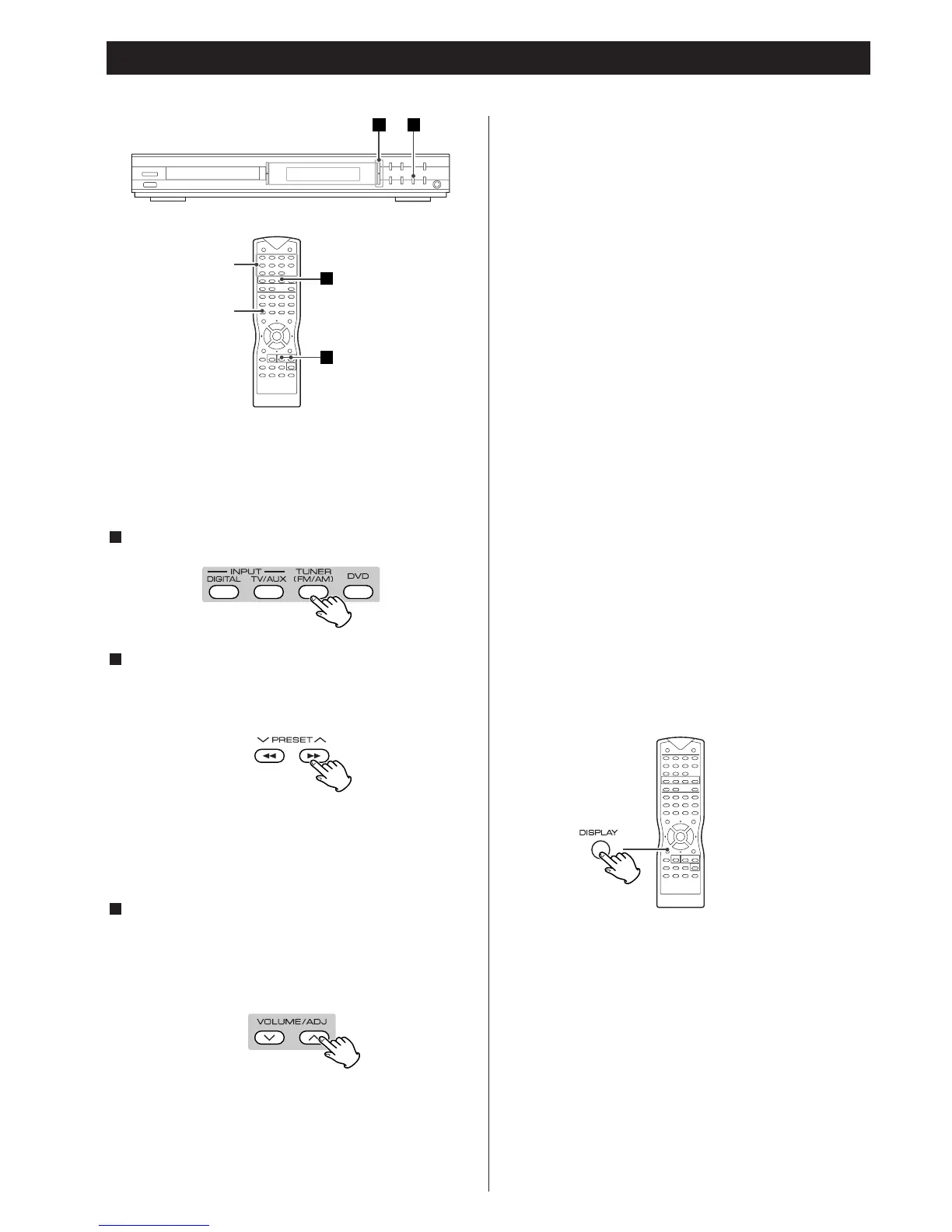
Press the TUNER button.
Press the PRESET
‡/° buttons repeatedly to select the
preset station you want.
Each time you press the button, the system tunes in one preset
station at a time.
In Tuner mode, use the number buttons (0~9/+10) to key in a
preset number (0~39), you can select the preset station
directly.
Adjust the volume level by pressing the VOLUME/ADJ
(
‡/°) buttons.
This system is built in Dolby Pro Logic decoder, so you can
enjoy the live sound in Dolby Surround. How to operate, see
“Surround Mode” on page 18.
3
2
1
To turn off the radio
Press the POWER switch.
To listen to non-preset radio stations
For manual tuning, press the TUNING (‡/°) buttons
repeatedly.
For automatic tuning, press and hold the TUNING (
‡/°)
buttons until the frequency indicator starts to change
automatically, then release the button.
If an FM program is noisy
Press the FM MODE button on the remote control so that “FM
MONO” appears on the front panel display. There will be no
stereo effect, but the reception will improve. Press the button
again to restore the stereo effect.
To improve reception
Reorient the supplied antennas.



 To Next Page