17
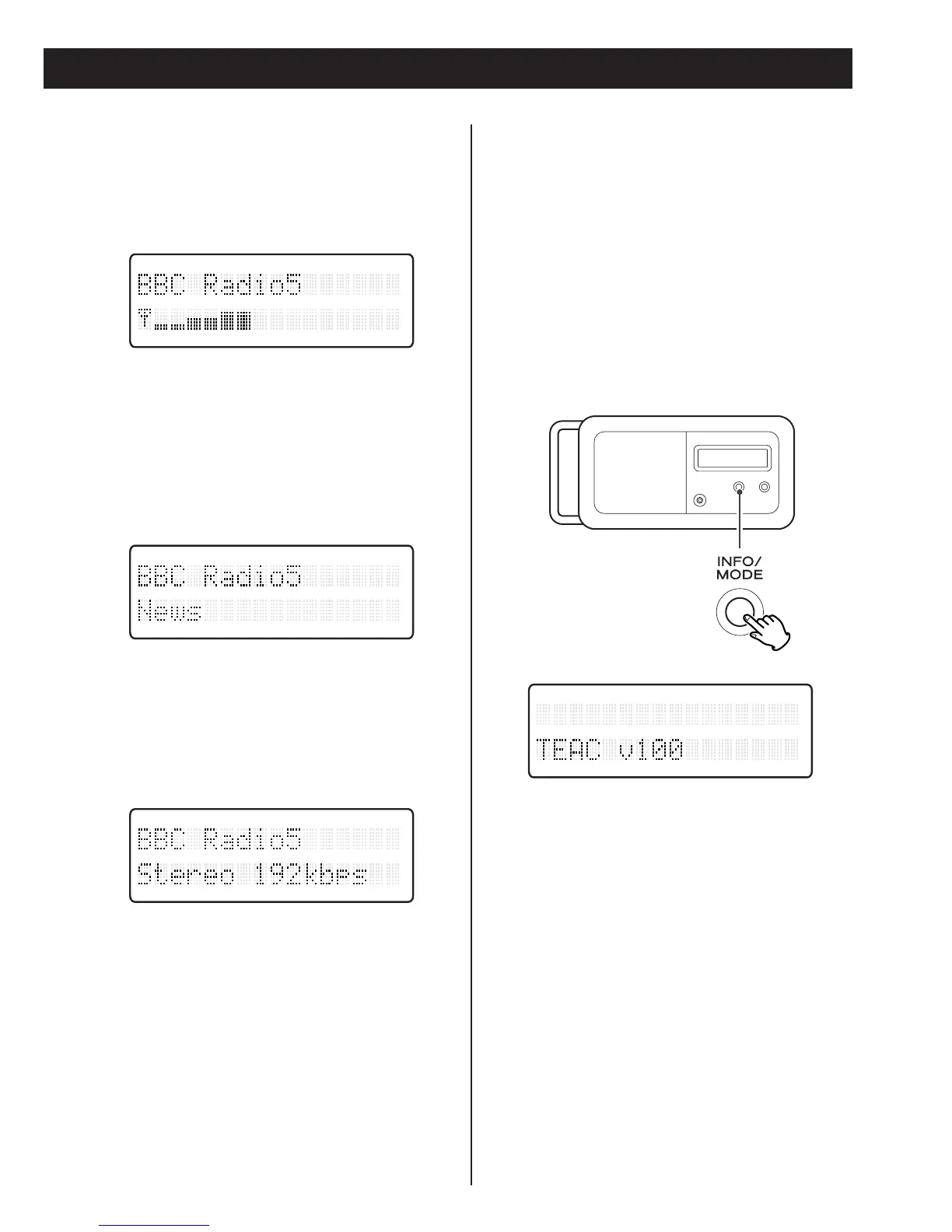
Signal level
Signal strength display to check the
antenna adjustment or positioning for the
best reception.
Programme type
This is a description of the type of
broadcast supplied by the radio station
such as Pop, Rock or Classical music.
Bitrate
The bitrate and sound mode of the
current receiving broadcast is displayed.
Software version
To display the software version:
1. Press and hold the INFO/MODE button for
longer than 2 seconds. In DAB mode
‘Manual tune’ is displayed. In FM mode
‘System Reset’ is displayed.
2. Press the INFO/MODE button once or
twice to display software version.



 To Next Page