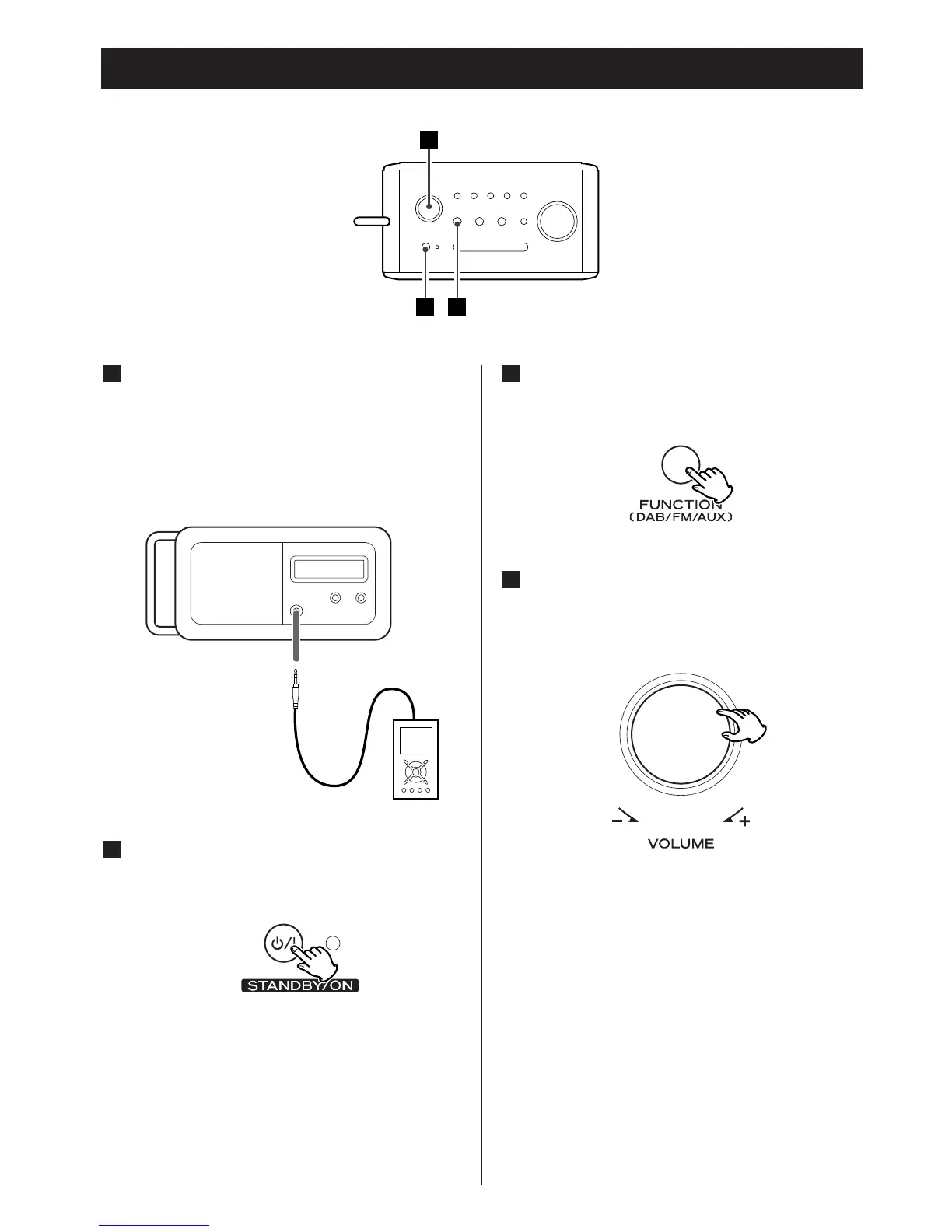
Listening to an External Source
Connect the PHONES jack (audio
output jack) of a portable audio
player to the AUX IN jack of the R-3
using the supplied stereo mini plug
cable.
1
Repeatedly press the FUNCTION
button to select AUX.
Play the source, and adjust the
volume using the VOLUME knob of
the R-3 and the audio player.
When using the PHONES jack of your mini
player, you must adjust the volume of the
mini-player or you may hear no sound
from your R-3.
4
3
Press the STANDBY/ON switch to turn
the unit on.
2



 To Next Page