Setting the Clock (1)
If you want to change the displayed language
before setting the clock, follow the instructions,
“Language” on page 20.
1
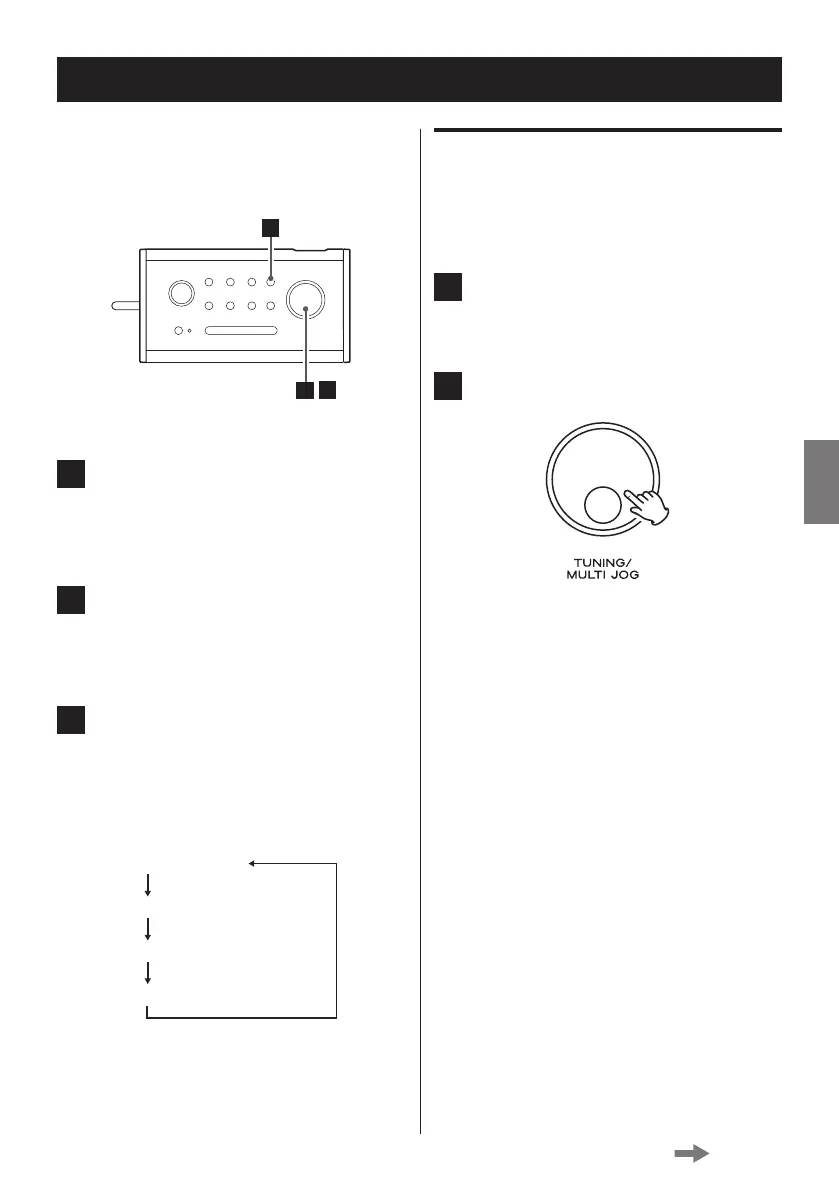
Press the MENU button.
< If no button is pressed for 15 seconds, the
menu mode will be cancelled.
2
Turn the MULTI JOG knob until “Time”
appears on the display, and then press
the knob to determine your selection.
3
Turn the MULTI JOG knob until the
desired menu appears on the display.
The display cycles through the following
menus.
Set Time/Date
Auto update
Set 12/24 hour
Set date format
Set Time/Date
You can manually adjust the hour, minute, day,
month and year one by one.
1
Select “Set Time/Date” (see the left
column).
2
Press the MULTI JOG knob.
Continued on the next page



 To Next Page