26
Presetting stations
You can store up to 10 DAB and 10 FM stations
into the unit’s memory.
1
Tune in to a station you want to listen
to (page 16 for DAB or page 22 for FM).
2
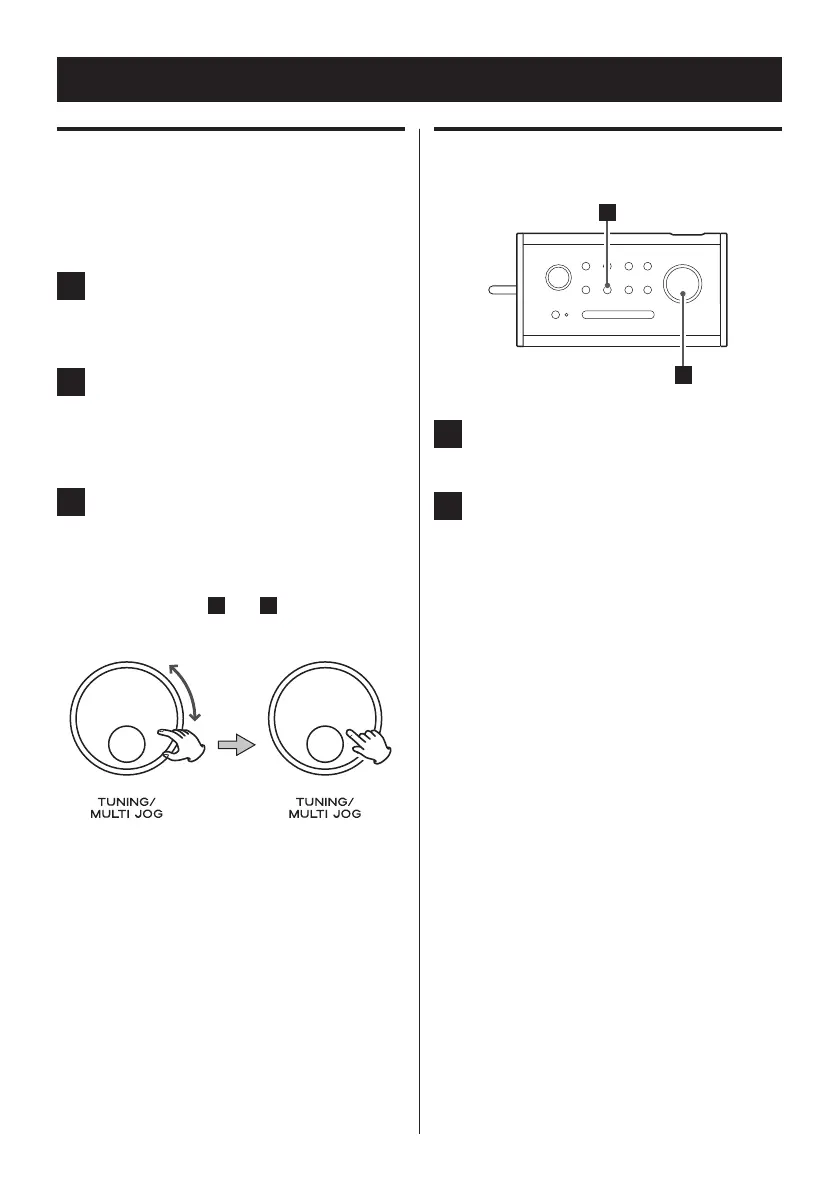
Press and hold the PRESET button until
“Preset Store <1: (Empty) >” appears
on the display.
3
Turn the MULTI JOG knob until the
number you want to use appears, and
then press the knob.
The station is stored in memory.
Repeat steps
1
to
3
to store other
stations.
Selecting preset stations
1
Press the PRESET button.
2
Turn the MULTI JOG knob to select a
preset station, and then press the
knob to determine your selection.
Preset Tuning



 To Next Page