Scan setting
By default, the FM scan stops at any available
station. This may result in a poor signal-to-noise
ratio (hiss) from weak stations.
To change the scan setting to stop only at
stations with good signal strength, follow the 2
steps below:
1
In FM menu mode, select “Scan setting”
(page 24).
The current setting appears with “ * ”.
2
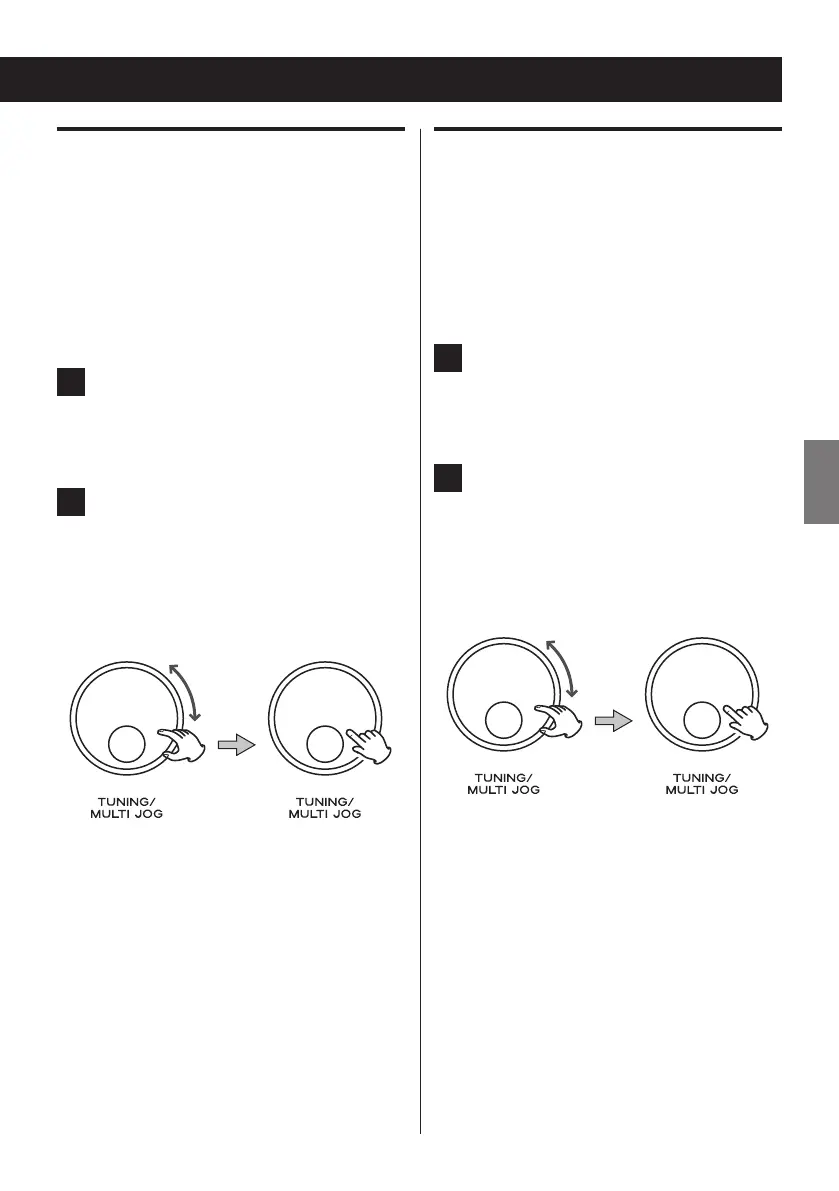
Turn the MULTI JOG knob to select
“Strong stations”, and then press the
knob to determine your selection.
< The following two options are available: All
stations and Strong stations.
Audio setting
By default, all stereo stations are reproduced
in stereo. For weak stations, this may result in a
poor signal-to-noise ratio (hiss).
To play weak stations in mono, follow the 2
steps below.
1
In FM menu mode, select “Audio setting”
(page 24).
The current setting appears with “ * ”.
2
Turn the MULTI JOG knob to select
“Forced mono”, and then press the
knob to determine your selection.
< The following two options are available:
Stereo allowed and Forced mono.



 To Next Page