Setting the Clock (2)
3
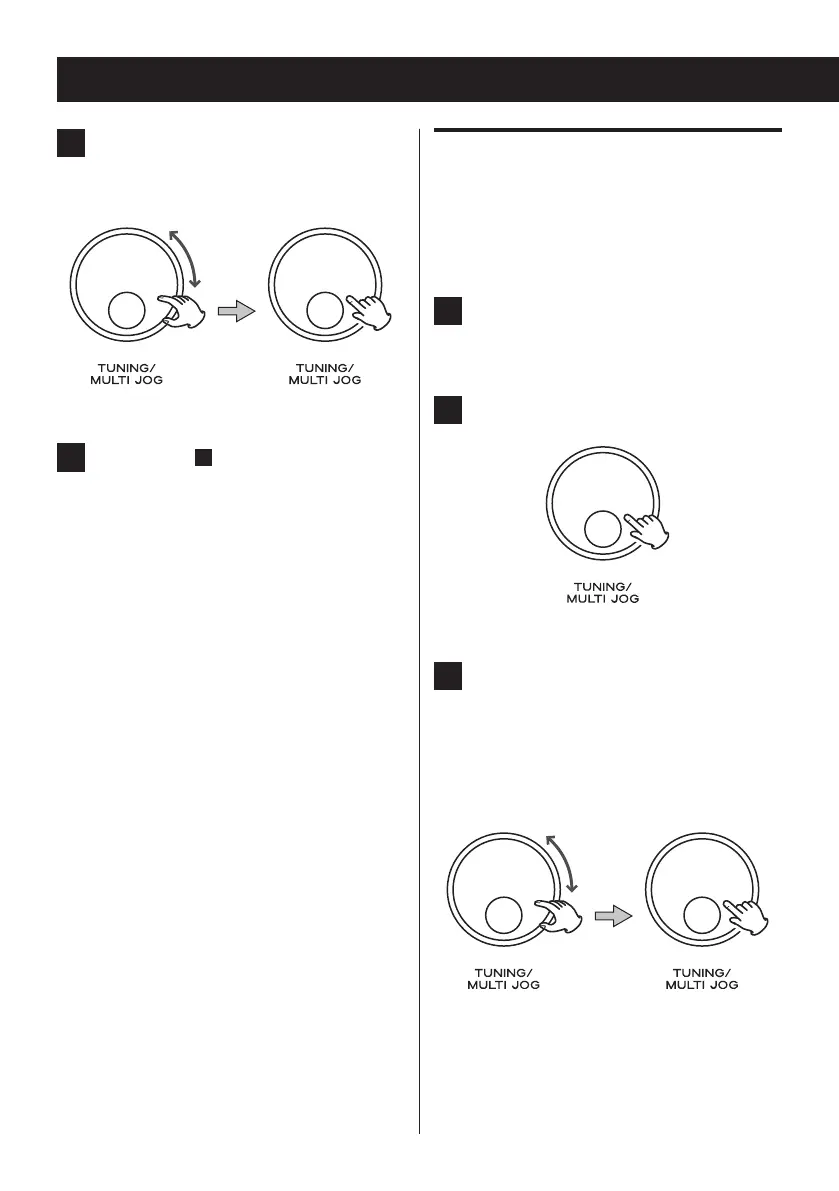
Turn the MULTI JOG knob to change
the hour, and then press the knob to
determine your selection.
4
Repeat step
3
to set the minute, day,
month and year
.
< If the auto update is turned on, the clock is
automatically updated when the DAB signal
is received. (For the auto update setting,
see “Auto update” in the right column).
< If the unit is disconnected from the power
supply and the batteries have been
completely discharged for about an hour,
clock and timer settings will be lost.
Auto update
You can turn on the auto update to automatically
adjust the time setting by receiving the information
from a DAB or FM station.
1
Select “Auto update” (page 13).
The current setting appears with “ * ”.
2
Press the MULTI JOG knob.
3
Turn the MULTI JOG knob to switch to
“Update from DAB” or “Update from
FM”, and then press the knob to
determine your selection.
< To turn off the auto update setting, select
“No update” instead.



 To Next Page