29
Timer (1)
You can set the unit to turn on at a specific time.
< The unit can store 2 timer settings into its
memory as ALARM 1 and ALARM 2.
< The alarm stops automatically in one hour
and the unit enters standby mode.
< Adjust the clock before setting the timer
(pages 13-15).
The procedures below are to set ALARM 1.
Follow the similar steps to set ALARM 2.
1
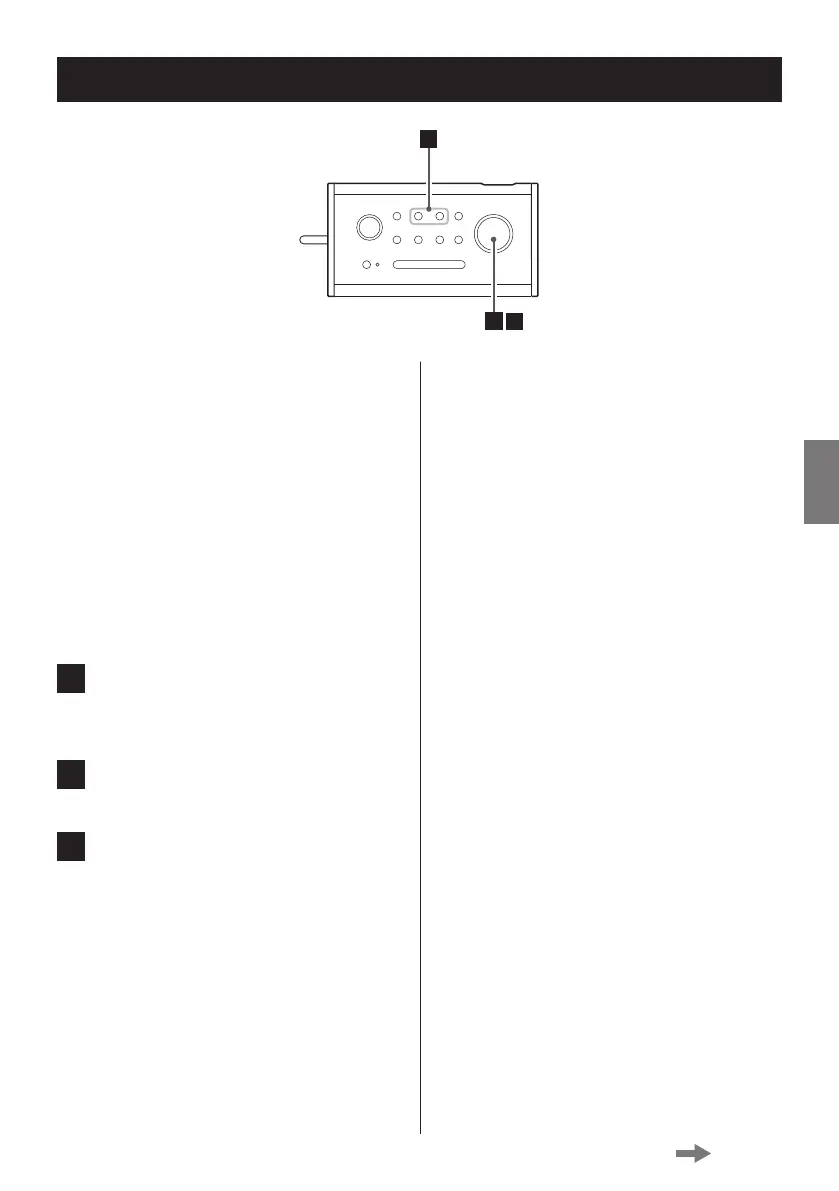
Press the ALARM 1 button.
“Alarm 1 Setup” appears on the display.
2
Press the MULTI JOG knob.
3
Set the following menus one by one,
by turning the MULTI JOG knob until
the desired option appears, and then
pressing the knob to determine your
selection.
On time:
Set the hour and minute for the start time.
Source:
Select the source to be used as alarm
sound. The following three options are
available: DAB, FM and Buzzer.
Station:
If you have selected DAB or FM for the
source setting, select the station you want
to tune in to. You can select a preset station
or the station you tuned in to last.
< If no station is available because of the poor
DAB reception when DAB is selected, the
buzzer is automatically activated instead.
Alarm frequency:
You can set the timer Daily, Once, on
Weekends or Weekdays. If you select
Once, you are also asked to set the desired
date.
Volume:
Set the sound volume.
< The minimum volume setting is 4; you cannot
set the volume to a setting less than 4.
After you press the knob to determine your
selection of the volume, “Alarm Saved”
appears.
Continued on the next page



 To Next Page