Factory Reset
You can reset all the settings to restore the
factory settings.
1
In DAB menu mode, select “Factory
Reset” (page 18).
2
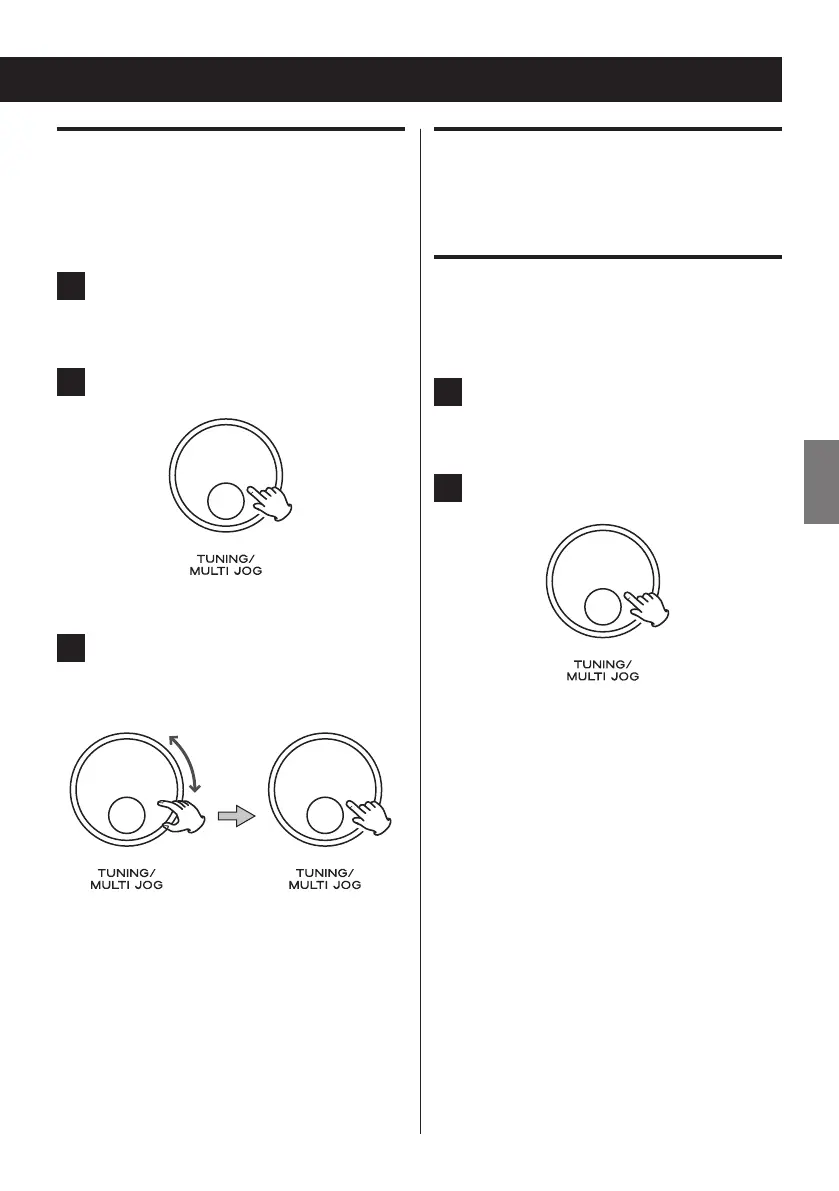
Press the MULTI JOG knob.
3
Turn the MULTI JOG knob to select
“Yes”, and then press the knob to
determine your selection.
The unit restarts immediately.
< After a factory reset, the language shown
on the display is also set back to English.
For details on how to change the language,
see “Language” on page 20.
Software Upgrade
This function is unavailable for users.
SW version (Software version of
DAB)
1
In DAB menu mode, select “SW version”
(page 18).
2
Press the MULTI JOG knob.
The version number of the installed software
is displayed.



 To Next Page