7
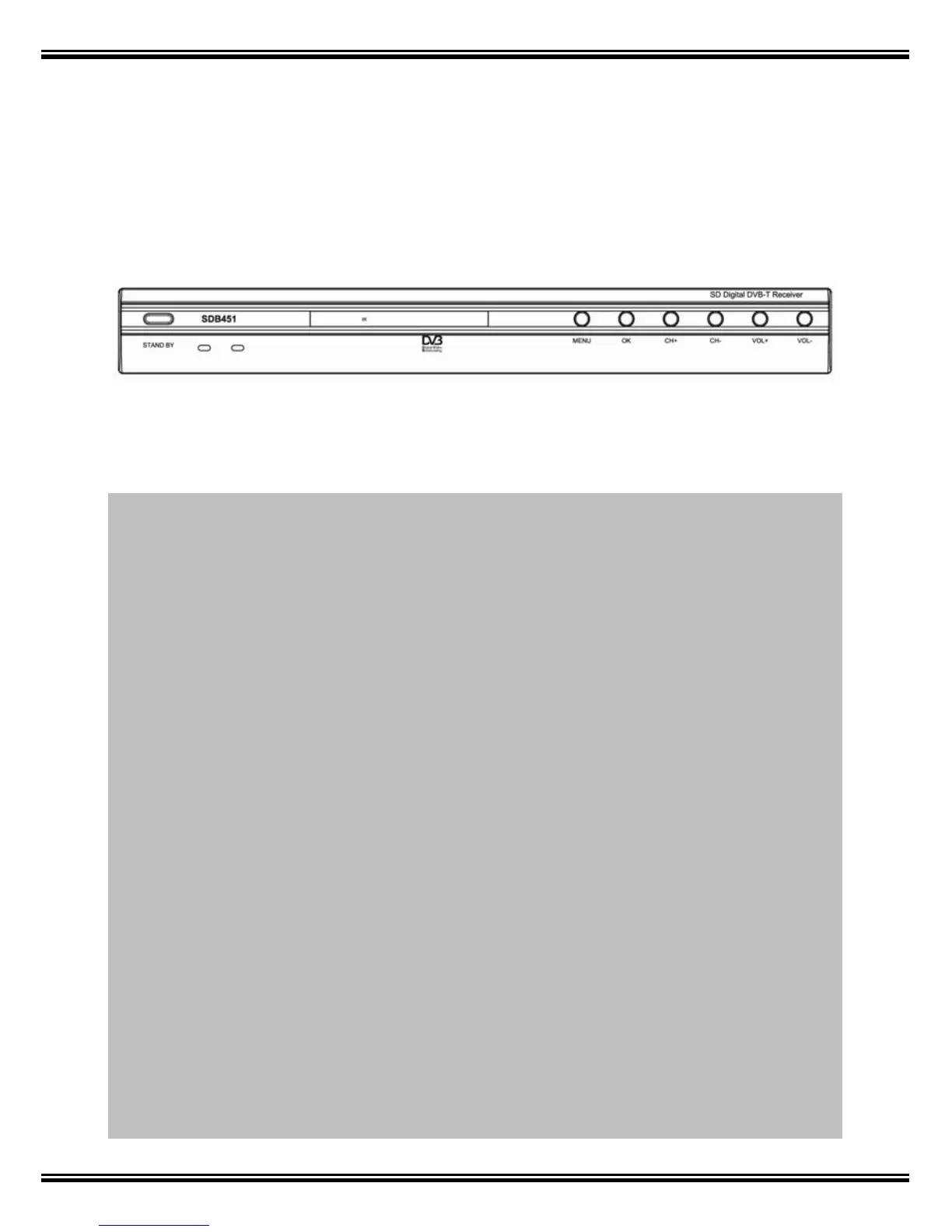
5. Front Panel
STANDBY: Press to switch between operation and standby modes
MENU: Show the Main Menu and command box on the screen
OK: Execute the selected item in the menu
CH: When watching, change to the previous or next channel, or move to the
next higher or lower item in the menu.
VOL: When watching a channel, adjust the volume or move to the left or right item in
the menu.



 To Next Page