11
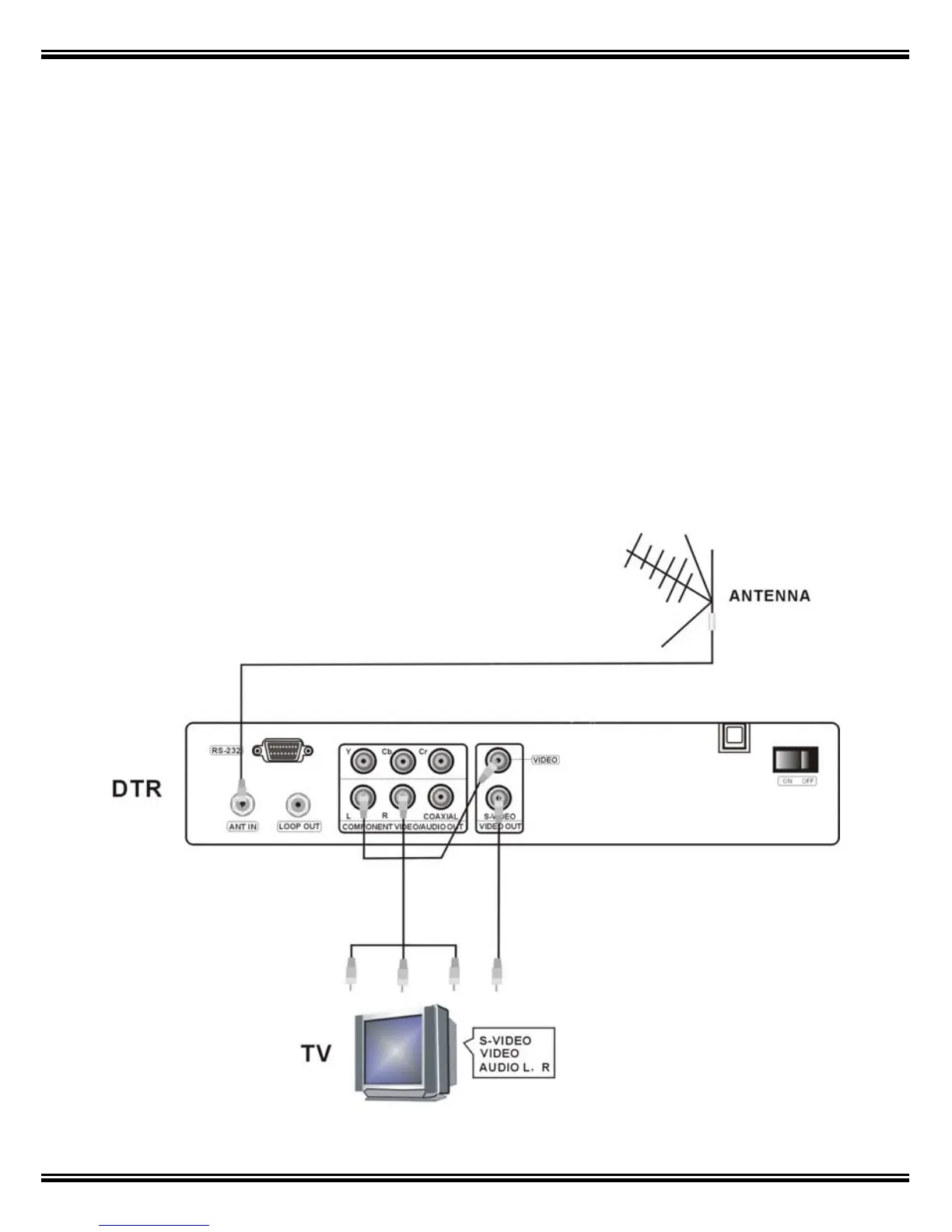
8. Installation of STB
This section explains the installation of the receiver. Refer to the manuals
supplied with the equipment for the installation of outdoor equipment such as
your antenna. When adding new equipment, be sure to refer to the related parts
of the manual for the installation. The default output for your STB is Component
(Red, Green, Blue) and Composite AV (Yellow, Red, White) which is always on.
To use S-Video, first tune in all channels via Composite AV connected (refer to
page 15 for “Program search”) then to switch to S-Video by pressing TV/AV on
your remote.
8.1 Connecting to a Television



 To Next Page