15
1.2 Music Program List
This has the same operation as the 1.1 TV Program List. Please refer to point
1.1 above.
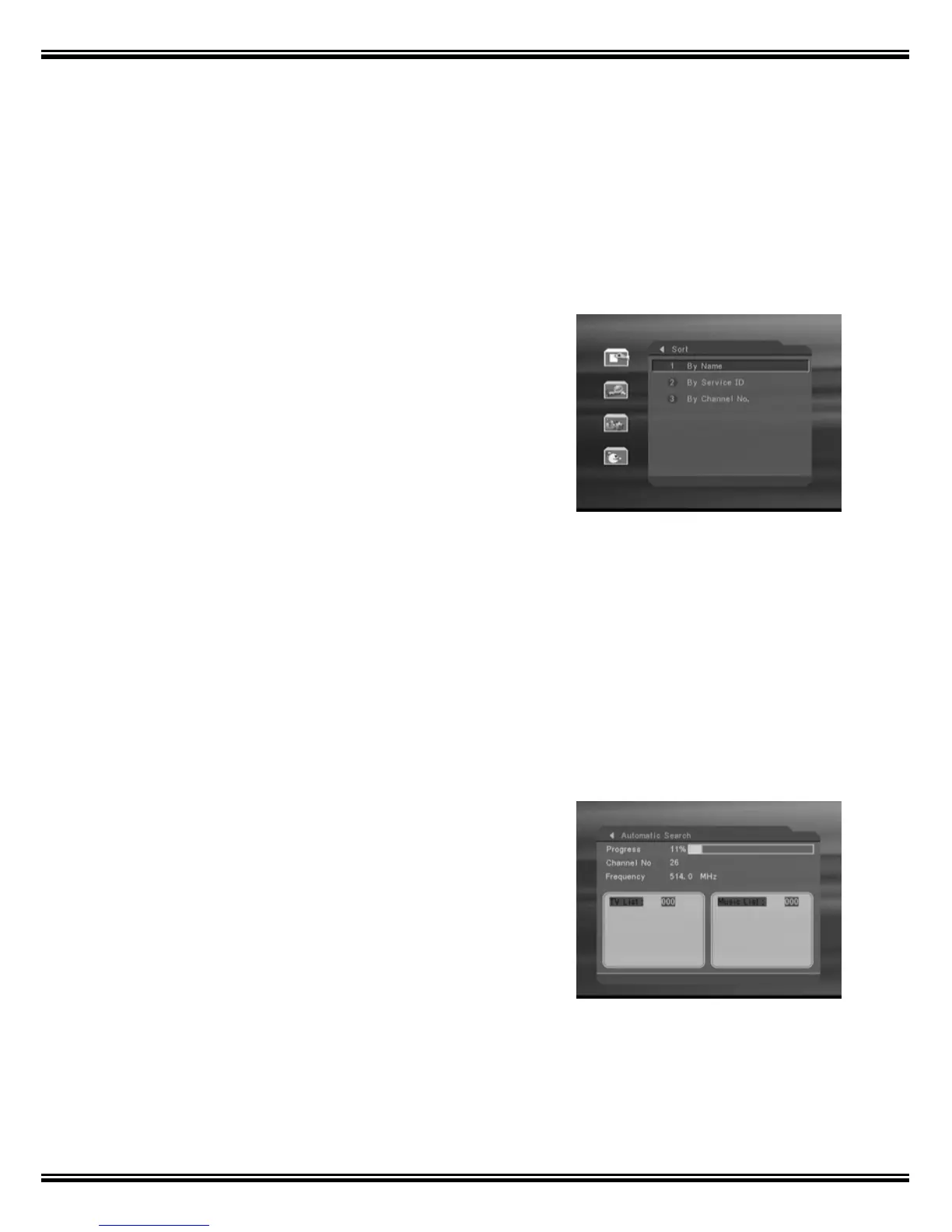
1.3 Sort
The channels can be sorted in alphabetical
order, by channel number or channel ID. The
channel ID is assigned to each channel
according to the broadcast information. The
channel ID is different from the channel number.
Go to the sub-menu ”Sort” and select the
desired sorting method and press the
[OK]-button.
2. Program Search
Your STB has two ways to search for programs: Automatic Search and
Manual Search.
2.1 Automatic Search
After pressing OK Automatic Search will start,
the message "Do you want to erase your
previous channel list?" will be displayed.
- If you choose OK, system will start to search
for programs automatically
- Otherwise, select Exit
WARNING: Previous channel list will be erased
if you choose to use Automatic Search



 To Next Page