16
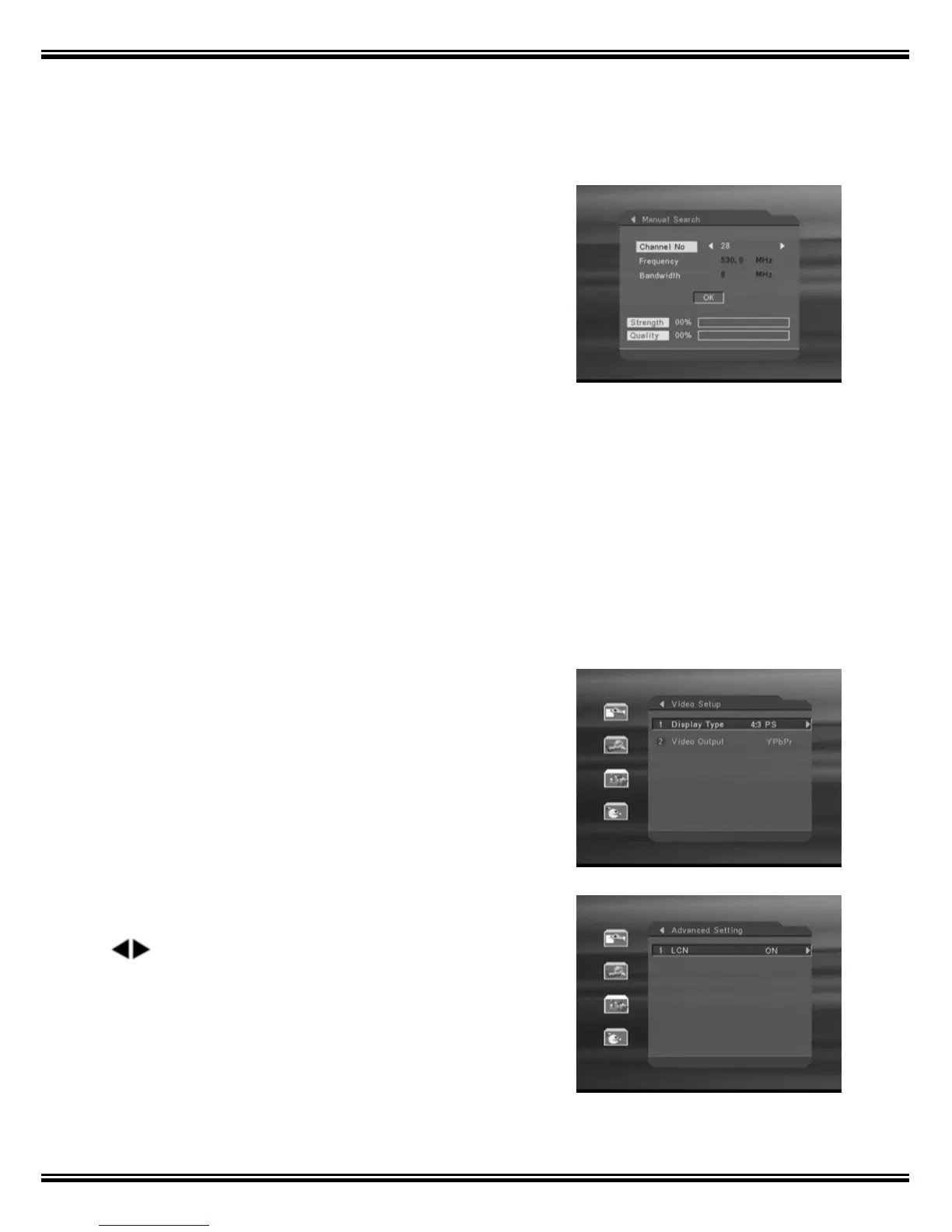
2.2 Manual search
It’s possible to search for single transponders
with the “Manual Search”.
- Select the pre-defined channel frequency no.
by pressing the left or right arrow key then.
- Arrow down and select OK to start the search.
Once found it will be added to the channel list,
and the signal indication-bars will indicate a
percentage signal strength and quality.
3. System Setting
The settings for video, audio and time can be adjusted in the ”System Setting”
menu. The system timer can also be activated from this menu.
3.1 Video Setup
Display Type: Select the actual screen ratio of
the TV 16:9 for wide screen-TV and 4:3 for
traditional TV-format.
Video Output: Select YCbCr or S-Video.
3.2 Advanced Setting
LCN(LOGICAL CHANNEL NUMBER) : By pressing
keys, select the option to be ON or OFF. If it is
ON, then all the channels will be listed according to
their logical channel number.



 To Next Page