Chapter 2 Pressure/Pressure Mode
Chapter 2 Pressure/Pressure Mode
2.1 Mode Summary
(PR/PR)
pressure
(Pa, in w.c.).
(Pa, in w.c.).
2.2 Overview of Pressure/Pressure Mode
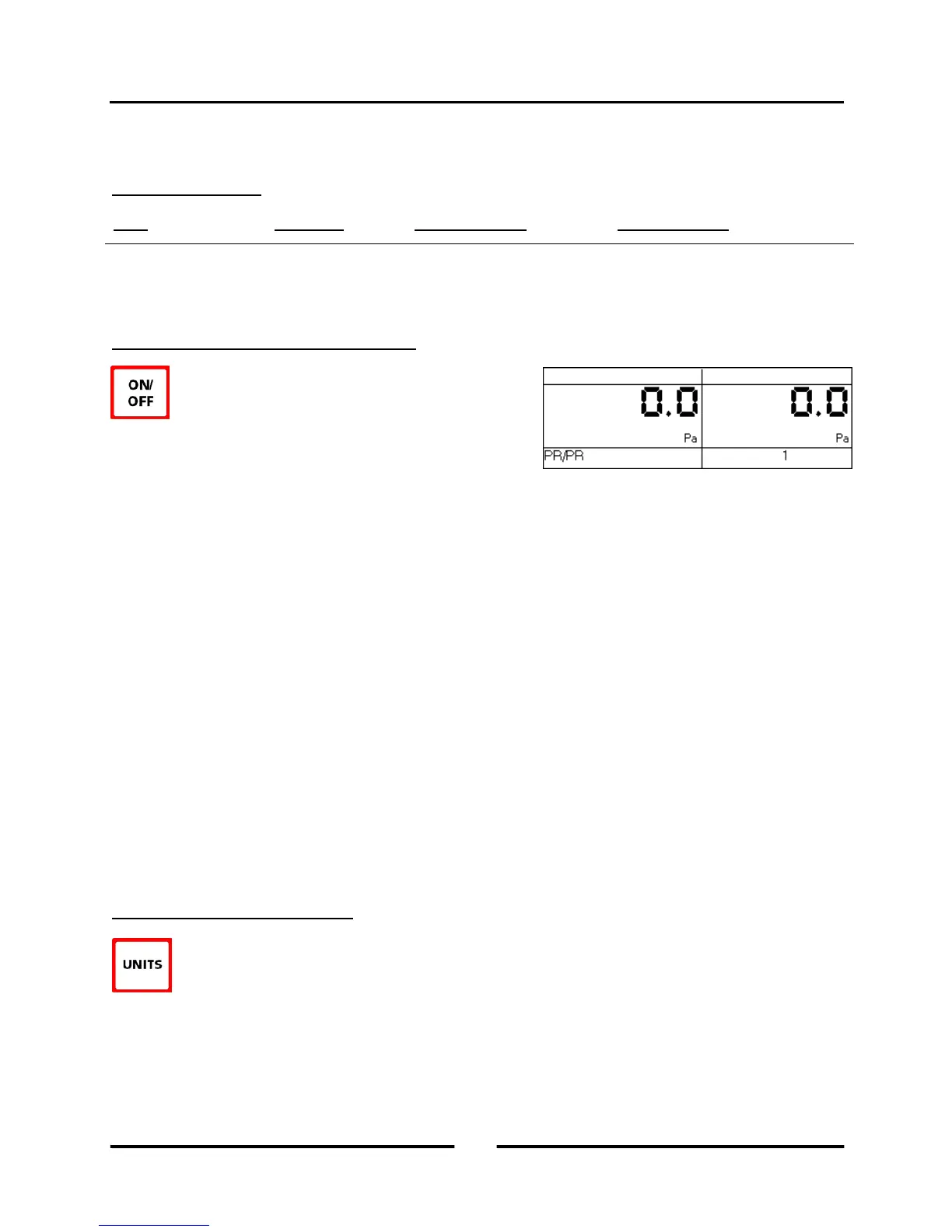
The DG-700 gauge is turned on by pressing the
ON/OFF button once. When first turned on, the gauge
is automatically placed in the Pressure/Pressure
(PR/PR) operating mode and immediately begins monitoring and
displaying pressure readings for both Channels A and B. The
default pressure units for both channels is Pascals, and the default
time averaging period is 1 second average.
Each channel on the DG-700 measures the pressure difference between either of the top Input pressure taps and its
corresponding bottom Reference pressure tap. The gauge can monitor and display both positive and negative
pressure readings (i.e. bi-directional). In order to display the correct "sign" of the pressure reading (i.e. positive or
negative), it is important that the pressure taps are used consistently and logically. The top Input taps should always
be connected to the pressure signal(s) you are trying to measure. The bottom Reference taps should always be
connected to the reference pressure(s) you are measuring the pressure signal with reference to.
For example, let's set up the gauge to measure the pressure in a house with reference to outside using Channel A. If
you are standing in the house, connect tubing to the Channel A Reference tap and run it outside, while leaving the
Channel A Input tap open to the house. The gauge will now display the pressure difference between the house and
outside, along with the correct sign of the reading. If the house is at a lower pressure than outside (e.g. from an
exhaust fan running), then the pressure reading displayed on the gauge will have a minus sign "-" in front of the
reading.
On the other hand, if you are standing outside and wish to make the same reading, connect a piece of tubing to the
Channel A Input tap and run it into the house, while leaving the Channel A Reference tap open to the outside. The
gauge will now display the same house to outside pressure difference as above, along with the correct sign. Note: In
either case, if you had connected the tubing to the wrong tap on Channel A, the display would show the correct
differential pressure reading, however, the reading would have the wrong sign.
2.3 Changing the Pressure Units
When in the PR/PR operating mode, the DG-700 can display pressure readings in units of Pascals or
inches w.c.. The default pressure units for the gauge is Pascals for both Channels A and B. To change
the pressure units for both channels, press the UNITS button. The selected pressure units are shown on
the gauge display directly below each of the channel readings.
8
Operating Instructions
for the DG700



 To Next Page