Chapter 3 Pressure/Flow Mode
Chapter 3 Pressure/Flow Mode
3.1 Mode Summary
(PR/ FL)
pressure and air flow
Nominal (unadjusted) air flow from the
selected Energy Conservatory test
device, in units chosen (CFM, m
3
3.2 Overview of Pressure/Flow Mode
The Pressure/Flow mode is a multi-purpose mode used to
measure a test pressure on Channel A while simultaneously
measuring air flow from an Energy Conservatory test device on
Channel B. The Pressure/Flow mode a very versatile operating
mode and is typically used whenever simultaneous pressure and
air flow measurements are needed (except when using the
specialized PR/ FL@50, PR/ FL@25 and PR/ AH modes).
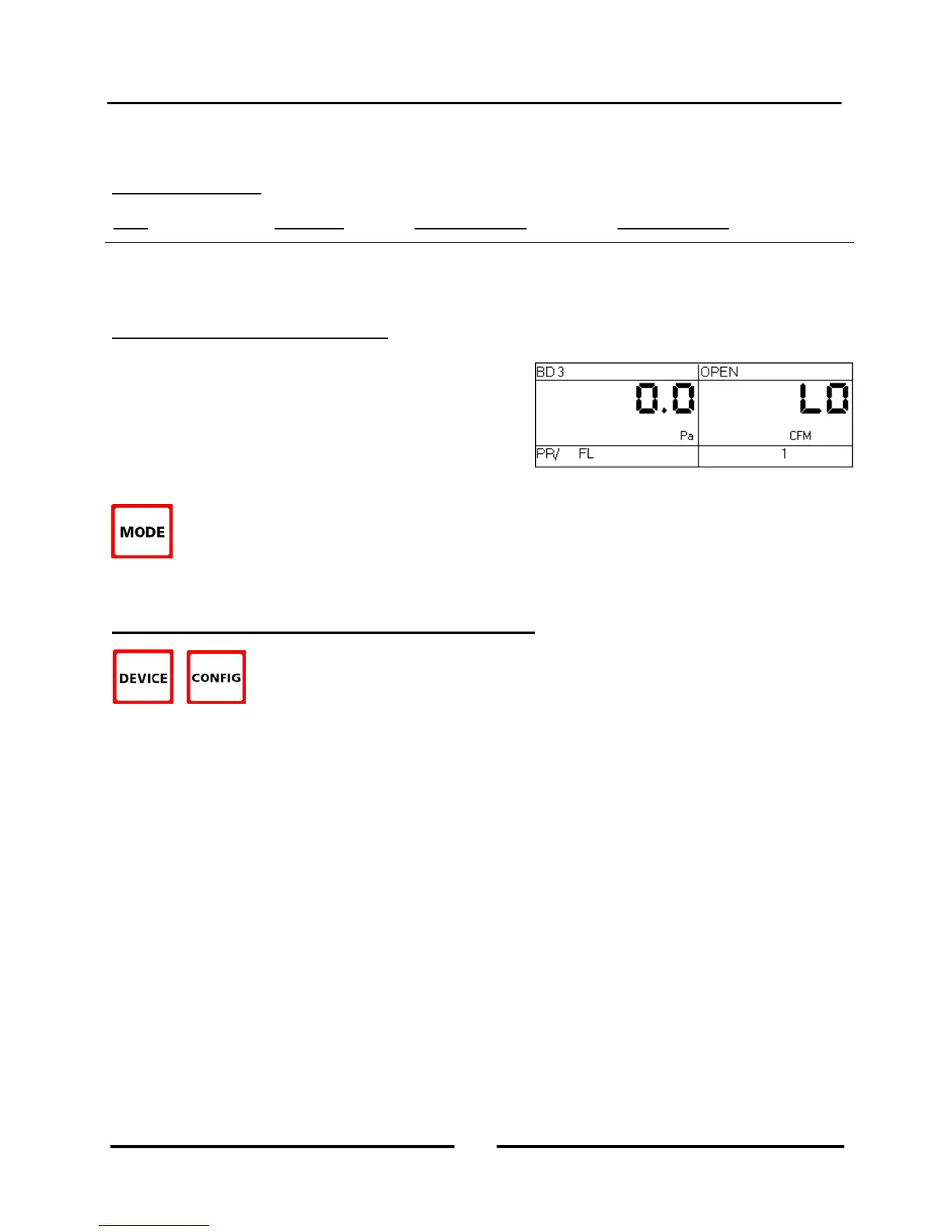
To select the Pressure/Flow mode, press the MODE button until the selected operating mode shown on
the gauge display is PR/ FL. When first entering this mode, the default pressure units on Channel A is
Pascals, the default air flow units on Channel B is CFM (cubic feet per minute), and the default selected
test device is the Model 3 (110V) Minneapolis Blower Door. The default time averaging period is 1 second average.
3.3 Changing the Selected Test Device and Configuration
The DG-700 can display air flow from the following Energy Conservatory test devices on
Channel B:
Model 3 (110V) Minneapolis Blower Door™ fans (BD 3).
Model 3 (220V) Minneapolis Blower Door™ fans (BD 3 220).
Model 4 (220V) Minneapolis Blower Door fans (BD 4).
Series A Minneapolis Duct Blaster® fans (DB A).
Series B Minneapolis Duct Blaster® fans (DB B).
Exhaust Fan Flow Meter (EXH).
TrueFlow® Air Handler Flow Meter (TF).
Press the DEVICE button to toggle through the available test devices. The currently selected test device is shown in
the Device section of the gauge display. The Model 3 (110V) Minneapolis Blower Door is the default test device
when first entering the PR/ FL mode.
Once a test device is selected, the configuration of the device (i.e. flow rings, door position or plate installed) can be
selected by pressing the CONFIG button. The currently selected device configuration is shown in the Config section
of the gauge display.
11
Operating Instructions
for the DG700



 To Next Page