Chapter 2 Pressure/Pressure Mode
subtracted from the current Channel A pressure measurement). The icon “ADJ” appears in the Channel A
display to indicate that the baseline adjusted pressure reading is displayed. The time averaging period for the
gauge reverts back to whatever period was selected prior to pressing the BASELINE button. Note: At this
point, Channel B also reverts back to displaying an unadjusted pressure reading.
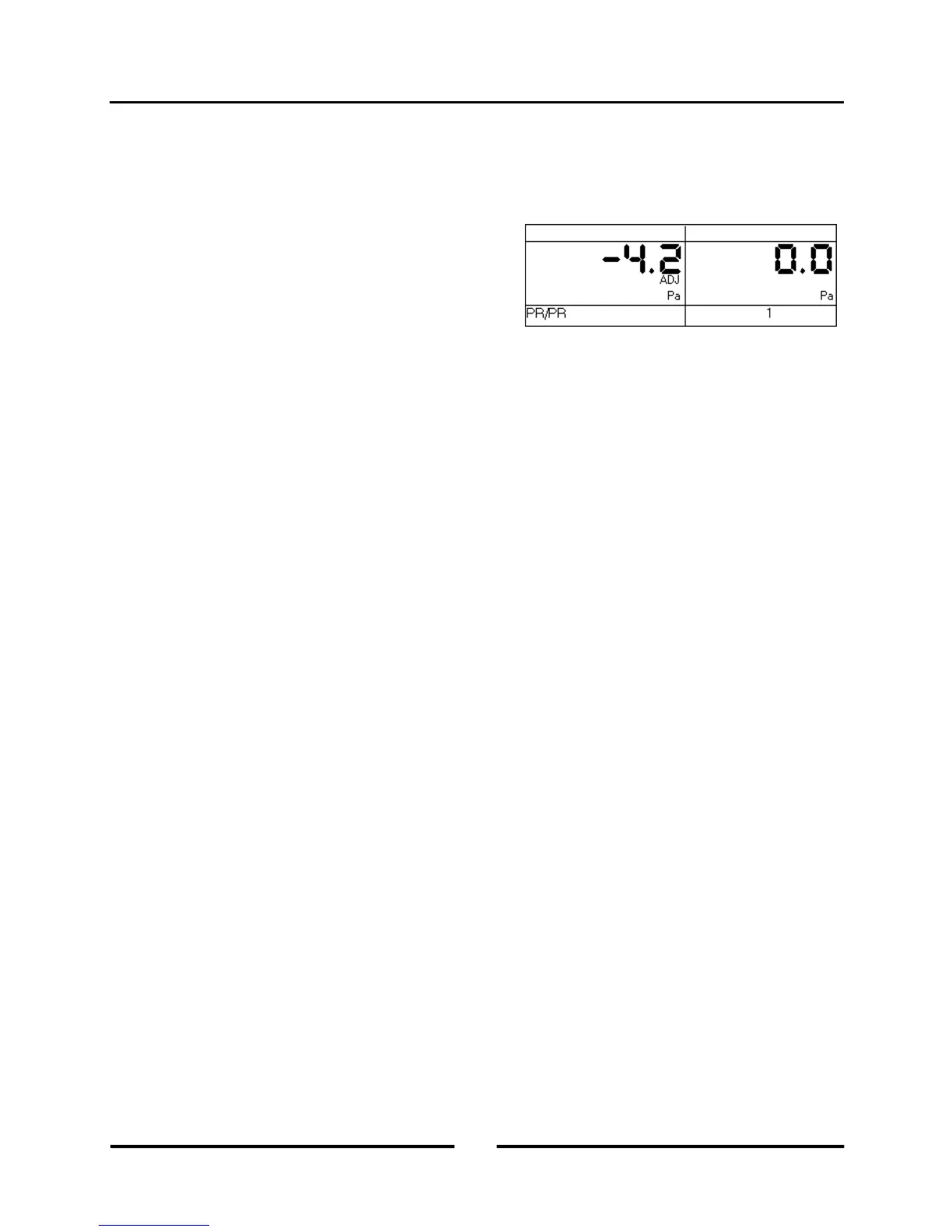
- Turn on the exhaust fan. Channel A will now display the
actual change in building pressure created by the exhaust
fan. In the screen to the right, the building depressurization
measured from the exhaust fan operating is –4.2 Pascals
(i.e. the building pressure changed from –2.6 Pa to –6.8
Pa when the exhaust fan was turned on).
- While displaying the baseline adjusted pressure on Channel A, the user can change the selected time averaging
period if the pressure reading is fluctuating more than desired.
- Channel B can be used to simultaneously measure any other unadjusted pressure signal, such as the flue
pressure in a combustion appliance.
Note: Pressing the CLEAR button clears the baseline measurement buffer and turns the baseline feature off. If the
gauge Mode is changed while the baseline measurement feature is active, the baseline measurement buffer is cleared
and the baseline feature is turned off.
10
Operating Instructions
for the DG700



 To Next Page