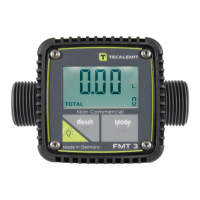
30 44 1705 001GB-H FMT 3 meter
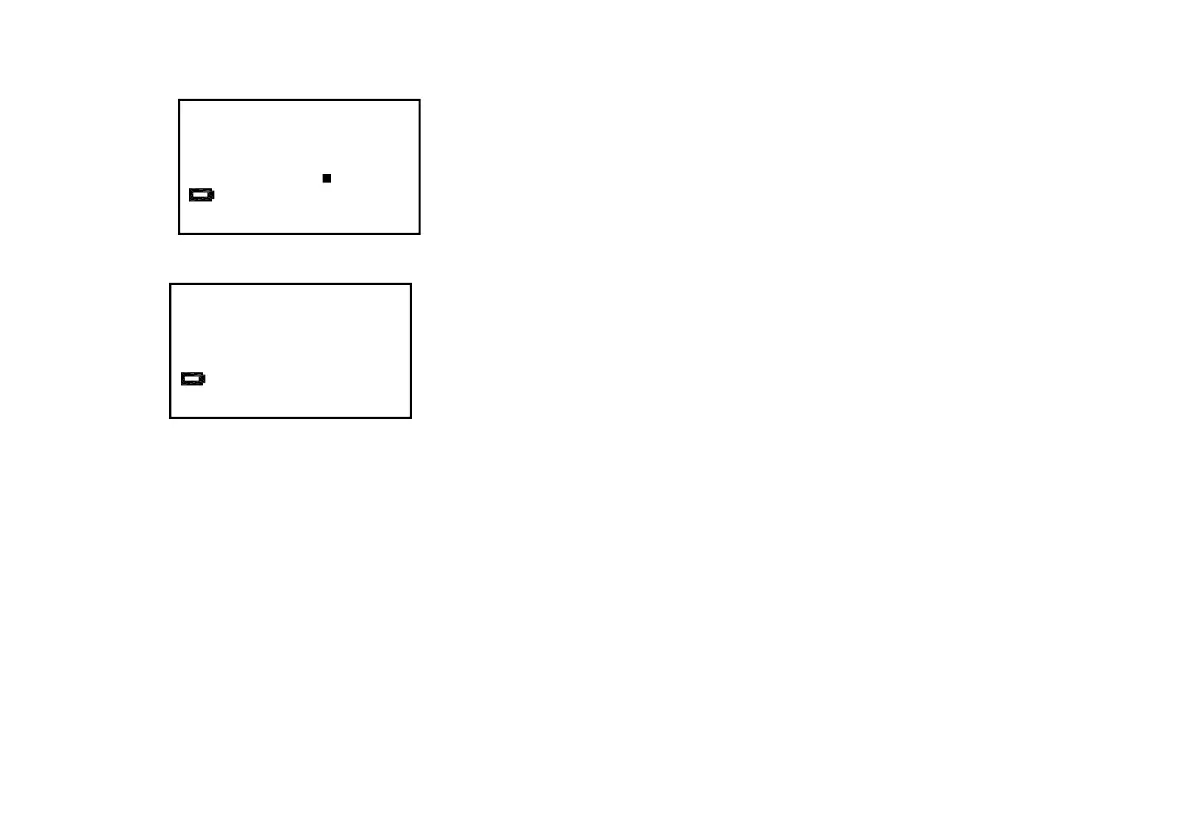
If all that appears on the display is a blinking battery symbol, it will be necessary to change the
batteries before the meter can be used again.
All displayed and saved values are retained during a battery change.
To change the battery, remove the front cover by loosening the four screws on the top and pulling
the cover upwards. Now remove the battery housing from the device housing and replace the
batteries with normal store-bought batteries (1.5 V, type AAA). The device is then closed back up in
reverse order. When doing so, ensure that the rubber shock protector is in the correct orientation.
The battery cable needs to be laid such that it is not pinched between the reed switch and the
housing.
L


 To Next Page