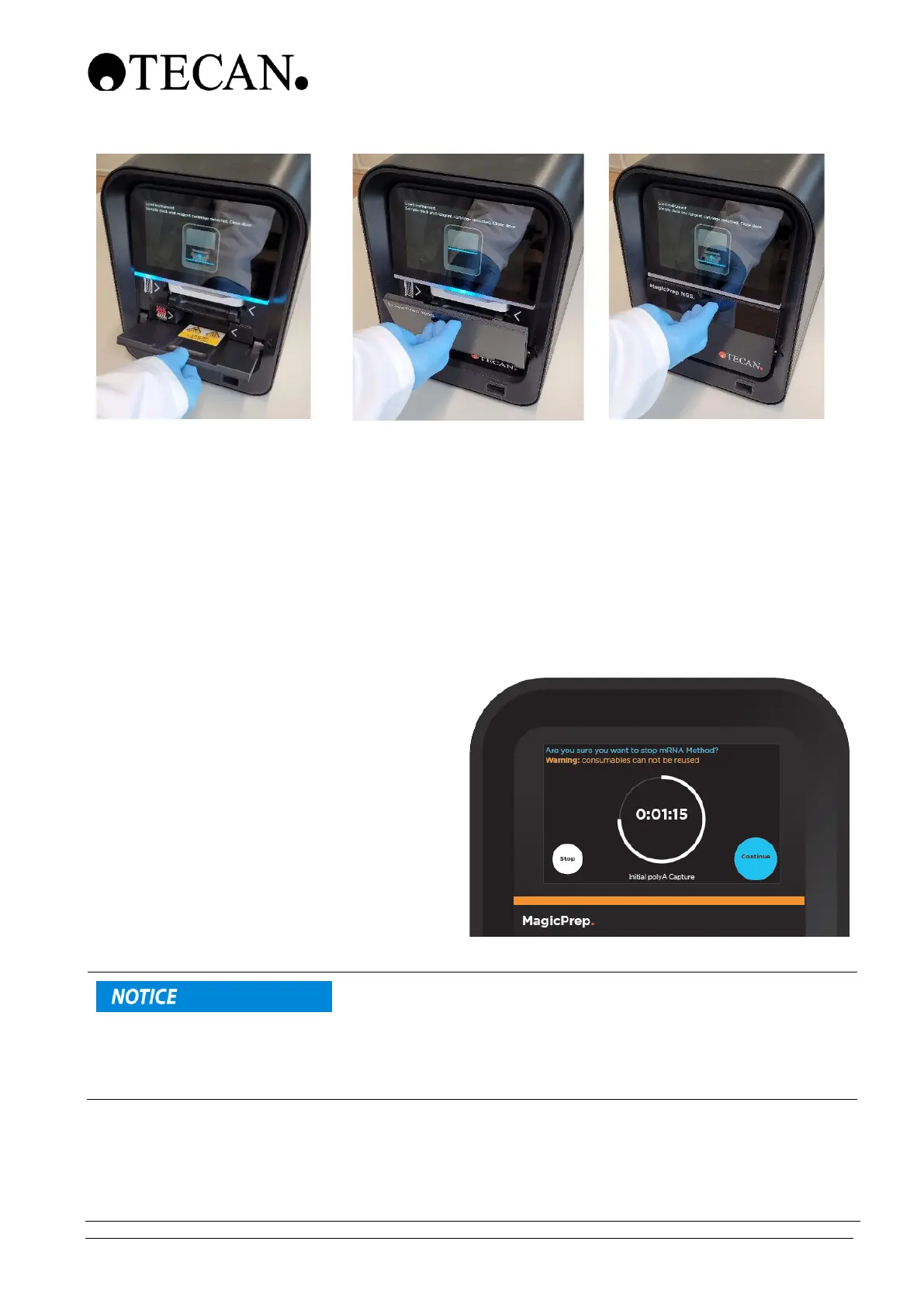
6.2 Starting a library preparation run
Once the sample deck and reagent cartridge have been inserted into the MagicPrep NGS instrument,
the door closed and the “Start” button pressed, follow the on-screen instructions.
For detailed instructions on the next steps, refer to the reagent kit user guide(s) as outlined in section
6.
6.3 Stopping a library preparation run
It is possible to stop a MagicPrep NGS library
run before it has completed.
It is not recommended that run be
stopped once it has started. However, it
may be necessary to stop a run that is
underway for a variety of reasons.
Press the “Stop” button on the running
screen.
The MagicPrep NGS instrument will
request confirmation that the run should
be stopped.
Stopping a MagicPrep NGS library preparation run, once started, will mean that the sample, sample
deck parts and the reagent cartridge will have been party used and cannot be re-used.
It is not possible to re-start a run once it has been stopped and not allowed to run to completion.



 To Next Page