Page 15 of 23
6.2.3 BRSPY mini LUA Dissector Installation Guide
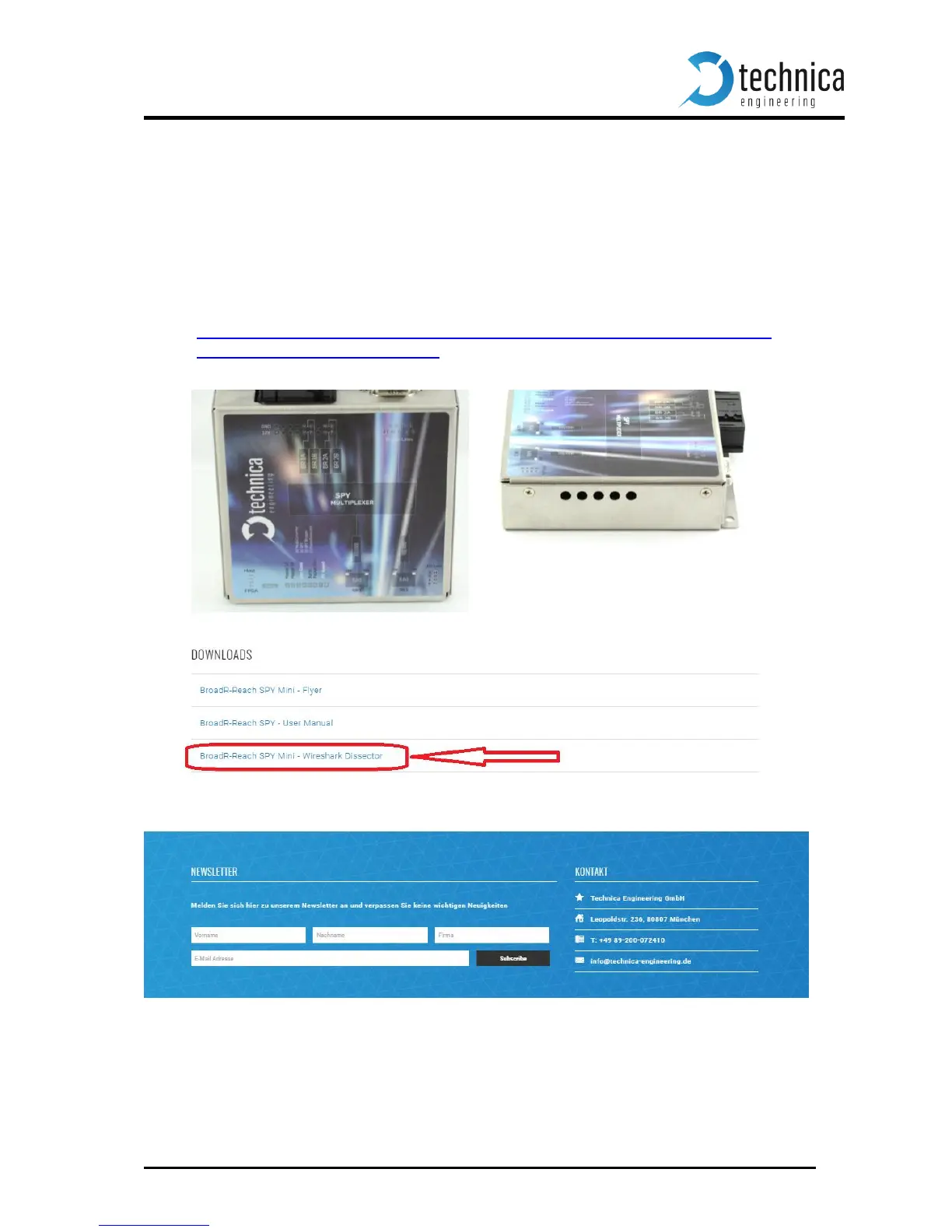
In order to dissect the BRSPY mini RAW Ethernet Frames, a LUA file for Wireshark is avail-
able on Technica Engineering website. To install the LUA file in Wireshark, the user must
follow the following steps:
1. Close Wireshark in case that the program is running on PC.
Note: Wireshark Version Number “1.12.12” is recommended.
2. Download the .ZIP file that contains all the LUA files, through this website:
http://www.technica-engineering.de/wp-content/uploads/2017/01/BroadR-Reach-
SPY-Mini-Wireshark-Dissector.zip
3. Extract the downloaded ZIP file. This file should contain the following LUA file:
BR_SPY_Mini_ETH_wrapper_BR.lua
4. Copy or move the LUA file in Wireshark plugins folder. The path should be:
C:\Program Files\Wireshark\plugins\(Wireshark Version Number).


 To Next Page