EasyManua.ls Logo

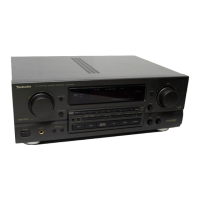
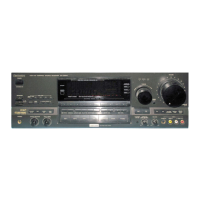
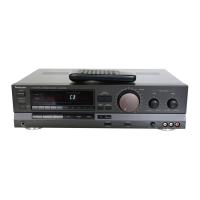
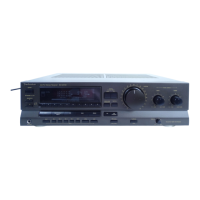
Technics SA-GX550 - RECEIVER OPERATING PROCEDURES; Basic Operations and Functions Guide

Technics SA-GX550
44 pages
Print Icon
To Next Page IconTo Next Page
To Previous Page IconTo Previous Page
Loading...
SA-GX550
¢
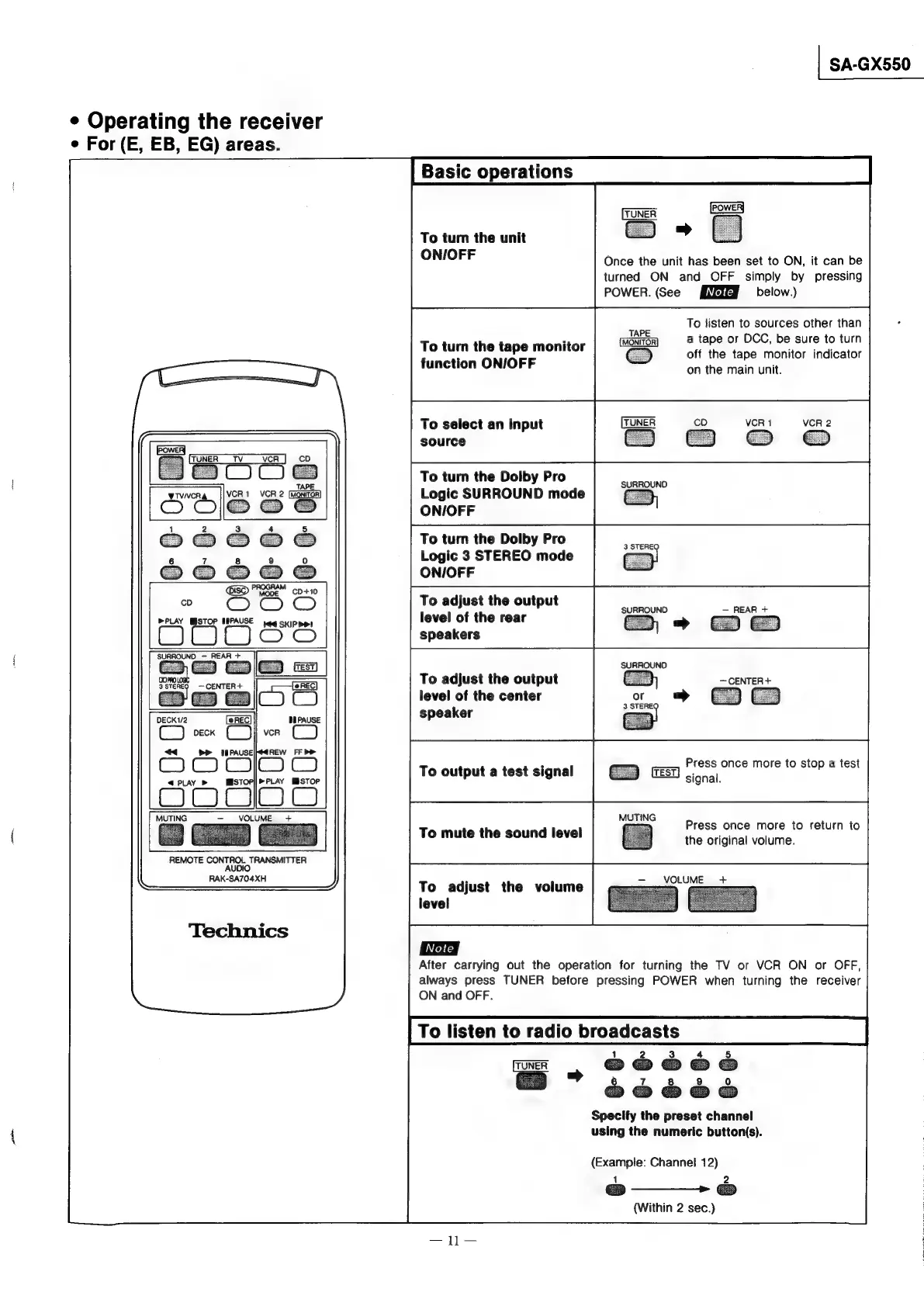
Operating
the
receiver
e
For
(E,
EB,
EG)
areas.
To
turn
the
unit
ON/OFF
Once
the
unit
has
been
set
to
ON,
it
can
be
turned
ON
and
OFF
simply
by
pressing
POWER.
(See
below.)
To
listen
to
sources
other
than
7
a
tape
or
DCC,
be
sure
to
turn
To
turn
the
tape
monitor
off
the
tape
monitor
indicator
function
ON/IOFF
on
the
main
unit.
To
select
an
input
VCR
1
VCR
2
source
ao
To
turn
the
Dolby
Pro
Logic
SURROUND
mode
ON/OFF
To
turn
the
Dolby
Pro
Logic
3
STEREO
mode
ON/OFF
To
adjust
the
output
level
of
the
rear
speakers
SURROUND
SURROUND
REAR
+
To
adjust
the
output
level
of
the
center
speaker
i>
@]
3
Bene
CENTER+
Press
once
more
to
stop
a
test
To
output
a
test
signal
U
signal.
Press
once
more
to
return
to
the
original
volume.
To
mute
the
sound
level
REMOTE
CONTROL
TRANSMITTER
AUDIO
RAK-SA704XH
To
adjust
the
volume
level
Technics
After
carrying
out
the
operation
for
turning
the
TV
or
VCR
ON
or
OFF,
always
press
TUNER
before
pressing
POWER
when
turning
the
receiver
ON
and
OFF.
To
listen
to
radio
broadcasts
1
2
4
§
Specify
the
preset
channel
using
the
numeric
button(s).
(Example:
Channel
12)
1
2
&
———--
©
(Within
2
sec.)

Other manuals for Technics SA-GX550

Related product manuals