17
RQT5479
Cassette deck operations
Cassette tapes
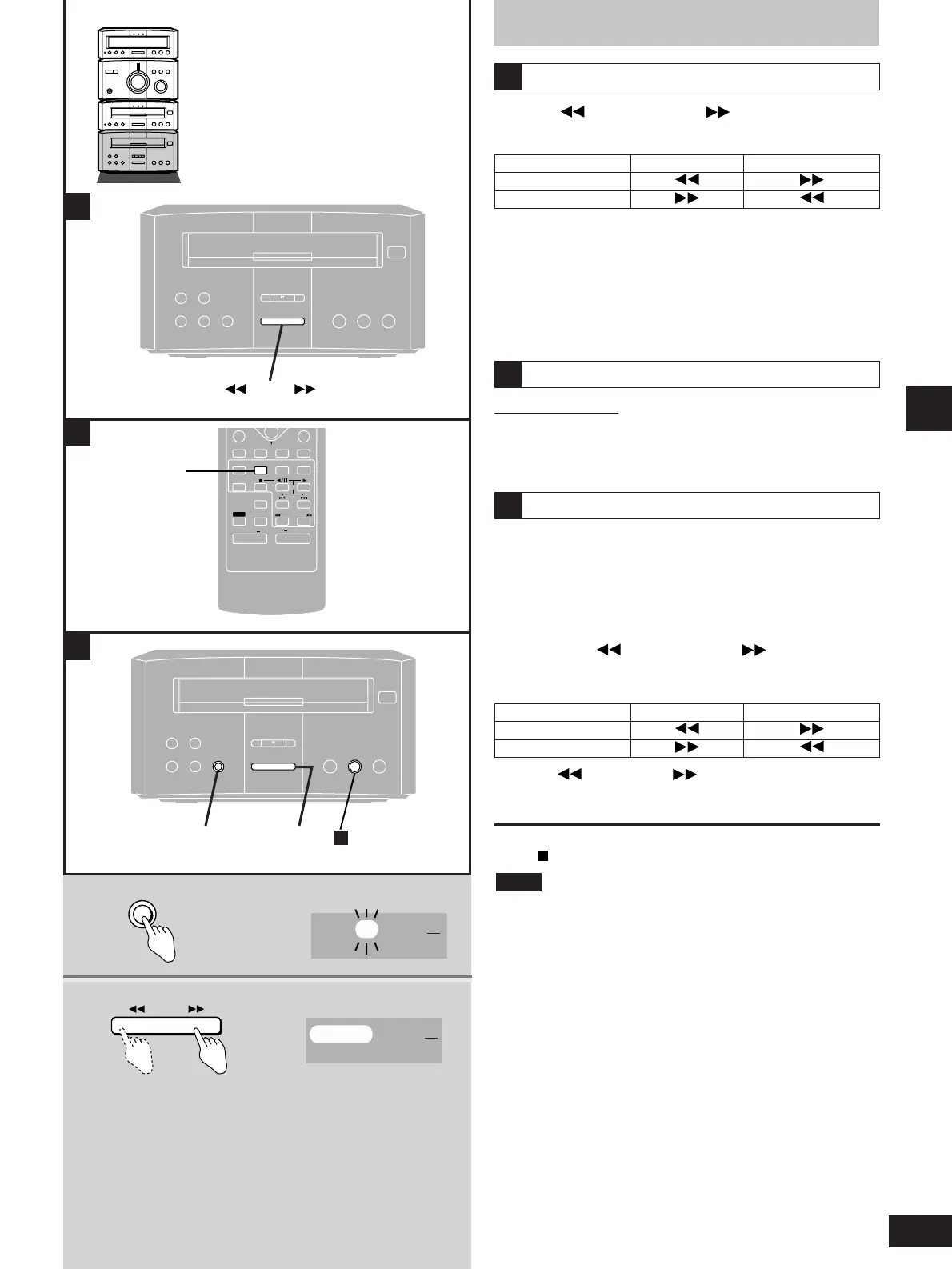
Fast-forwarding and rewinding
Press [ TPS] or [TPS ] while the tape
is stopped.
A
Tape direction
u
v
rewind fast-forward
Tape direction
u
v
backward forward
One touch play
Remote control only
When a cassette is loaded and the unit is off, press [TAPE].
The unit comes on and starts play in the direction last selected with
the volume fade in.
B
Tape program sensor (TPS)
TPS finds the beginning of a track and starts play from there. You
can skip up to nine tracks.
1 Press [TPS SKIP] to select the
number of tracks you want to skip.
2 Press [ TPS] or [TPS ] to select
the direction.
C
High-speed fast-forward/rewind
This cassette deck is designed to roughly double fast-
forward/rewind speed automatically.
When you fast-forward from the beginning of the tape or rewind
from the end of it, the tape runs at high speed.
When approaching the end of the tape, the deck automatically
drops to normal speed.
Pressing [ TPS] or [TPS ] during play takes you to the
beginning of the current track or the next track,depending on tape
direction.
To cancel
Press [ ].
¡Stop the tape before changing the TPS direction.
¡TPS may not operate correctly in the following situations:
If the interval between tracks is less than 4 seconds.
If there is noise between tracks.
If there are silent parts within tracks.
Note



 To Next Page