8
RQT4912
Preparatory adjustments
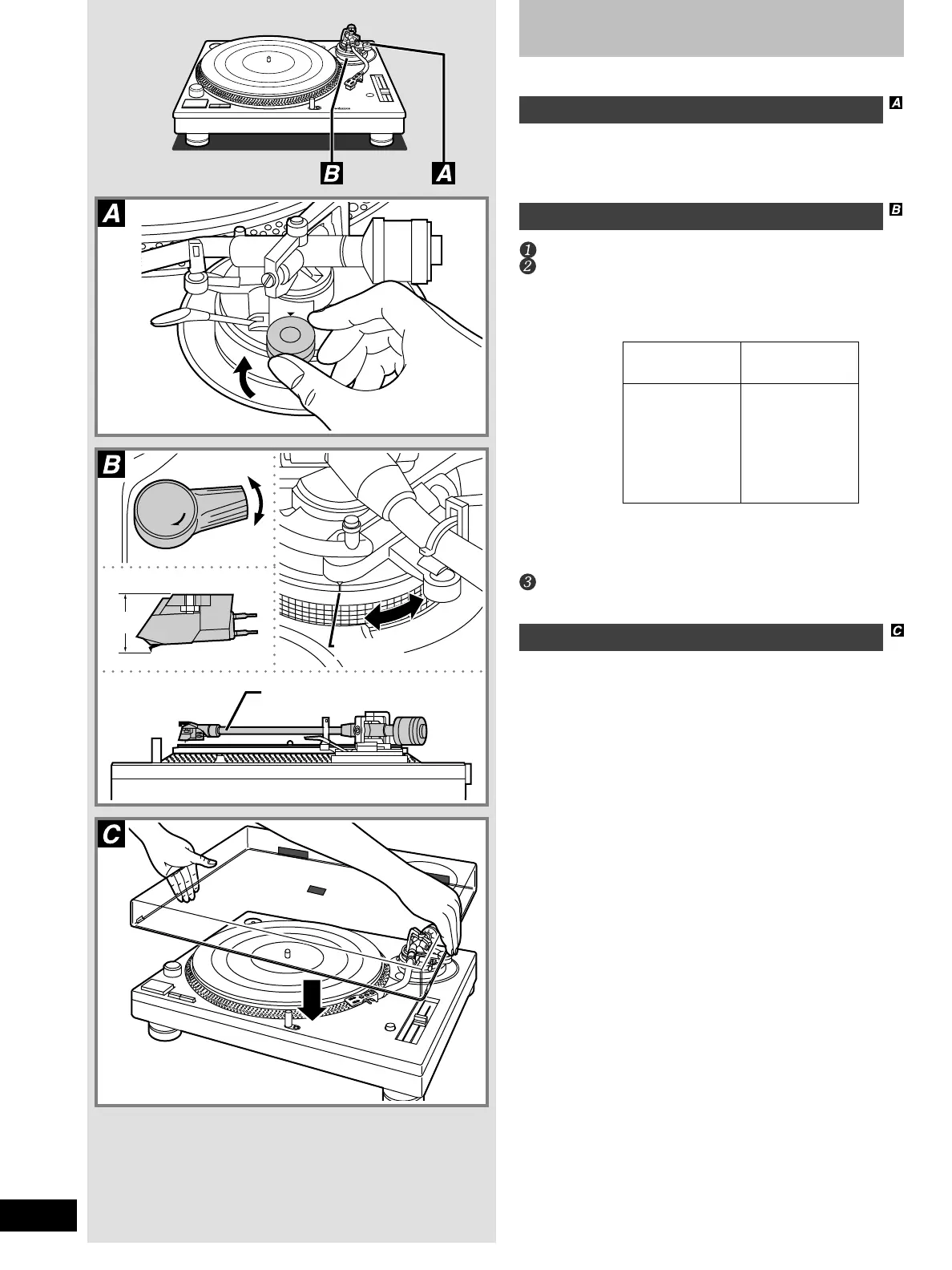
Anti-skating
Adjust to the same value as the stylus pressure control.
If stylus pressure is over 3 grams, set this control to “3”.
Tone arm height
Release the arm lock.
Compare the height of your cartridge (H) with the fol-
lowing and set the arm height appropriately.
•Arm height is indicated in millimeters on the arm-height control,
with marks indicating 0.5 millimeter intervals. Turn the control
to the required height.
•If you do not know the height of your cartridge, rest the stylus
on a record and adjust the height control until the tone arm is
parallel with the record.
Lock the arm after adjusting the height.
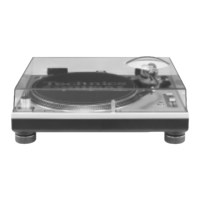
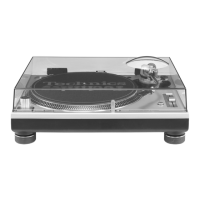
Fit the dust cover
Hold the dust cover with both hands and fit it over the
player from directly above.
Cartridge height
(H) in millimeters
17
18
19
20
21
22
23
Height control
position
0
1
2
3
4
5
6
3
4
H
0
1
2
3
Locked
Index line
Tone arm and record parallel.
Released



 To Next Page