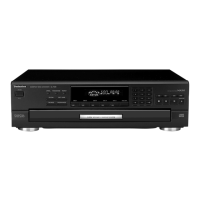
6.2 Servo Adjustment Procedure
TOP PREVIOUS NEXT
1. Turn on the power.
2. Load the test disc (SZZP1054C).
3. Hold down the REPEAT button for at least 2 seconds, and then press the PAUSE button for at least
2 seconds while continuing to hold down the REPEAT button.
4. Press the PLAY button, and play for 10 seconds.
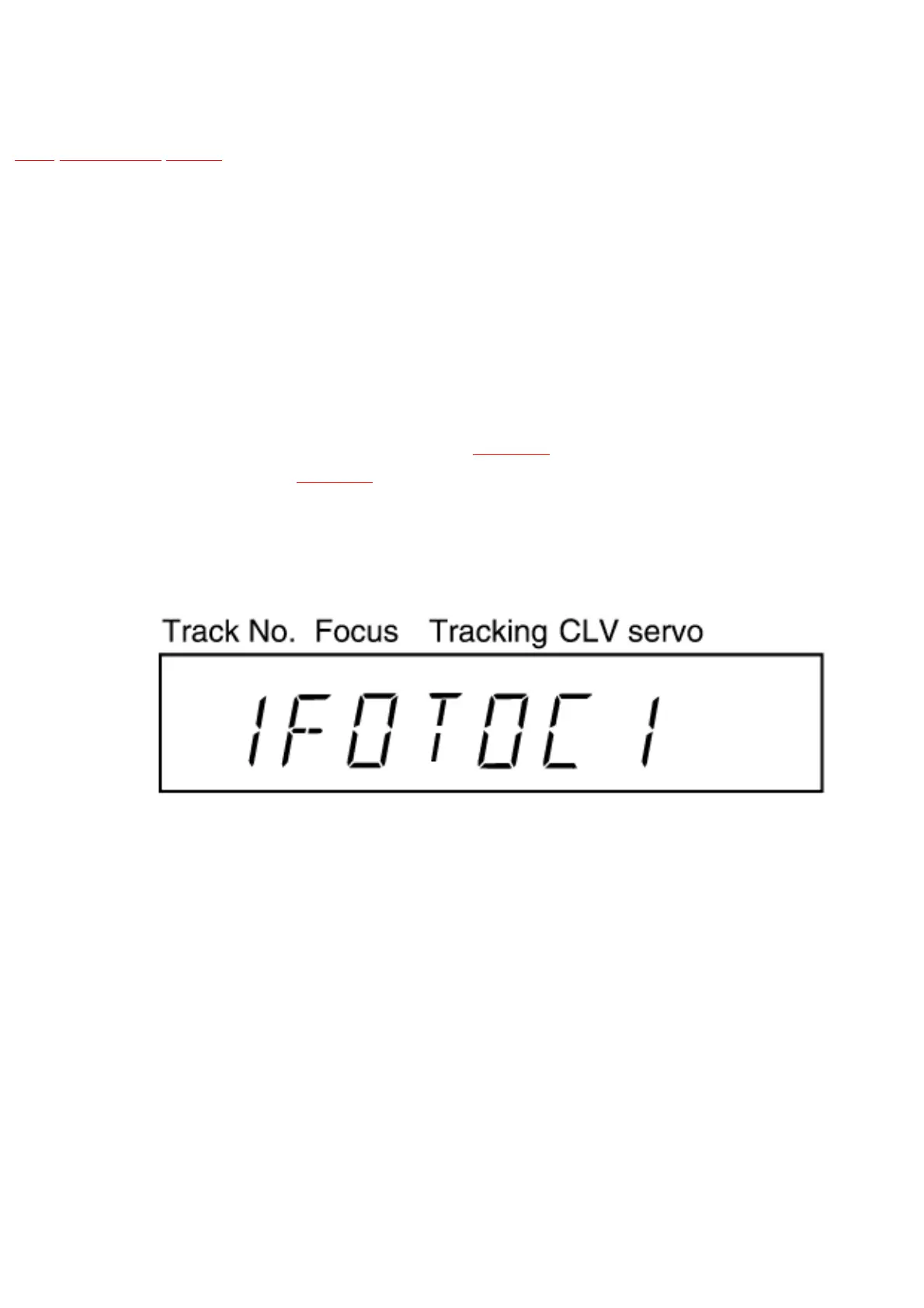
5. Servo adjustment results are displayed. Refer to
Fig. 6-1. For further information about servo
adjustment results, refer to
Fig. 6-2.
Fig. 6-1.
Fig. 6-2.



 To Next Page