24
Settings
Sound adjustment, Other settings
(24)
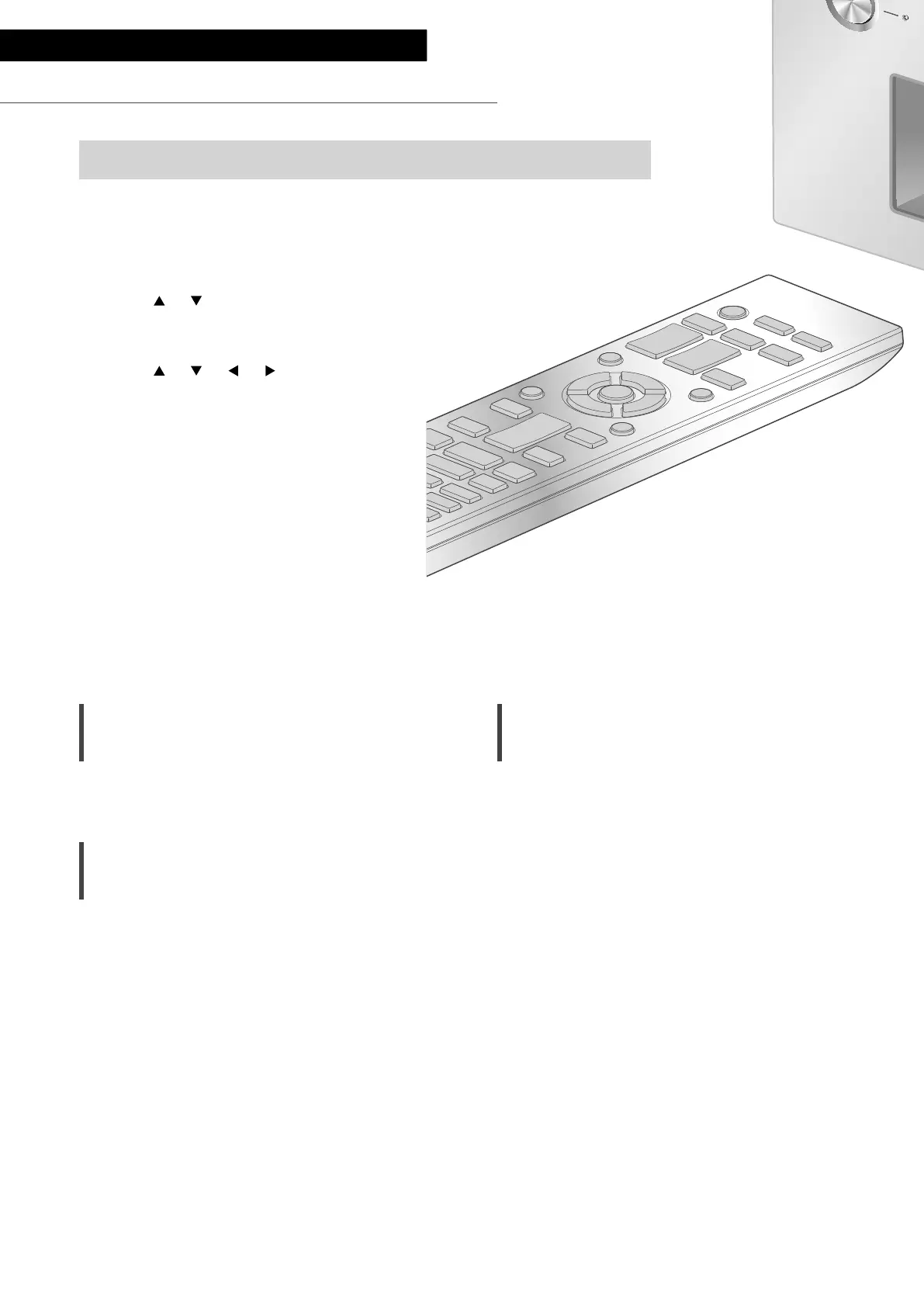
1 Press [AMP].
2 Press [SETUP].
3 Press [
], [ ] repeatedly to
select the menu and then
press [OK].
4 Press [
], [ ], [ ], [ ] to select
a desired item or value, and
press [OK].
The sound effects and other settings can be set up.
Language setting
“Language”
Select “English” or “Français” for the display.
• The factory default is “English”.
Adjusting BASS/MID/TREBLE
“Tone Control”
You can adjust the tone of this unit. Each tonal
range (BASS/MID/TREBLE) can be adjusted.
• To enable this function, select “On
(adjustment)”.
• Each level can be adjusted between “-10” and
“+10”.
• “TONE” is displayed after setting.
• While connecting Technics device supporting
system control function (Network Audio
Player, etc.) to this unit, sound setting on the
connected device may have a priority over this
unit. Adjust the sound with the connected
device.
• Not available when using this unit as power
amplifier ( 20). Adjust the sound with the AV
receiver, control amplifier, etc.
Adjusting the volume attenuator
“VOLUME Attenuator”
Set to “On (-20dB)” for the attenuator to ease
the volume adjustment at a low volume.
• The factory default is “Off”.
• ”ATT” is displayed after setting.
• Not available when using this unit as power
amplifier ( 20). Adjust the sound with the AV
receiver, control amplifier, etc.


 To Next Page
 Loading...