EasyManua.ls Logo

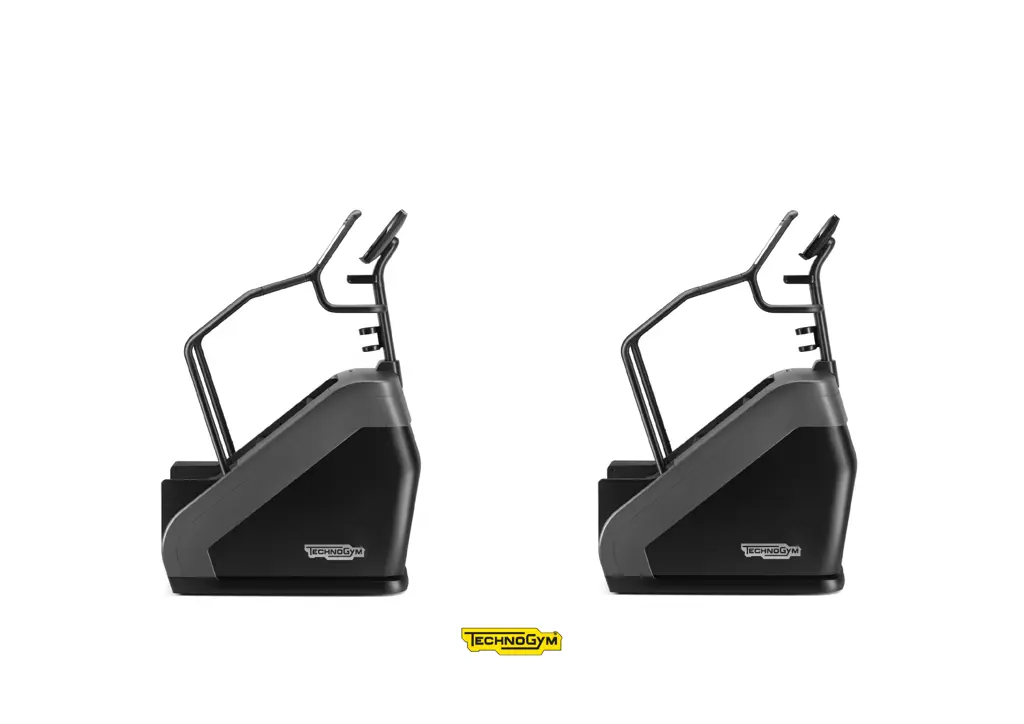
Technogym CLIMB LIVE 16 P - User Manual

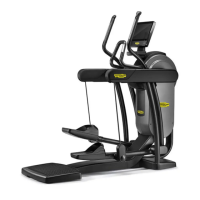
Technogym CLIMB LIVE 16 P
29 pages
Print Icon
To Next Page IconTo Next Page
Loading...
CLIMB EXCITE
®
LIVE
User Manual

Questions and Answers

  • A
    Alexandra BakerAug 10, 2025
    Why won't my Technogym Fitness Equipment turn on?
    • S
      Susan WilliamsAug 10, 2025
      If your Technogym fitness equipment isn't turning on, there could be several reasons. First, check if there is power at the socket by plugging in another product that you know works. The power supply cable might not be plugged in properly, so check the connection. If these steps don't work, the power supply cable may be damaged or the fuse may be blown, and you should contact the Technogym Technical Support Service.
  • T
    teresa62Aug 17, 2025
    How to reduce excessive internal noise in Technogym CLIMB LIVE 16 P?
    • S
      Stephen HumphreyAug 17, 2025
      Excessive internal noise in your Technogym fitness equipment can stem from a few causes. Initially, ensure the product is level by checking and adjusting the leveling feet. If the noise persists, the bearings may be damaged or the transmission components worn, in which case you should contact the Technogym Technical Support Service.
  • J
    Joseph WolfAug 26, 2025
    What to do if Technogym CLIMB LIVE 16 P Fitness Equipment is permanently in emergency status with locked steps?
    • W
      William HernandezAug 26, 2025
      If your Technogym fitness equipment is stuck in emergency status with the steps locked, the safety sensors might be the issue. Start by checking the sensor zone and removing any obstructions. If this doesn't resolve the issue, the safety sensors may be damaged, requiring you to contact the Technogym Technical Support Service.
  • B
    Breanna DukeSep 1, 2025
    Why the steps on my Technogym CLIMB LIVE 16 P Fitness Equipment do not remain locked in place?
    • J
      Jeffrey PriceSep 2, 2025
      If the steps on your Technogym fitness equipment aren't locking in place, the brake may be disabled. In this case, you should contact the Technogym Technical Support Service.

Summary

Important Safety Instructions

Personal Safety Precautions

Product Description and Features

Display and Controls

Details the touch-screen display, stop button, and fast track controls for user interaction.

Using the Climb Excite Live

Safety Devices and Mechanisms

Fuses and Sensors

Details on fuses protecting electrical parts and safety sensors that lock steps.

Powering the Product On and Off

Electrical Connection Guide

Routine Maintenance Procedures

Periodic Maintenance Tasks

Troubleshooting Common Issues

Technical Support and Warranty

Technogym CLIMB LIVE 16 P Specifications

General IconGeneral
BrandTechnogym
ModelCLIMB LIVE 16 P
CategoryFitness Equipment
LanguageEnglish

Related product manuals