EasyManua.ls Logo

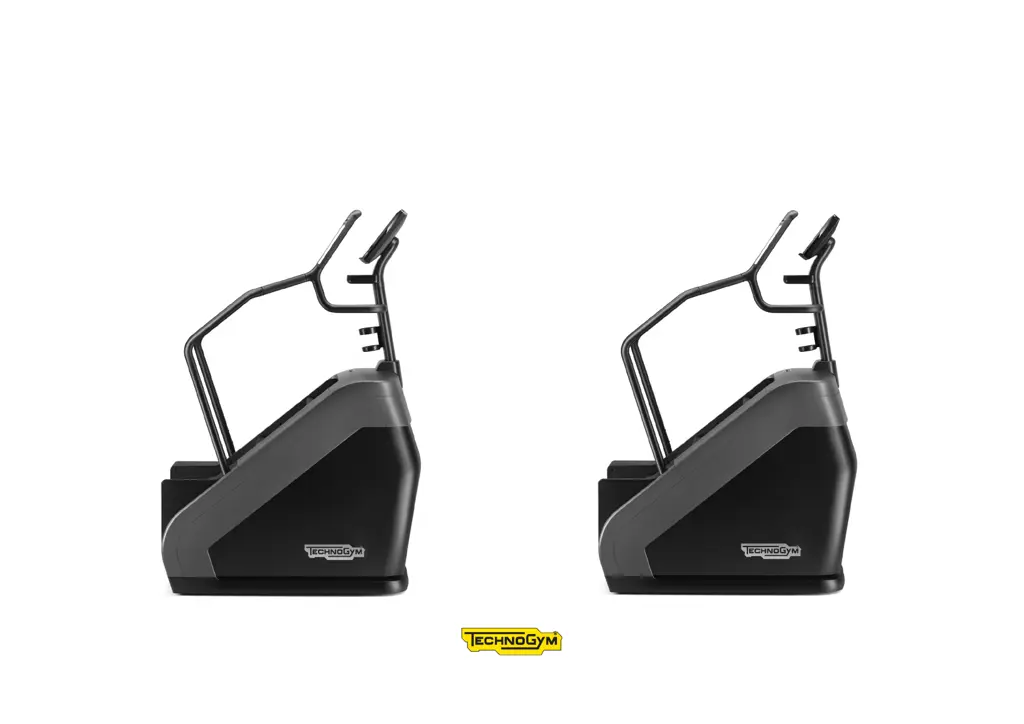
Technogym CLIMB EXCITE LIVE - User Manual

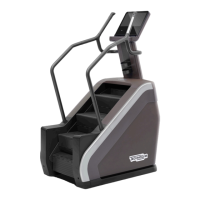
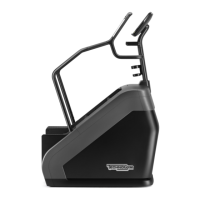
Technogym CLIMB EXCITE LIVE
29 pages
Print Icon
To Next Page IconTo Next Page
Loading...
CLIMB EXCITE
®
LIVE
User Manual

Questions and Answers

  • R
    Robert MarshallAug 7, 2025
    Why won't my Technogym Fitness Equipment turn on?
    • R
      robert82Aug 7, 2025
      If your Technogym fitness equipment isn't turning on, there could be several reasons. First, check if there is power at the socket by plugging in another product that you know works. The power supply cable might not be plugged in properly, so check the connection. If these steps don't work, the power supply cable may be damaged or the fuse may be blown, and you should contact the Technogym Technical Support Service.
  • D
    danielsdanielAug 15, 2025
    How to reduce excessive internal noise in Technogym Fitness Equipment?
    • N
      Nicole AriasAug 15, 2025
      Excessive internal noise in your Technogym fitness equipment can stem from a few causes. Initially, ensure the product is level by checking and adjusting the leveling feet. If the noise persists, the bearings may be damaged or the transmission components worn, in which case you should contact the Technogym Technical Support Service.
  • T
    Tina BensonAug 22, 2025
    What to do if Technogym Fitness Equipment is permanently in emergency status with locked steps?
    • J
      Joshua SmithAug 22, 2025
      If your Technogym fitness equipment is stuck in emergency status with the steps locked, the safety sensors might be the issue. Start by checking the sensor zone and removing any obstructions. If this doesn't resolve the issue, the safety sensors may be damaged, requiring you to contact the Technogym Technical Support Service.
  • L
    leslie38Aug 29, 2025
    Why the steps on my Technogym CLIMB EXCITE LIVE Fitness Equipment do not remain locked in place?
    • A
      Alexis PhillipsAug 29, 2025
      If the steps on your Technogym fitness equipment aren't locking in place, the brake may be disabled. In this case, you should contact the Technogym Technical Support Service.

Summary

Important safety instructions

Personal safety

Manufacturer and product identification

Product description

Using the product

Using the heart rate monitor

Using the wireless charger

Technical specifications

Safety devices

Turning the product ON and OFF

Place of usage

Moving the product

Levelling the product

Electrical connection

Other connections

Routine maintenance

Cleaning

Instructions for keeping the product clean, free of dust, and maintaining hygiene standards.

Step maintenance

Periodic maintenance

Replacing fuses

Procedure for replacing fuses to protect electrical parts from overcurrent.

Changing the transmission parts

Troubleshooting

Technical Support Service

Storing the product

Disposing of the product

Technogym CLIMB EXCITE LIVE Specifications

General IconGeneral
Step SurfaceNon-slip
Fast Track ControlYes
Dimensions (L x W x H)1170 x 735 x 2140 mm
Display15.6" LCD capacitive touchscreen
ConnectivityWiFi, Bluetooth
Resistance Levels25
Power Requirements200-240 V, 50/60 Hz
HR MonitoringHand sensors, Bluetooth
Power SupplyMains powered

Related product manuals