31
2.8 AUX Settings
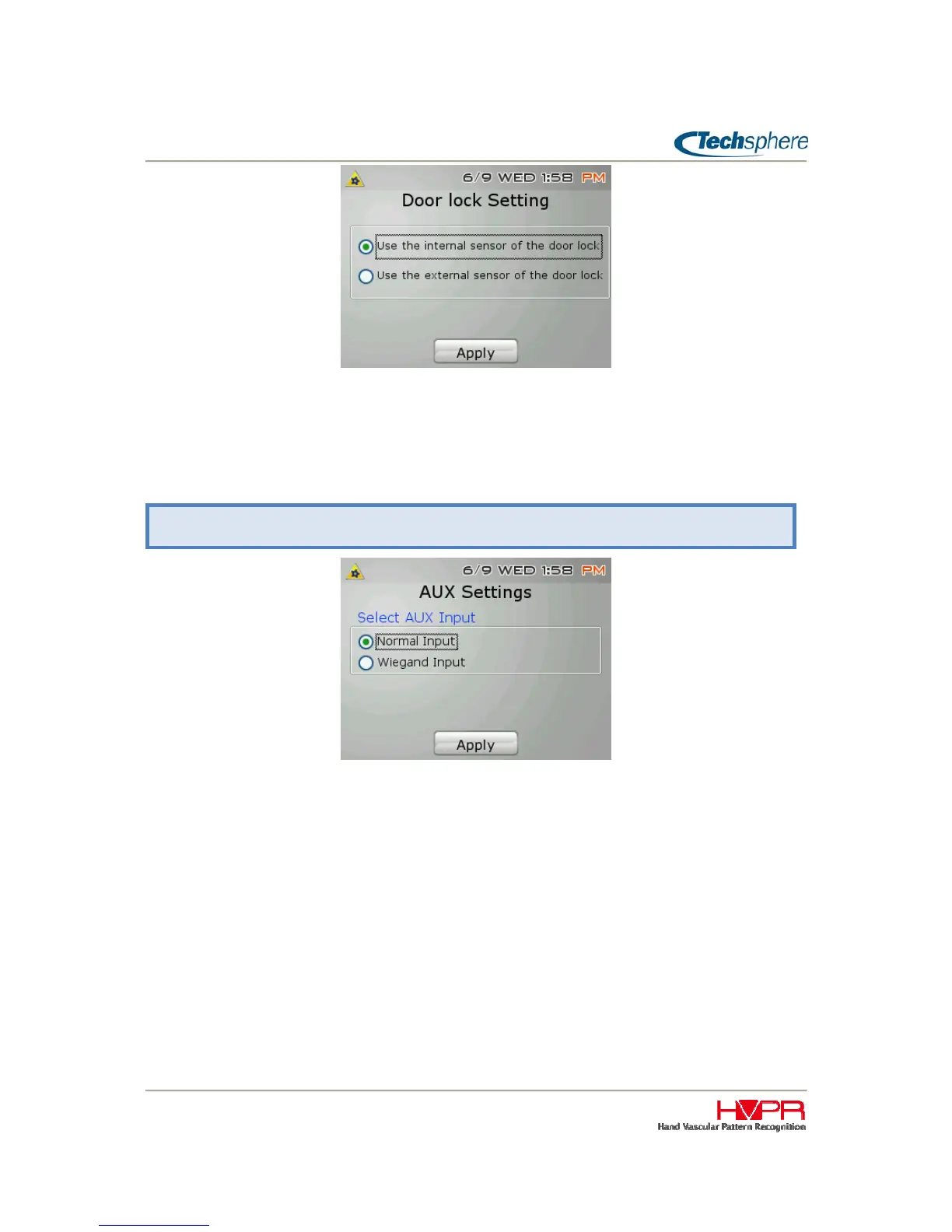
To allow for two Wiegand Input ports, the VP-II X AUX port can be configured to also accept Wiegand
Input. This allows for a second Wiegand reader to be used as an exit reader. When VP-II X AUX port is
set to Wiegand Input, the VP-II X will work in bypass mode and will check only the following user
verification options: 1) User Expiration Date, 2) User Activation and 3) Gate Time zone. Please refer to
“Chapter 4 2.2 Ports and Connection” to get more details on the differences Wiegand and AUX.
Manager Menu > 3. System Settings > 9. AUX Settings


 To Next Page