43
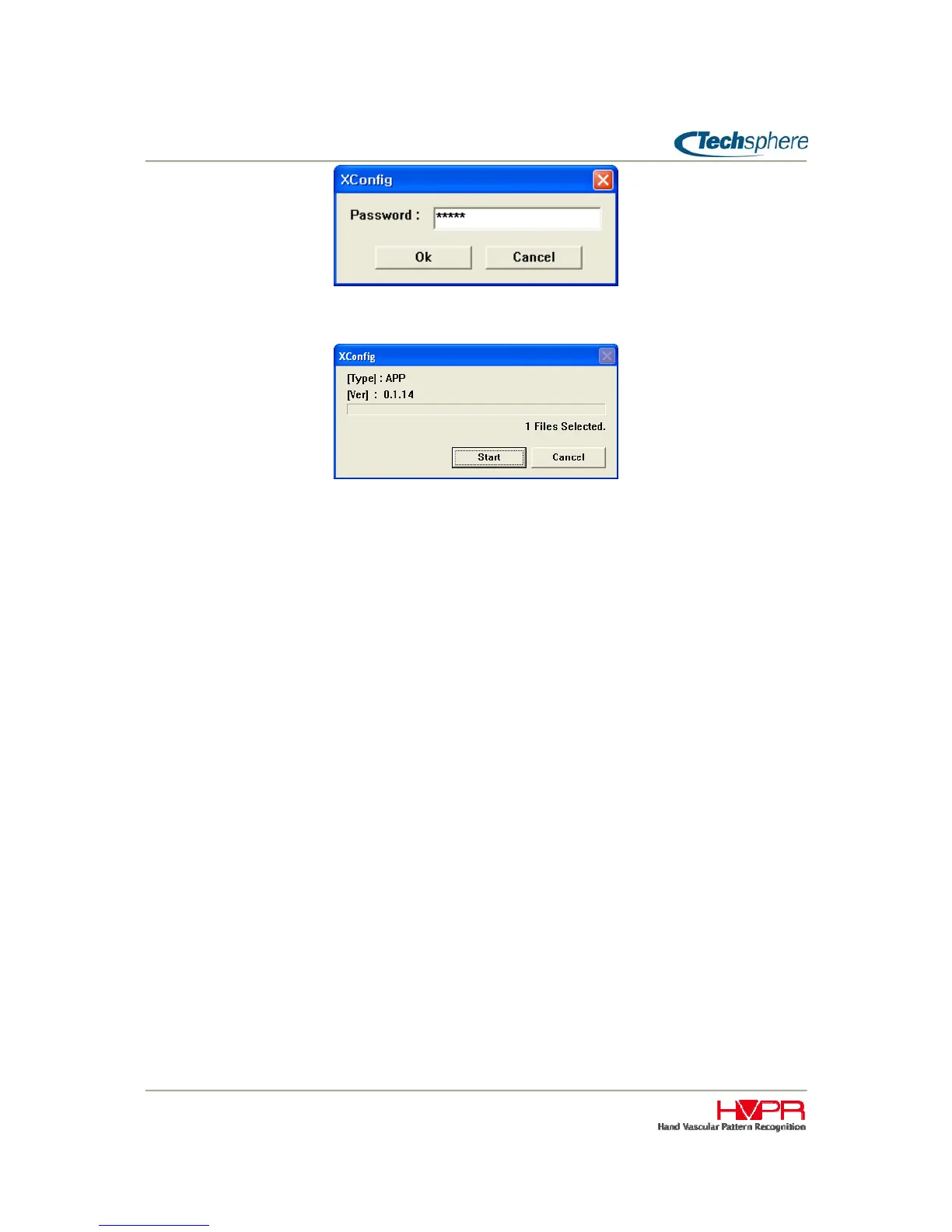
After selecting a firmware file from a Windows file search window, click Start button to start downloading.
Wait until it shows the complete message. The VP-II X will also show the progress status while
downloading, and will reboot automatically after writing the firmware to the flash memory. The power of
VP-II X must be kept on in order to write complete firmware to its memory. Removing power while
upgrading firmware may hang up the system due to incomplete firmware installation.



 To Next Page