English
8
BLAST CHILLER ISTRUCTION
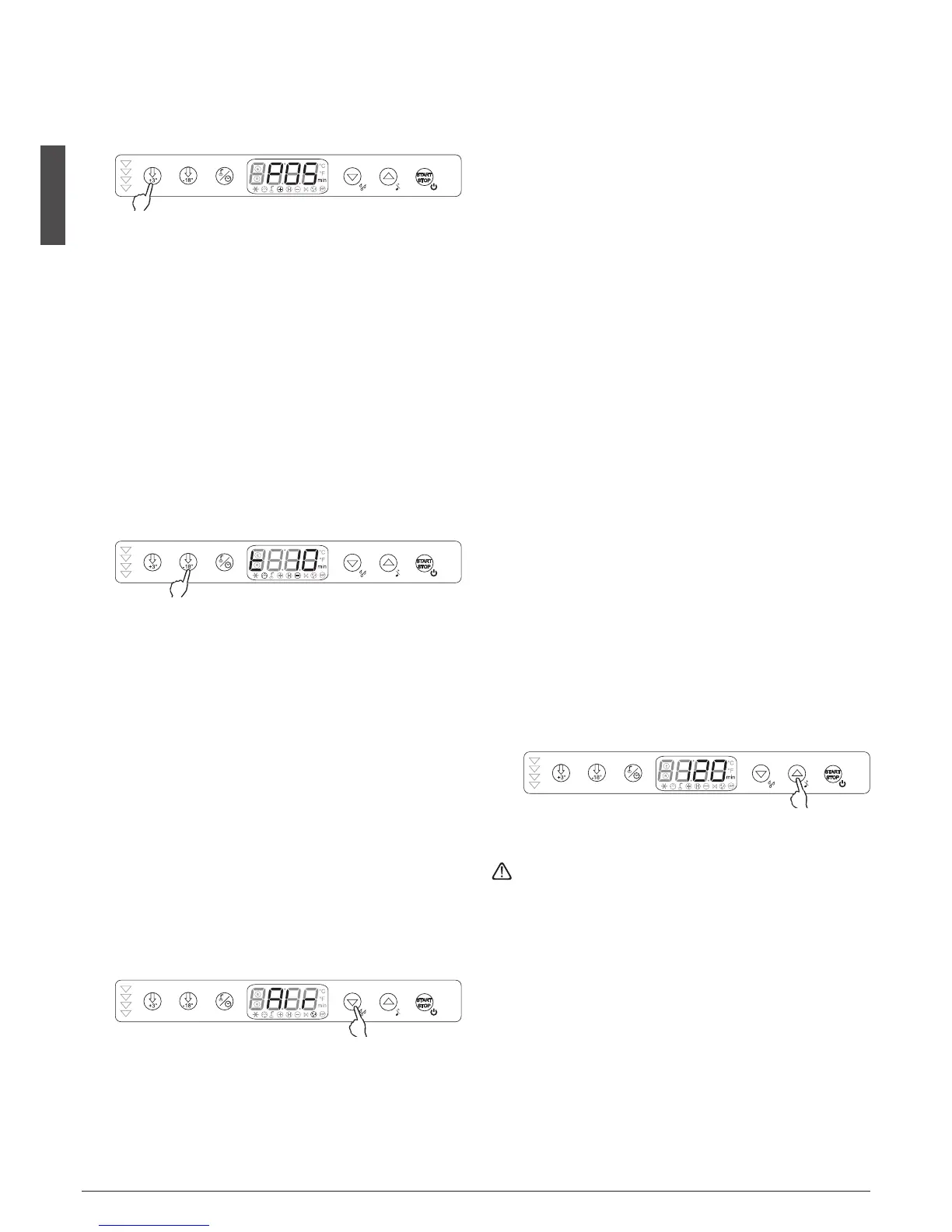
4.3.7 Quick selection of positive blast chilling indefinite timed
cycle
With the machine in standby, select the positive blast chilling
button
e
for at least 3", a positive cycle for an indefinite
amount of time will start immediately, and POS will appear
on the display.
The arrows on the left hand side
w
will flash during blast
chilling and won't go into storage mode, the blast chiller will
cycle around the minimum cell temperature set for the blast
chilling time cycle. The machine may be stopped at any time
by pressing the Start/Stop button
q
for 3 seconds
4.3.8 Selecting the ice cream hardening / freezing indefinite
timed cycle
This function will allow the user to use the blast chiller using
the following method:
With the machine in stand-by, select the freezing cycle; the
button
r
lights up. Then press the freezing button
r
for 3
seconds, the first LED will show the letter t and the time set
for the hardening cycle will flash (time given by the Pt4 pa-
rameter). An indefinite timed freezing cycle will start imme-
diately.
The user can modify the hardening cycle time using the up
u
and down
y
buttons while the time is flashing, and only
at this time.
When the user opens the door (to put the ice cream in) and
then closes it, a beep will sound confirming that it is closed
and the countdown will start. The display will show the coun-
tdown time without flashing.
When the time arrives at zero, the buzzer will sound for 60
seconds and the count remains at zero and flashes. Any time
the door is closed, the countdown is interrupted and a new
one starts. The display is used as a timer while the cycle is on-
going and guarantees negative temperatures in the cell. The
user can interrupt this function by pressing the Start/Stop
button
q
for 3 seconds.
4.4 DRYING CYCLE
Selecting drying and forced ventilation
With the machine in standby, select by pressing with a single
pulse the down button
y
; Air will be flashing on the display.
Drying is timed. To stop it in advance, press the down button
y
. Opening the door does not affect the drying cycle
4.5 RAPID DISPLAY OF TIME AND TEMPERATURE VALUES
With the machine in operation, the following operation va-
lues can be seen:
• Total time set for a Positive Soft/HardTimed Cycle
wr
:
Pressing the positive blast chilling button
e
will display the
total time set initially for 5", in flashing mode.
• Final temperature set for a Positive Soft/Hard Tempera-
ture cycle
er
:
Pressing the positive blast chilling button
e
will display the
final set temperature for 5" in flashing mode.
• Total time set for a Freezing Timed Cycle
wy
:
Pressing the freezing button
r
will display the total time set
initially for 5" in flashing mode.
• Final temperature set for a Freezing Temperature Cycle
ey
:
Pressing the freezing button
r
will display the final set tem-
perature for 5" in flashing mode.
• Probe temperature in a Blast Chilling/Freezing cycle:
Pressing the blast chilling type button
t
during a blast chil-
ling/freezing temperature cycle, will display the probe tem-
perature for 5 seconds.
• Time elapsed during a blast chilling cycle:
Pressing the down button
y
during a blast chilling cycle will
display the amount of time elapsed for 5 seconds in flashing
mode.
•
Cell sensor temperature during a blast chilling cycle:
During any blast chilling cycle, pressing the up button
u
di-
splays the value of the cell sensor for 5" and then the evapo-
rator sensor for 5", if enabled (if there is a buzzer alarm, it also
silences the alarm).
4.6 SANITIZING CYCLE (optional)
If the password controlled parameters are enabled, a time-
controlled sanitizing cycle may be started. To activate the sa-
nitizing cycle, the equipment must be in off mode. Then,
pressing the up button
u
for 3 seconds activates the saniti-
zing cycle, the set minutes will appear on the display and the
countdown will begin, once it is completed it automatically
deactivates and returns to the off position.
To stop the sanitizing cycle early, just press the Start/Stop
button
q
for 3 seconds and it will go to standby mode.
If the door is opened, it will immediately deactivate and
can only be reactivated in off phase.
Before starting the sanitizing cycle, proceed as follows:
• remove products from the interior
• thoroughly clean with warm water and neutral detergent
• close the door
• start the cycle.
Use of this cycle is recommended only when processing has
completed.







 To Next Page