39
Instruction and maintenance manual
ENGLISH
3.4 Control push-buttons for ST
controllers
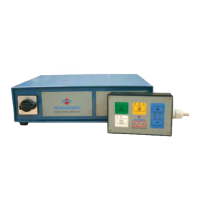
ST controllers can be connected to the push-button
panels described below.
3.4.1 ST100 (basic version),
ST200 (basic version)
This push-button panel is the base model used to
control milling chucks.
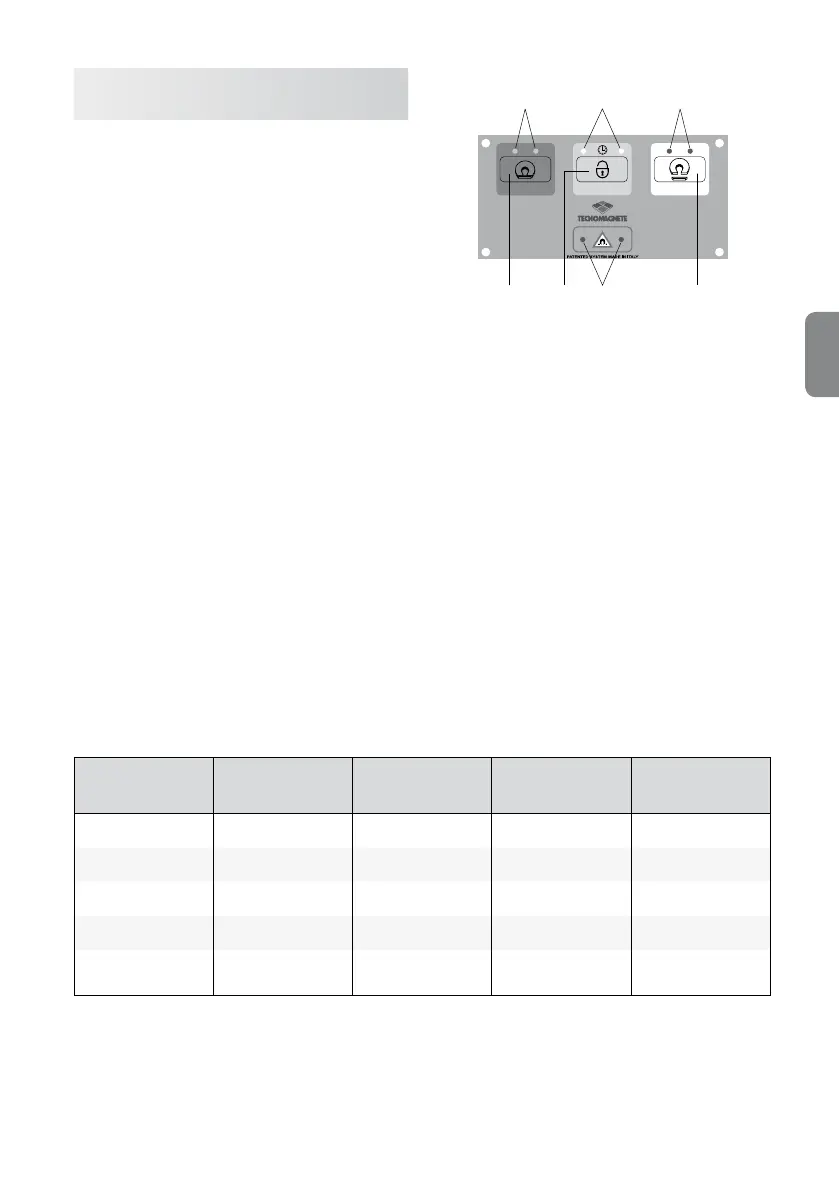
It is tted with the following three-buttons:
•
Magnetization FULL-MAG,
•
Demagnetization DEMAG,
•
Enabling ENABLE.
The ENABLE button is used together with the mag-
netization and demagnetization button, depending
on the cycle that needs to be performed.
There are also 4 indicator lights placed next to the
FULL-MAG and DEMAG buttons and the CYCLE
and ALARM symbols.
These indicator lights provide information on the sta-
tus of the controller. When the controller is started,
the corresponding LED indicator switches on.
If a cycle is active, the only LED that is on is the one
related to the cycle, while all the others are off.
At the end of the cycle, the only visual indication that
is on is the one related to the new system status.
G
D
E
F
A C
B
PUSH-BUTTON PANEL
A
➜ FULL-MAG button
B
➜ ENABLE button
C
➜ DEMAG button
D
➜ MAG led
E
➜ Cycle led
F
➜ DEMAG led
G
➜ Alarm status led
System status MAG Led DEMAG Led Cycle Led Alarm Led
Full-Mag Permanently on Off Off Off
Demag Off Permanently on Off Off
Cycle Off Off Permanently on Off
Current alarm Off Off Off Permanently on
Communication
alarm
*
Off Off Off On ashing
*
For version ST200 only



 To Next Page