TS1061 Dual Wiegand Interface Installation Manual 19
LED indications
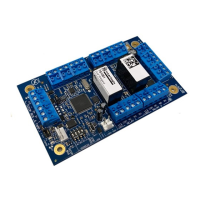
LEDs on the printed circuit board indicate the state of the Interface and the
connection to the ChallengerPlus panel or Network Access Controller.
• Heart Beat LED (Figure 2 on page 8, item 15) flashing slowly indicates
normal operation.
• Rx LED (Figure 2 on page 8, item 5) flashing indicates polling data being
received from the ChallengerPlus panel or Network Access Controller on
the bus.
• Tx LED (Figure 2 on page 8, item 4) flashing indicates the Interface is
replying to polling from the ChallengerPlus panel or Network Access
Controller on the bus. Off indicates that the Interface is not correctly
addressed, and/or that the ChallengerPlus panel / Network Access
Controller are not programmed to poll the Interface’s DGP address.


 To Next Page