TS1061 Dual Wiegand Interface Installation Manual 5
DIP switch settings
The TS1061 Dual Wiegand Interface can be connected to a ChallengerPlus
panel’s COMMS 1 or COMMS 2, or a Network Access Controller’s BUS 1 or
BUS 2. The Interface is polled as a DGP. The addressing ranges that can be
used depend on whether the Interface is connected to a ChallengerPlus or a
Network Access Controller, as shown in Table 2 below.
Table 2: Interface addressing ranges
Network Access Controller
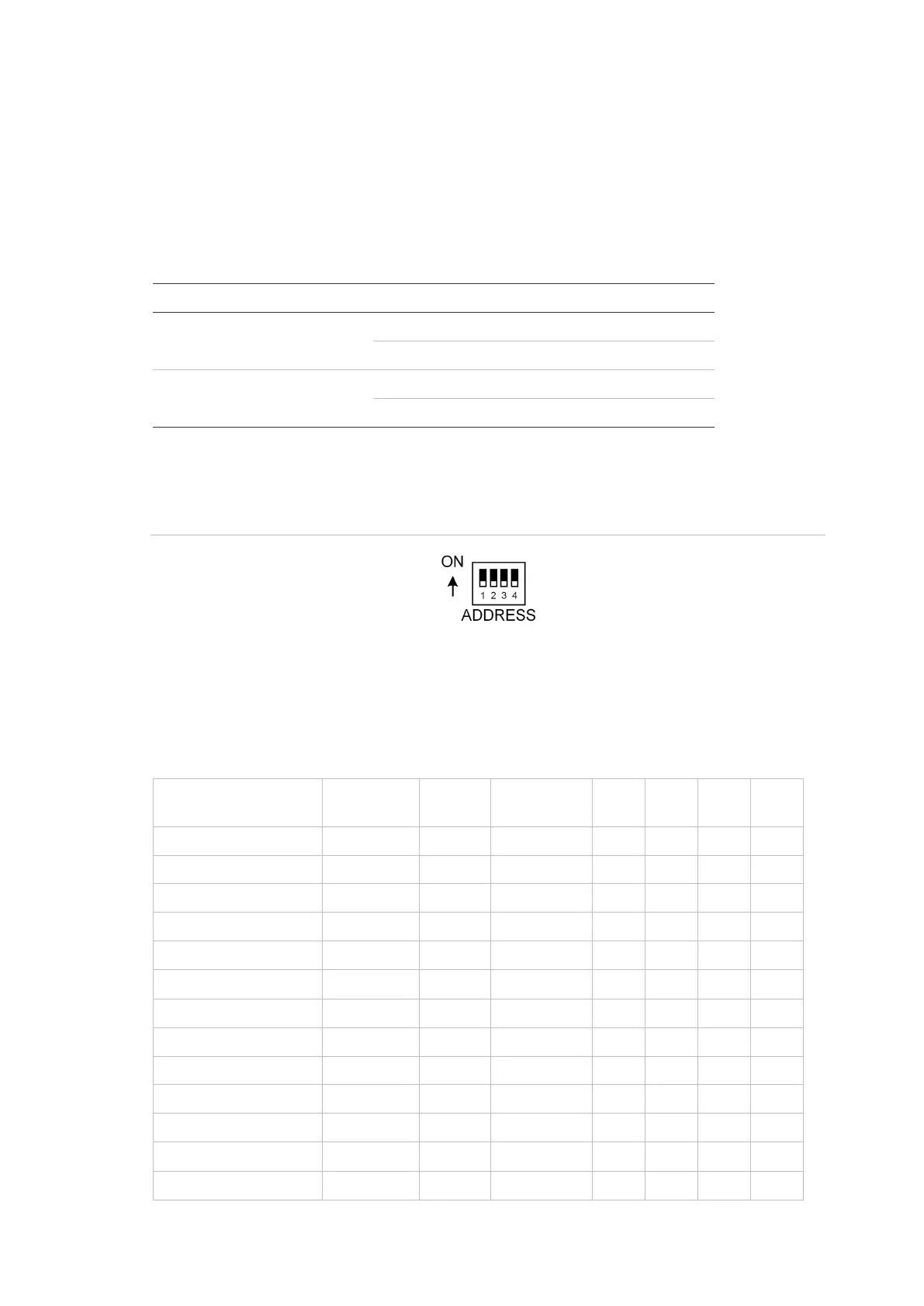
Use the four-segment Address DIP switch to set the address.
Figure 1: Address DIP switch
Settings for connection to ChallengerPlus panel:
The DIP switch settings for connection to a ChallengerPlus panel are shown in
Table 3 below.
Table 3: DIP switch settings for connection to ChallengerPlus


 To Next Page