delete function automatically.
METHOD 2: SEMI-AUTO DELETE MEMORY
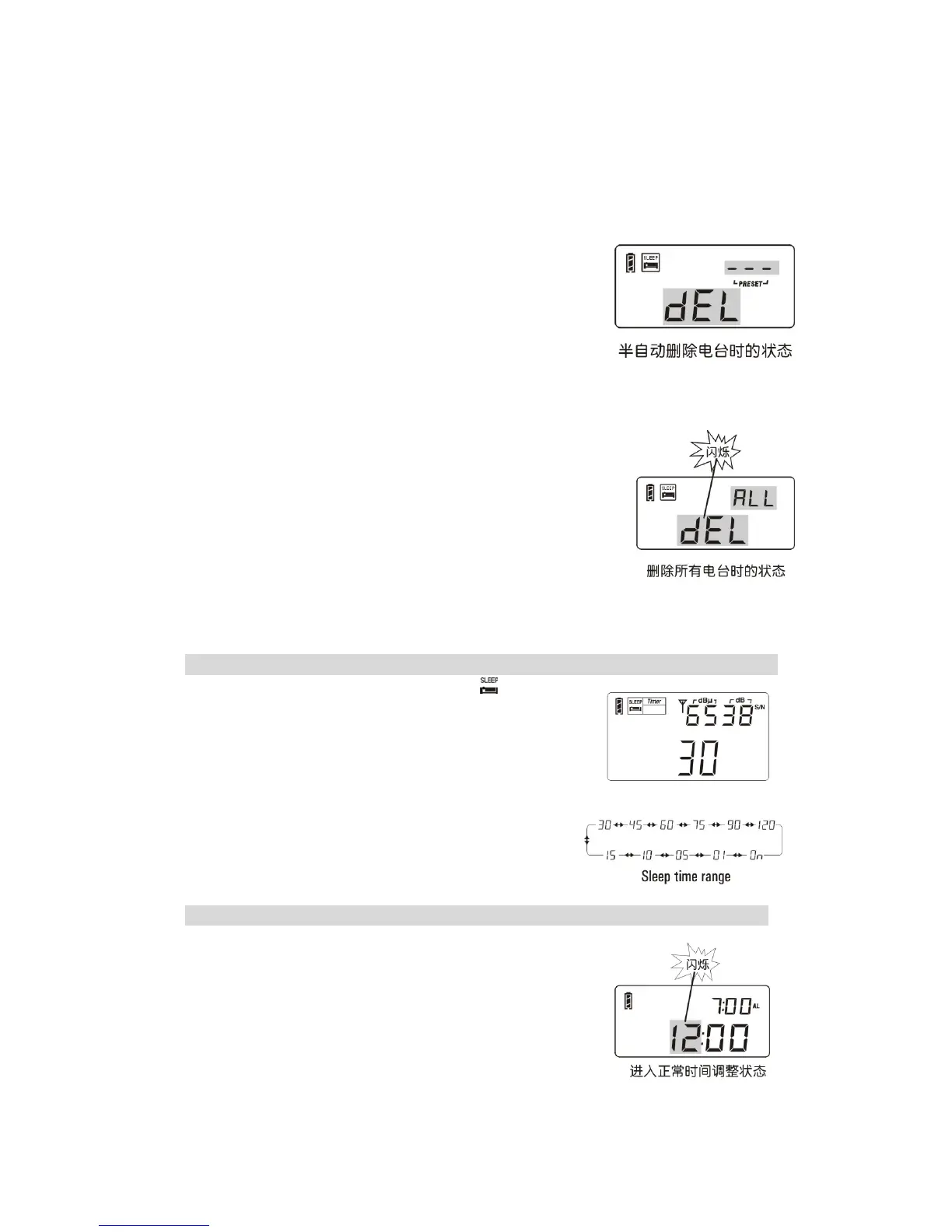
Feature: using the Auto-Browse function of memory to quickly delete unwanted station.
1. Press the [VM] button to enter the memory mode.
2. Press & hold the [VM] button with [PRESET] flashing to
auto scan from one memory to another, staying on each
station memory for about 5 seconds.
3. Once previewing your unwanted station, simply press the
[DELETE] button with “dEL” shows on display to delete
the station, then keep on browsing other stations.
METHOD 3: MANUAL DELETE ALL MEMORY WITHIN THE BAND
1. Press the [VM] button to enter the memory mode.
2. Press & hold the [DELETE] button for 3 seconds and notices
“ ALL ” flashing in the upper right corner of display.
3. Press the [DELETE] button again to delete all memory within
the selected band.
Note: If the [DELETE] button has not been pressed within 3
seconds to confirm, it will exit the delete function
automatically.
SLEEP FUNCTION
1. Press & hold the [POWER] button with “ ” and “30”
symbols show on the display.
2. Rotate the [TUNING] knob immediately to select sleep
timer from 1 ~ 120 minutes or select permanently
“ On ”, then wait till the radio auto turn on to confirm the
setting.
Note:
The default setting of the auto-turn off time is 30 minutes.
CLOCK SETTING
1.Press & hold the [TIME] button with hour flashing, then
rotate the [TUNING] knob to adjust the hour.
2.Then press the [TIME] button with minutes flashing, and
then rotate the [TUNING] knob to adjust the minute.
3. Press again the [TIME] button to confirm the setting.
※ If the [TIME] button has not been pressed again within 3
seconds, the unit will automatically confirm the setting.



 To Next Page