《
RAINBOW
》
Product Manual
V1.0
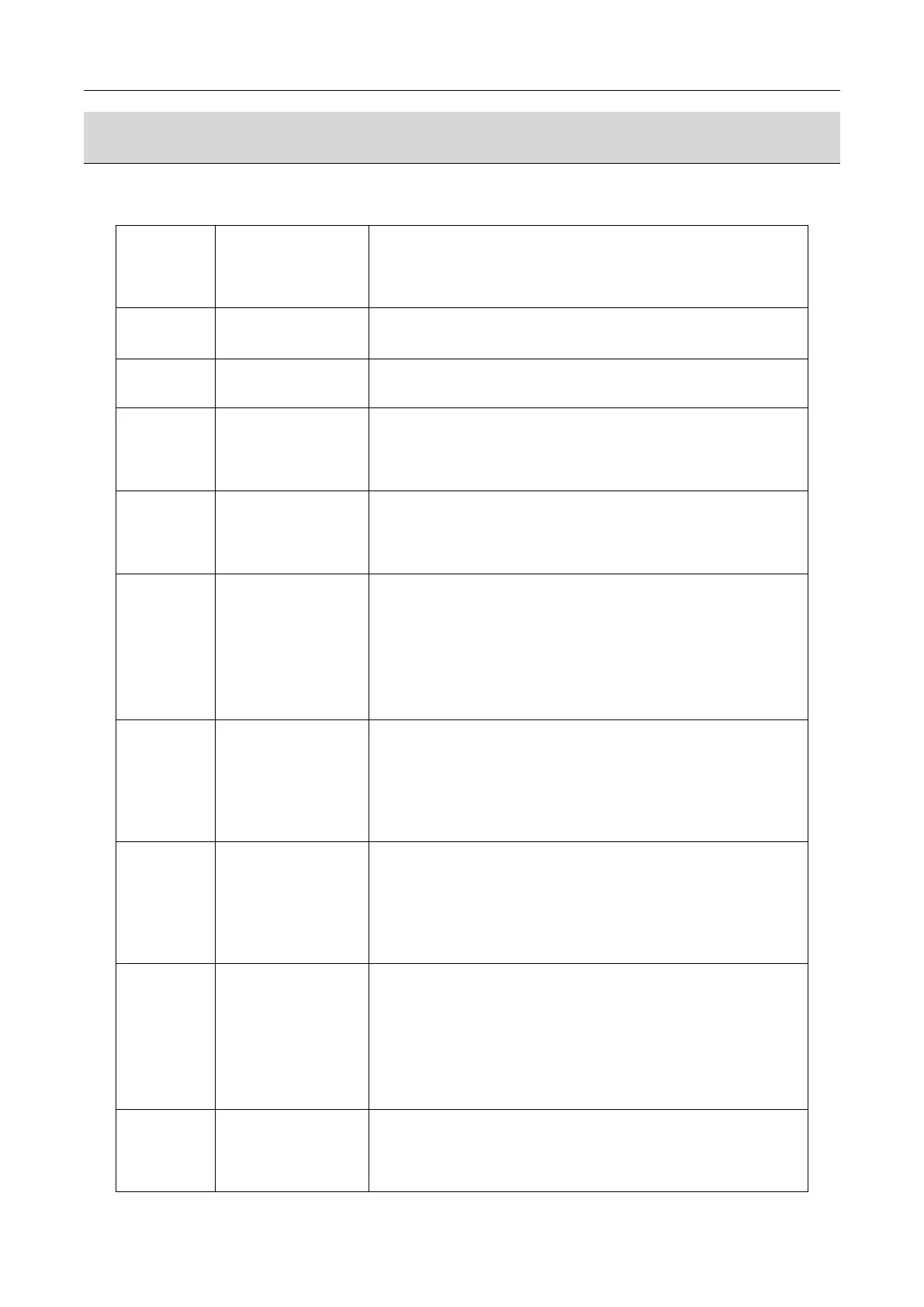
3.1.Fault code description and fault handling
Fault Analysis and treatment
The prompt version has been updated. Reboot to remove the alarm
Internal data error. 1, restore the factory settings; 2. Replace
the motherboard.
1, check the coin 1 whether there is a card currency, if there
is a check out; 2, checking the SW1 switch of the slot 1 is in
NC. Status, and if so, dial No. State, 3, replace slot 1.
1, check the coin 2 whether there is a card currency, if there
is a check out; 2, checking the SW1 switch of the slot 2 is in
NC. Status, and if so, dial No. State, 3, replace slot 2.
The lottery has been finished, waiting to be added. The
"surp :xxx" on the screen indicates the number of tickets left.
1, add lottery tickets, and press the "repair" button next to
the lottery machine, the remaining lottery can be output. 2,
Joben machine set the lottery, then restore the factory settings
can be lifted alarm.
Bottom department
"open" check error
check the bottom of the department whether there is foreign body
jammed, 2, into the "bottom of the test procedures", check the
bottom of the Department of Motor is normal work. If the motor
does not turn, change the motor, if there is no "open" signal,
adjust the lock micro-switch, or change the micro-switch.
Bottom department
"off" check error
1, check the bottom of the department whether there is foreign
body jammed, 2, into the "bottom of the test procedures", check
the bottom of the Department of Motor is normal work. If the motor
does not turn, change the motor, if there is no "off" signal,
adjust the lock micro-switch, or change the micro-switch.
Top department
"open" check error
1, check the top department whether there is foreign body jammed,
2, check the belt and coupling is loose, 3, into the "top
department test procedures", check the top department motor is
normal work. If the motor does not turn, change the motor, and
if there is no "open" signal, adjust the gap between the sensor
and the door, or replace the sensor.
Top department "off"
check error
When this error occurs during the game, the machine pauses the
game and tries to repair it automatically, and then continues
the game. If the machine can not be repaired automatically will


 To Next Page