Energy, Inc. • 3297 Pacific Street • Charleston, South Carolina 29407 • (843) 766-9800
Page 18
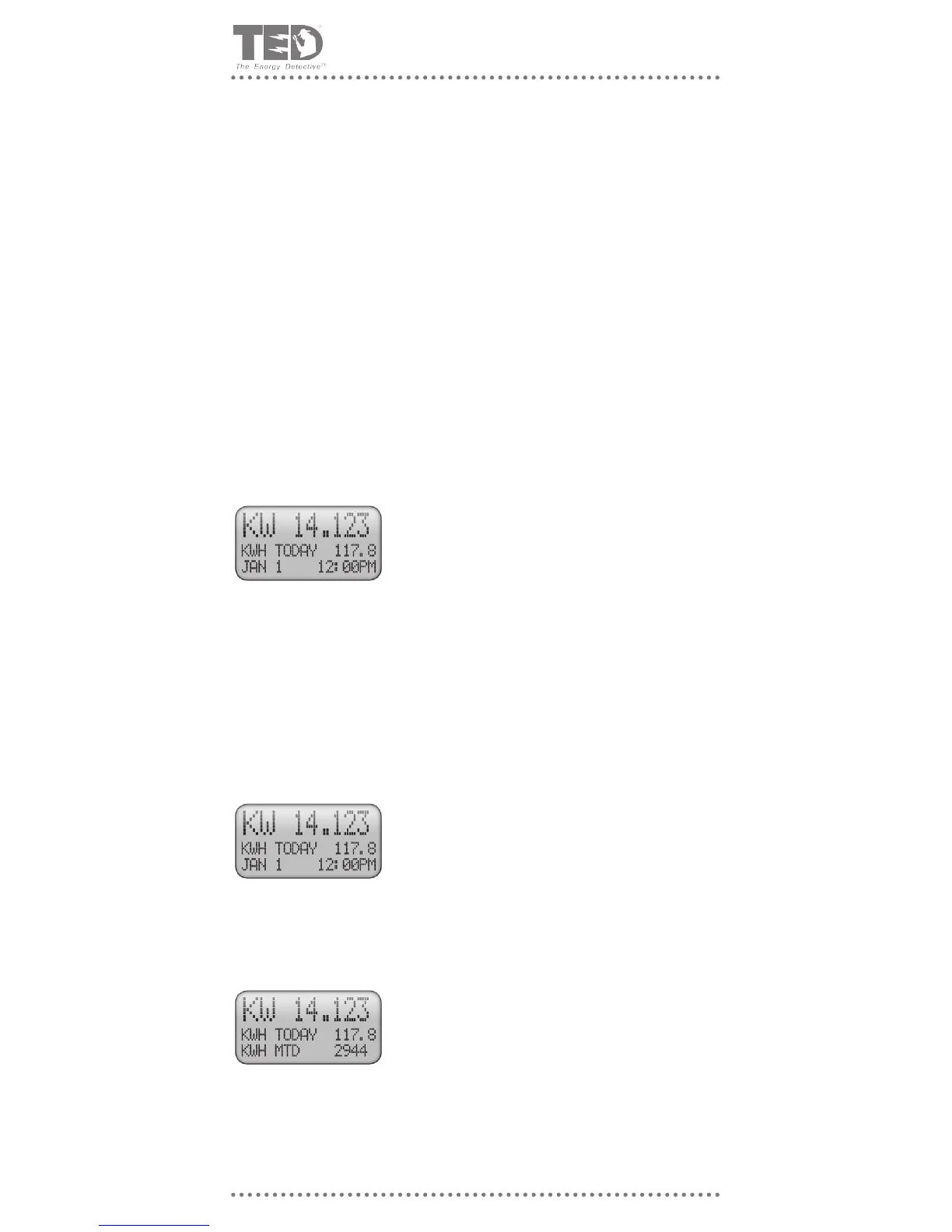
This is the total power being consumed in your home or busi-
ness, in kilowatts (KW) at this instant and is updated ev-
ery second. In this example 14.123 kilowatts.
• Power is measured in watts and is a measure of voltage x
current.
• 1,000 watts = 1 kilowatt.
• If you turn on a dryer rated at 4,000 watts and there is
nothing else on, then the display will show approximately:
KW 4.000
• If you turn on a 60-watt light bulb, the display will increase
by KW 0.060 (display should read 4.060)
• You can look at it this way... the readings to the left of the
decimal place are in kilowatts and those to the right of the
decimal place are in watts.
What is TED Displaying?
KW 14.123
This is the energy consumed since midnight in kilowatt-hours
(KWh). In this example 117.8 kilowatt-hours.
• One kilowatt of power consumed over one hour = one
kilowatt-hour of energy.
• This is important to know, because your utility bills you for
every kilowatt-hour you use.
• If your energy rate is $0.0878 per kilowatt hour, then you
have spent $ 10.35 so far today. Nice to know?
KWh TDY 117.8
This is the energy consumed so far this billing month in kilo-
watt-hours (KWh)
• The billing month ends on the date that you entered during
the SETUP programming and is the estimated date your
utility will read your meter and calculate your next bill.
• Because of weekends, holidays and schedules, your
meter will not be read on the same exact day and time
every month. Therefore, TED will never likely match your
electricity bill exactly.
• If you enter the METER READ DATE as 31, then TED will
display values for the calendar month.
KWh MTD 2944
• Indicates Timer Countdown Complete. Sounds for 15 seconds, then for 2 seconds every
minute as reminder, OR until reset by pressing any key.
• Indicates Alarm Parameter Exceeded. Only sounds if audible enabled “Y” in Alarm View
(Screen A7). Sounds for 30 seconds, then for 10 seconds every 15 minutes for one
hour, OR until reset by pressing any key.
• Audible is silenced until alarms are reset in Alarm Mode (Screen A8).
Audible Tone
• When any alarm parameter is exceeded, a screen pops up explaining what the alarm
was, displays the current parameter value and the alarm set parameter value.
• Pressing any key dismisses message.
• Messages will not reappear until alarms are reset in Alarm View.
Note: LED Colors and operation are not affected by any settings in Alarm View. (Will continue to
ash red until value falls to below alarm parameter value or until alarm parameter setting is reset
to a higher/lower value in Alarm View.
Alarm Message Screens



 To Next Page