Energy, Inc. • 3297 Pacific Street • Charleston, South Carolina 29407 • (843) 766-9800
Page 22
P A R T V I I - S E T T I N G A L A R M S
There are 6 different alarms that can be set. Any combination of the 6 alarms may be
set....none, one, some, or all. Depressing the MODE Key will advance from one alarm
to the next. We recommend that you operate TED for a substantial length of time
to determine which, if any, alarms you want to use based on observation of your
typical readings.
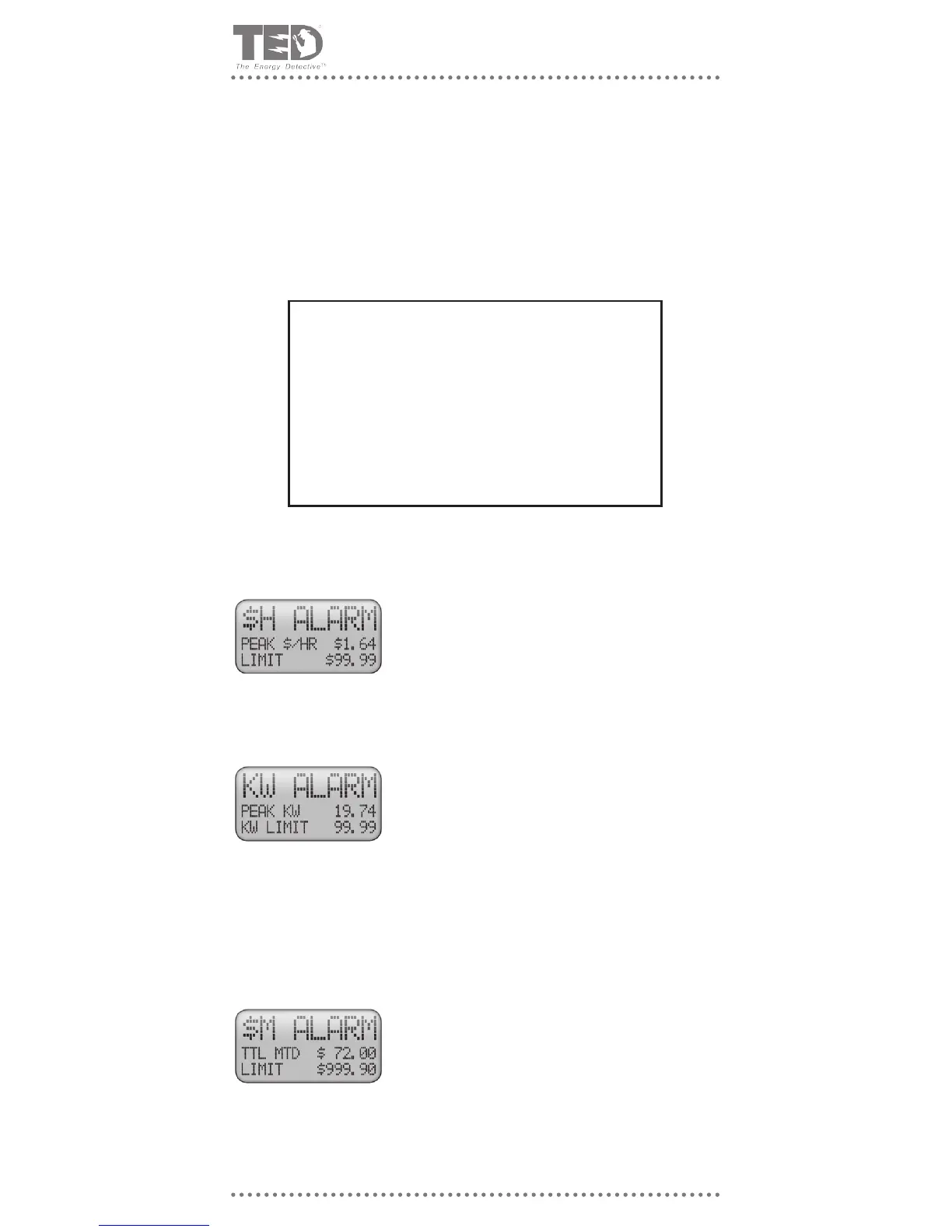
Once set, the alarm will sound when the Cost-Per-Hour “$/H”
gure exceeds the LIMIT set by the user. Example: If
the user wishes to be notied when the $/H exceeds
$1.20, the user will have entered “$1.20” as the LIMIT for
the alarm. Each time $1.20 is exceeded, TED will enter
Alarm Mode.
$ PER HOUR ALARM
Alarm Mode
Once set, the alarm will sound when the Power Usage “KW”
gure exceeds the LIMIT set by the user. Example: If the
user wishes to be notied when the KW exceeds 10.00,
the user will have entered 10.00 as the LIMIT for the
alarm. Each time 10.00KW is exceeded, TED will enter
Alarm Mode.
NOTE: If your Utility is having supply problems, they may
wish to advise you to keep below a certain KW during
high demand periods. This is a good way to monitor the
load and help out!
KW ALARM
Once set, TED will enter Alarm Mode. When the total month-
to-date use gure exceeds the LIMIT set by the user. If
the user is on a budget, xed income, or just wishes to
keep up with monthly spending, TED’s alarm scheduled
at periodic intervals throughout the month (i.e. at $50,
$75, $100) would notify the user as the spending LIMIT
is reached.
$ SPENT MONTH-TO-DATE
What happens in Alarm Mode
• The LED will ash red instead of green.
• A pop-up screen will tell you which alarm was exceeded.
• An audible alarm will sound for 30 seconds (unless silent alarm
mode is selected).
• Pressing any key silences the audible alarm and returns to
previous display.
• LED will continue to ash red until use falls below set limit.
(Hold down p and MODE simultaneously for 2 seconds)



 To Next Page