© 2008 Energy, Inc. www.theenergydetective.com
Page 21
P A R T V I - H I S T O R I C A L D A T A
TED will begin accumulating data immediately upon the completion of Setup. You can not
manually input historical data. To view the Historical Data, hold down the u and MODE
keys simultaneously for 2 seconds.
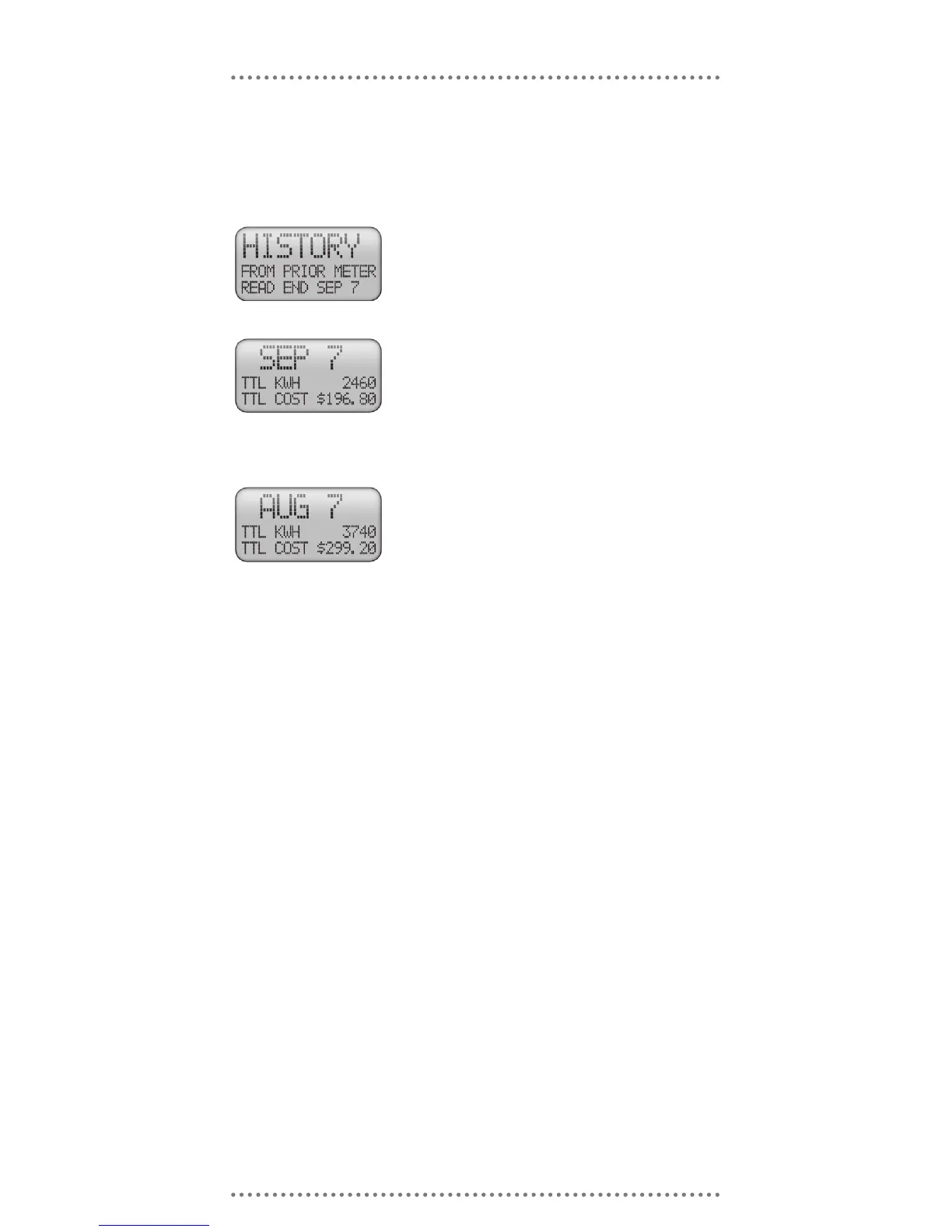
The rst screen that appears indicates when your meter was
last read, and considers information from that point for-
ward to be current information, and information prior to
that historical. Press MODE to view next screen.
TED records total KWh usage as of midnight on the night of
the Meter Read Date. Also shown is the cost for the us-
age in dollars.
Note: A signicant difference may appear between your
electricity bill and TED due to the actual time your meter
was read, and even the actual day your meter was read.
Press MODE to view next screen.
TED will let you view the past 12 months data.
Press MODE to return to the primary display



 To Next Page