844-AB Sprayer control 22
Software 4.03
Chapter 7 - Application Setup
Application Setup mode contains the most
frequently changed setup parameters (target
application rate and nozzles used). TeeJet
has added this separate setup mode to speed
the programming process when minor
changes are made during operation (e.g.,
changing orchards, switching nozzles,
changing crops, etc.).
To enter Application Setup mode, while in
Operations mode press the Program key twice
(within 3 seconds). One press of the Program
key will display “PRO USER,” indicating the
console is about to enter Application Setup
mode. If the Program key is pressed
inadvertently, the console will display “PRO
USER” for three seconds before returning to
Operations mode. Pressing the Program key a
second time within 3 seconds will enter
Application Setup mode.
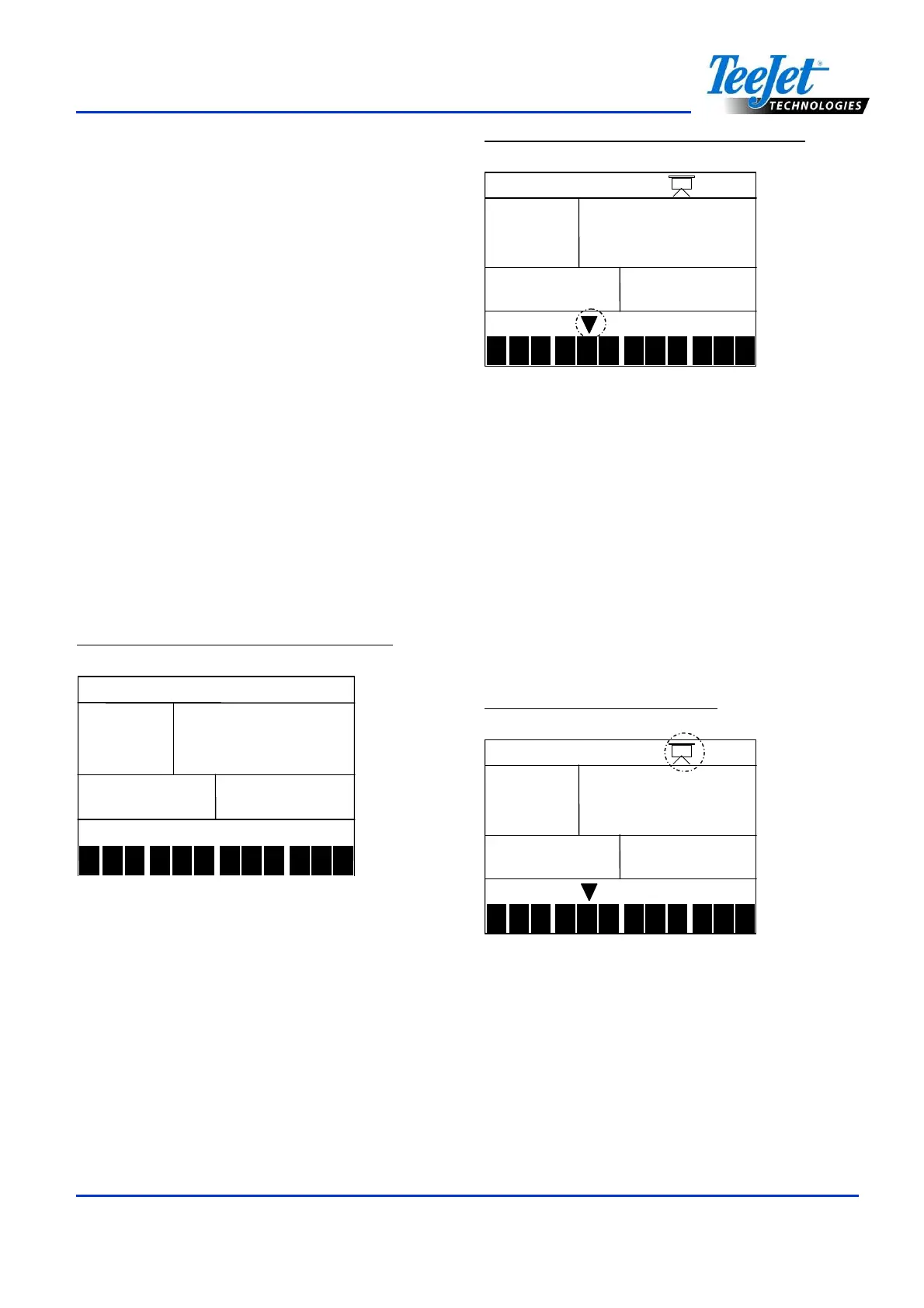
Figure 7-1: Entering Application Setup
1
2
3
4
5 6 7 8 9
10
11
12
user
useruser
user
Preset Flow Rate Selection
The symbol will flash at the bottom of the
screen.
The numbers 1-12, also located at the bottom
of the screen, represent the flow rate settings
that were entered during System Setup. Use
the Plus and Minus keys to toggle through the
presets and select the appropriate one for
application. Press the Program key to
advance to the next step.
Figure 7-2: Preset Flow Rate Selection
9
9 9
9
3.6
3.6 3.6
3.6
Km/h
BAR
1
2 3
4
5 6
7
8
9
10
11
12
#
3
3 3
3
Nozzles per Face
Note:
If AB mode has been selected, this step
will be skipped and the screen will
advance to Target Application Rate step.
The nozzle symbol will flash during the Nozzle
per Face step. Press the Plus or Minus keys
to adjust the value. Pressing the Plus and
Minus keys simultaneously will clear the value
to “0”. Press the Program key to advance to
the next step.
Figure 7-3: Nozzles per face
9
9 9
9.0
.0.0
.0
3.6
3.6 3.6
3.6
Km/h
BAR
1
2 3
4
5 6
7
8
9
10
11
12
#
3
3 3
3



 To Next Page