844-AB Sprayer control 28
Software 4.03
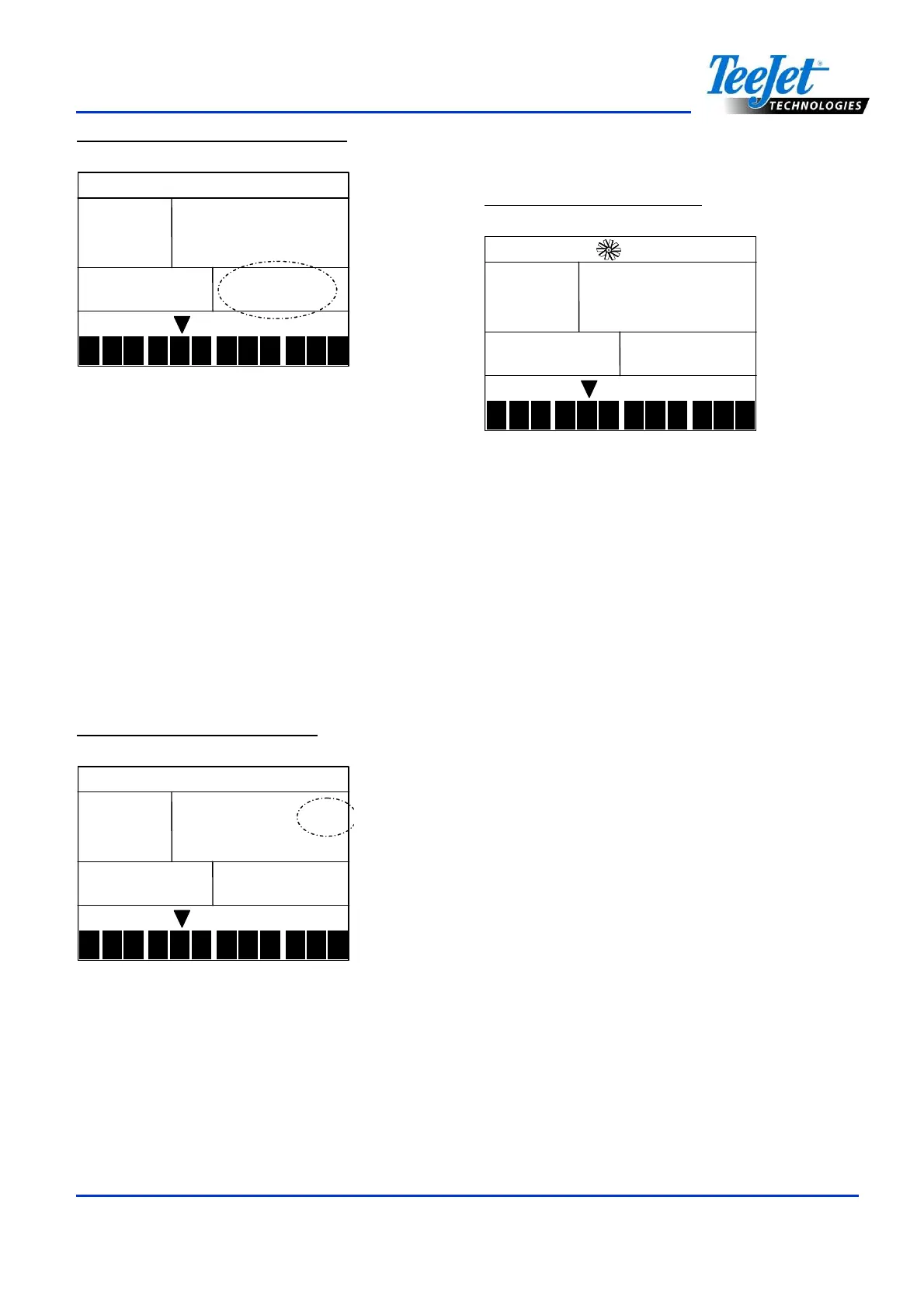
Figure 9-2: Area/Volume Display
9
9 9
9.0
.0.0
.0
3.6
3.6 3.6
3.6
Km/h
BAR
1
2 3
4
5 6
7
8
9
10
11
12
0.410
0.4100.410
0.410
L/Ha
NOTES:
The area counter/volume measure works
only when the Master Boom Switch is in
the “On” position.
Application Alarm
If the 844-AB detects a continuous
discrepancy of 10% or more between the
Target Application Rate and the Actual
Application Rate, the application rate units
(GPA, L/Ha) will flash in the display window.
This will alert the operator to a problem with
the plumbing, operation, or programming.
Figure 9-3: Application Alarm
9
9 9
9.0
.0.0
.0
3.6
3.6 3.6
3.6
Km/h
BAR
1
2 3
4
5 6
7
8
9
10
11
12
0.410
0.4100.410
0.410
L/Ha
No Flow Alarm
If the 844-AB stops receiving pulses from the
flow meter, the turbine symbol will flash at the
top of the display. This indicates that there is a
problem with the flow meter or elsewhere in
the system. This alarm will occur only when
the Master Boom Switch and at least one
boom toggle switch are set to the “ON”
position.
Figure 9-4: No Flow Alarm
9
9 9
9.0
.0.0
.0
3.6
3.6 3.6
3.6
Km/h
BAR
1
2 3
4
5 6
7
8
9
10
11
12
0.410
0.4100.410
0.410
L/Ha
Automatic Power Down
The 844-AB console is designed to power off
after 10 minutes of inactivity. This feature
prevents the console from draining the battery
on the sprayer if the operator inadvertently
leaves the console powered on for an
extended period. This feature is only enabled
when the Master Boom Switch is turned “Off”
and the console is not receiving inputs from
any of the sensors (the sprayer is inactive).
To manually power down the console, refer to
Power Off the Console.
NOTE:
The Automatic Power Down feature will be
disabled any time the console enters into
any program mode. Program modes must
be exited first before powering down to
ensure all information is saved to the
console’s memory.



 To Next Page