844-AB Sprayer control 8
Software 4.03
Sensor Selection
The 844-AB can accommodate a flow meter,
pressure transducer, or both. Sensor
Selection instructs the console which sensor is
being used on the sprayer.
The default value is “FLO” (flow-based
system)
using a flow meter. To maintain this setting,
press the Program key to advance to Flow
Meter Pulses.
To change the setting to “PRS” (pressure
based system), use the Plus or Minus keys to
select “PRS” . Press the Program key to
advance to Flow Meter Pulses.
NOTE:
Pressure-based regulation is used only
with linear tips. For non-linear tips,
ALWAYS select flowbased regulation. Most
tips are linear and may be used with
pressure-based regulation. ConeJet
tips are non-linear.
If both sensors have been installed on the
sprayer, this step will determine which sensor
will be used.
If “FLO” is selected, the flow meter will be
used to control flow and the pressure
transducer will be used only to display actual
pressure. If “PRS” is selected, the pressure
transducer will be used to control flow and
display the actual pressure. Flow meter
signals will be ignored.
The regulation mode determines the following
program steps. If “FLO ” is selected, the next
Setup Mode screen displayed will be the
calibration step for the flow sensor (refer to
Flow Meter Pulses). If “PRS” is selected, the
next Setup Mode screen displayed will be the
calibration step for the pressure transducer
(flow sensor calibration will be skipped).
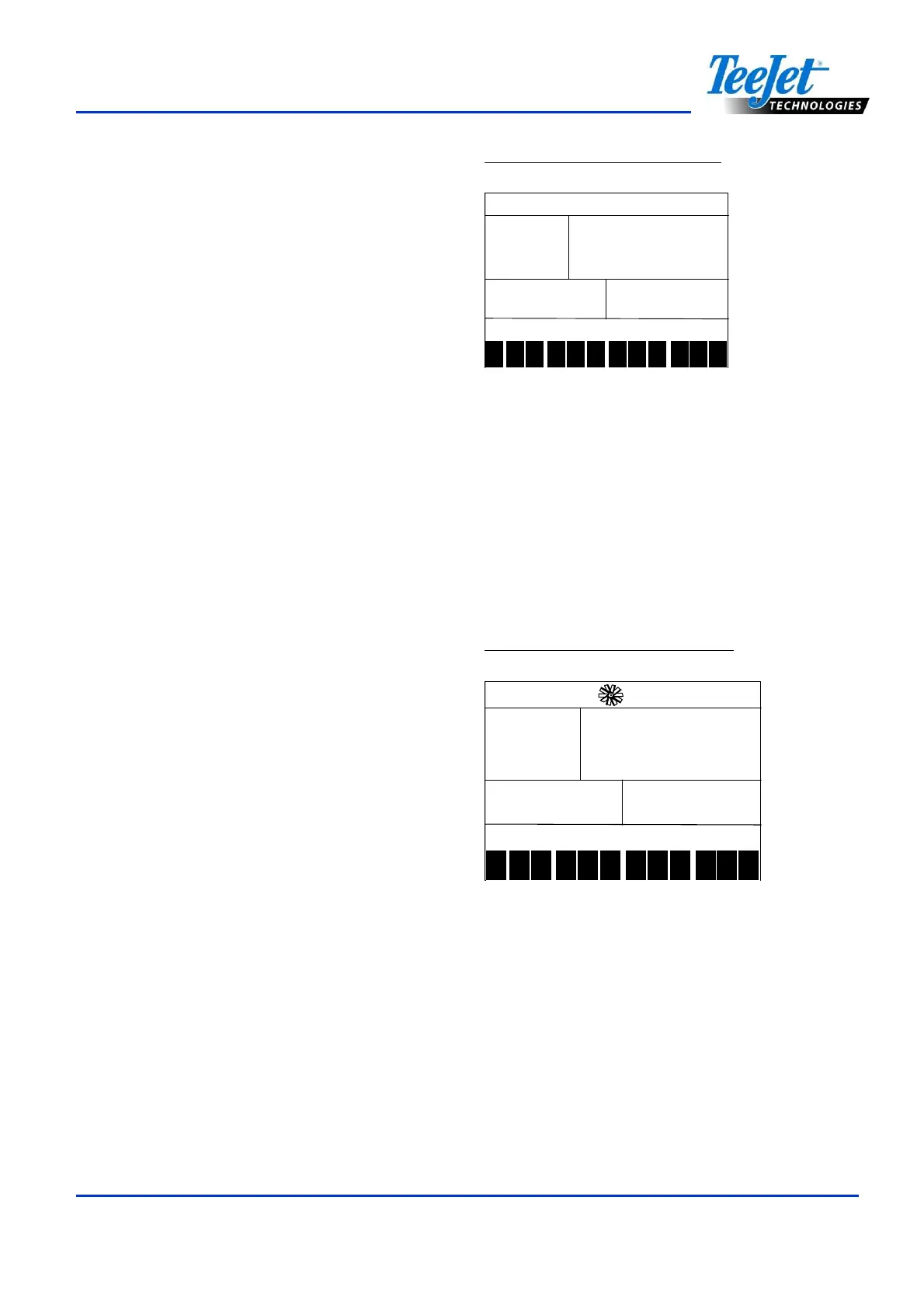
Figure 4-4: Sensor Selection
1 2 3 4 5 6 7 8 9 10
11
12
Flow Meter Pulses
During the Flow Meter Pulses step, the
symbol (flow meter turbine) will flash at the top
of the console. The flow meter calibration
number can be entered manually from the
factory-calibrated flow meter pulse rate tag, or
an Auto Calibration procedure can be
activated to determine flow meter pulses
based on a known volume of fluid.
Figure 4-5: Flow Meter Pulses
650
650650
650
1 2 3 4 5 6 7 8 9 10
11
12
Manual Entry
Locate the factory-calibrated flow meter pulse
rate tag on the flow meter. If this varies from
the default value (it usually does) of the
console, use the Plus or Minus keys to modify
the value.
In some cases, larger flow meters with small
calibration numbers will include decimals for
greater accuracy. To add a decimal to the
calibration number, press the Auto/Man key.



 To Next Page