844-AB Sprayer control 4
Software 4.03
Chapter 3 - OEM Setup
OEM Setup mode contains the options that
customize the controller to the sprayer or
sprayer components.
These include calibration steps and
parameters that will never change once
programmed.
To enter System Setup mode, power off the
console. Press and hold the Plus and Minus
keys simultaneously. While holding the Plus
and Minus keys, also press the Program key
four times (within 3 seconds) and then
release all keys to enter OEM Setup mode.
Press and hold the Program key for three
seconds to exit OEM Setup mode. Changes
will be saved to the console’s memory.
Application type
As explained above, the 844-AB is capable of
working in either Airblast (AB) or Vineyard
(HC) mode.
Use the Plus and Minus keys to switch from
AB to HC mode.
Press the Program key to accept the value
and advance to the next program step.
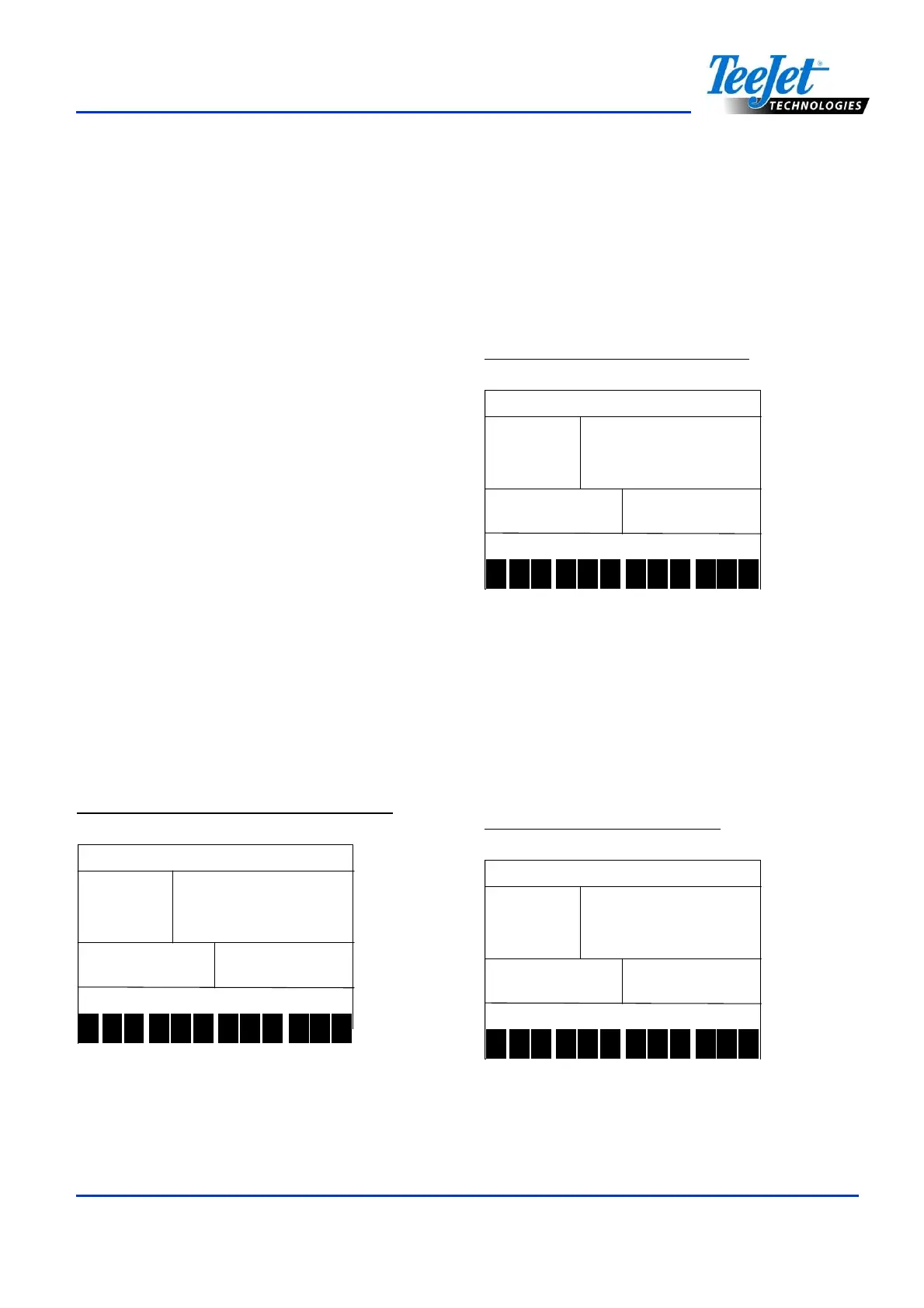
Figure 3-1: Application Type Selection
typ
typtyp
typ
1 2 3 4 5 6 7 8 9 10
11
12
Number of sections
This will determine the maximum number of
sections available on the sprayer.
In AB mode, only even values are allowed
(2,4,6).
In HC mode, all values between 1 and 7 are
allowed.
Figure 3-2: Number of Sections
nr
nrnr
nr
sec
secsec
sec
1 2 3 4 5 6 7 8 9 10
11
12
Minimum voltage
This will determine the minimum voltage that
can be applied to the regulation valve.
If too low, the valve won’t fine tune the dose
rate. If too high, the valve could have some
unstable regulation.
Figure 3-3: Minimum voltage
min
minmin
min
volt
voltvolt
volt
1 2 3 4 5 6 7 8 9 10
11
12



 To Next Page