844-AB Sprayer control 7
Software 4.03
Chapter 4 - System Setup
For AB and HC MODE
System Setup mode contains the options that
customize the controller to the sprayer or
sprayer components.
These include calibration steps and
parameters that will rarely change once
programmed.
To enter System Setup mode, press and hold
the Plus and Minus keys simultaneously.
While
holding the Plus and Minus keys, also press
the Program key twice (within 3 seconds) and
then release all keys to enter System Setup
mode.
Press and hold the Program key for three
seconds to exit System Setup mode. Changes
will be saved to the console’s memory.
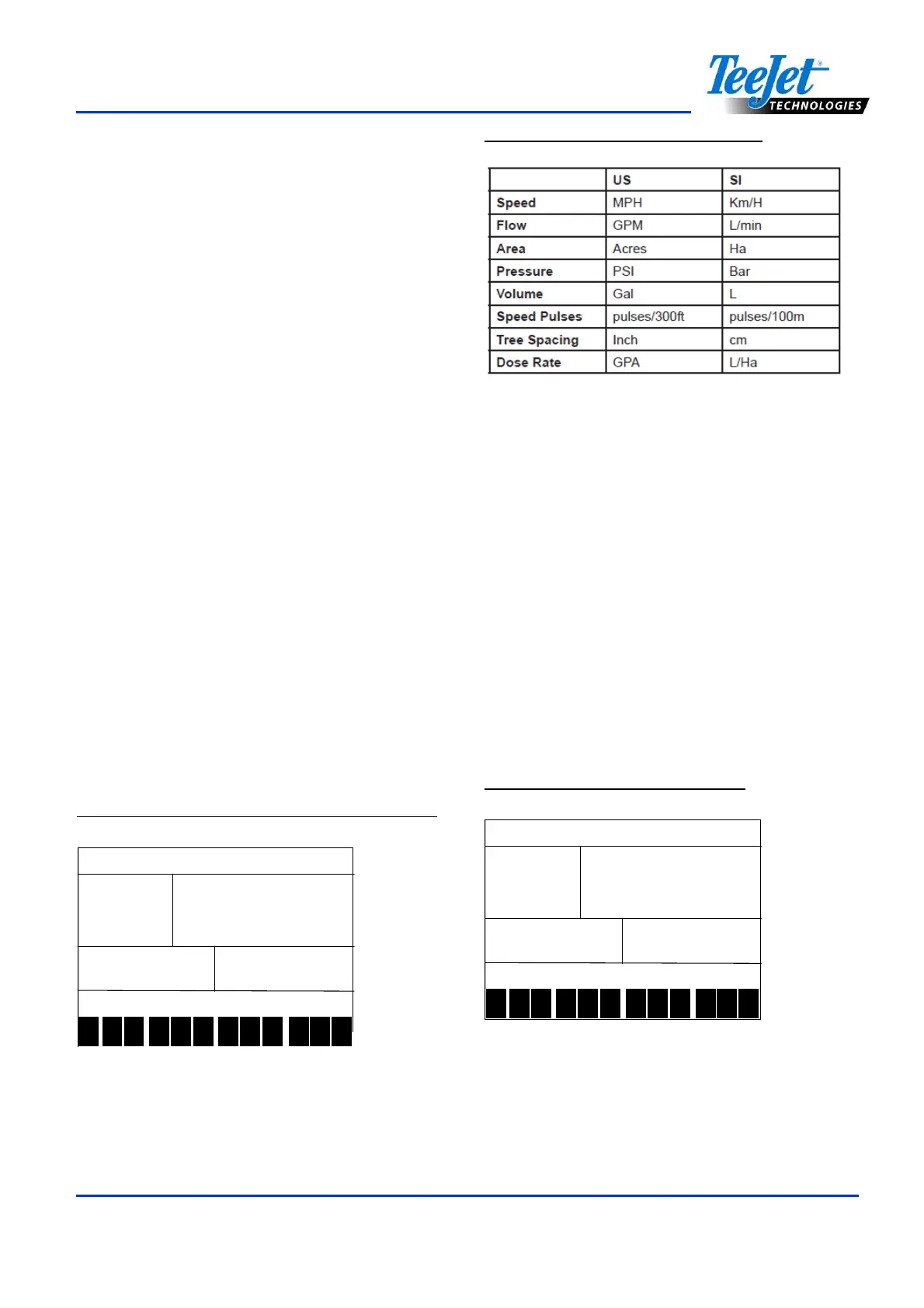
Units of Measurement
The 844-AB is capable of working in either
US, SI (Standard International metric) or SI -
l/100 m units. Use the Plus and Minus keys to
switch units.
Press the Program key to accept the value
and advance to the next program step.
Figure 4-1: Units of Measurement Selection
1 2 3 4 5 6 7 8 9 10
11
12
Figure 4-2: Units of Measurement
Reset to Default
If units of measurement changes were made,
the console will display a message asking if
program parameters should be reset to default
before advancing to the next screen. Use the
Plus or Minus keys to select either “Yes” or
“No” on the screen. Press the
Program key to accept the value and advance
to the next program step.
Note:
If changes were not made to Units of
Measurement, this step will be skipped and
the screen will advance to Sensor
Selection.
Figure 4-3: Reset to Default US
res
resres
res
def
defdef
def
1 2 3 4 5 6 7 8 9 10
11
12



 To Next Page