844-AB Sprayer control 27
Software 4.03
Chapter 9 - Features
Boost Mode
Increased or decreased chemical application
may be required during certain areas of
application. The Plus and Minus keys allow for
easy adjustment.
Boost mode can be activated while spraying
during “Auto” mode by pressing either the Plus
or Minus keys once. With each subsequent
press of the Plus key, the application rate will
increase by 10%. With each subsequent press
of the Minus key, the application rate will
decrease by 10%.
If the Plus or Minus key is pressed
inadvertently during operation, a delay of
three seconds will deactivate Boost mode.
Succeeding presses will change the target
rate in 10% increments to a maximum of +/-
90% of the target rate.
Example:
To increase the application rate by 10%,
press the Plus key once to activate Boost
mode. Press the Plus key again to initiate a
10% increase.
To decrease the application rate by 10%,
press the Minus key once to activate Boost
mode.
Press the Minus key again to initiate a 10%
decrease.
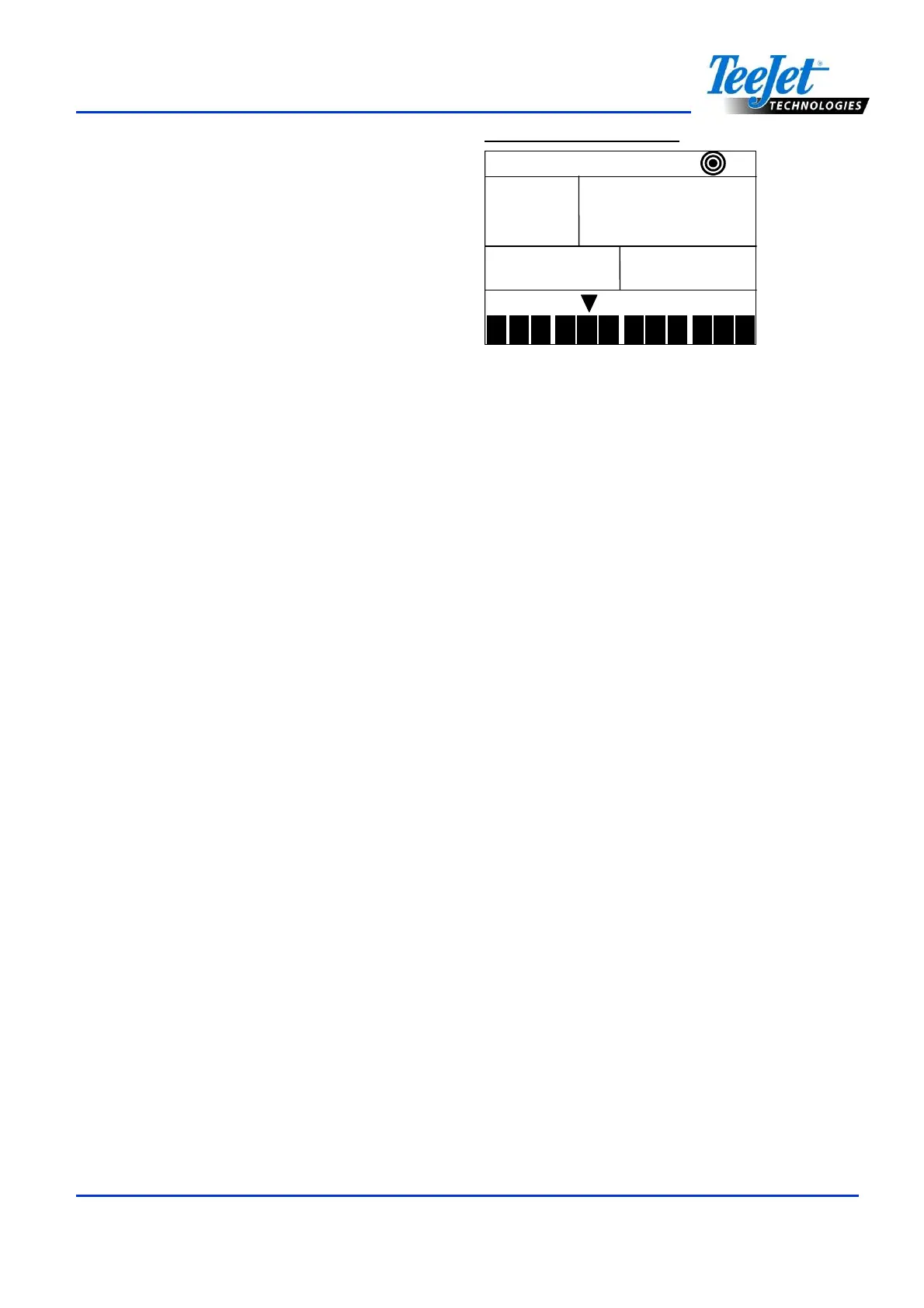
Application rate changes are monitored on the
display as they occur. The console will display
“UP 10”, “UP 20”, “DN 20”, “DN 30”, etc. for
approximately three seconds before returning
to actual application rates.
Figure 9-1: Boost Mode
up
upup
up
20
2020
20
1
2 3
4
5 6
7
8
9
10
11
12
0.410
0.4100.410
0.410
L/Ha
To return the application rate to the original
target rate, use the Plus or Minus keys
individually to increase/decrease the rate in
10% increments, or press the Plus and Minus
keys simultaneously to return to the
programmed target application rate.
NOTE:
During Boost mode, the target symbol will
flash at the top of the console to indicate
the sprayer is not operating at the target
application rate.
Area/Volume Display
The 844-AB records application area and
measures the total volume applied while the
Master Boom Switch is in the “ON ” position.
The area counter measures treated acres
(hectares) and is dependent on the value
programmed for swath width. The volume
measured is dependent on flow meter pulses
and is available on flow-based models only.
The console will alternately display the treated
area sprayed and the total volume applied
(gallons/liters) since the last time the area
counter/volume measure was cleared.
To clear the area counter/volume measure,
press and hold the Plus and Minus keys
simultaneously for three seconds. The
area/volume measure can only be cleared
during Operations mode with the Master
Boom Switch in the “Off” position.



 To Next Page