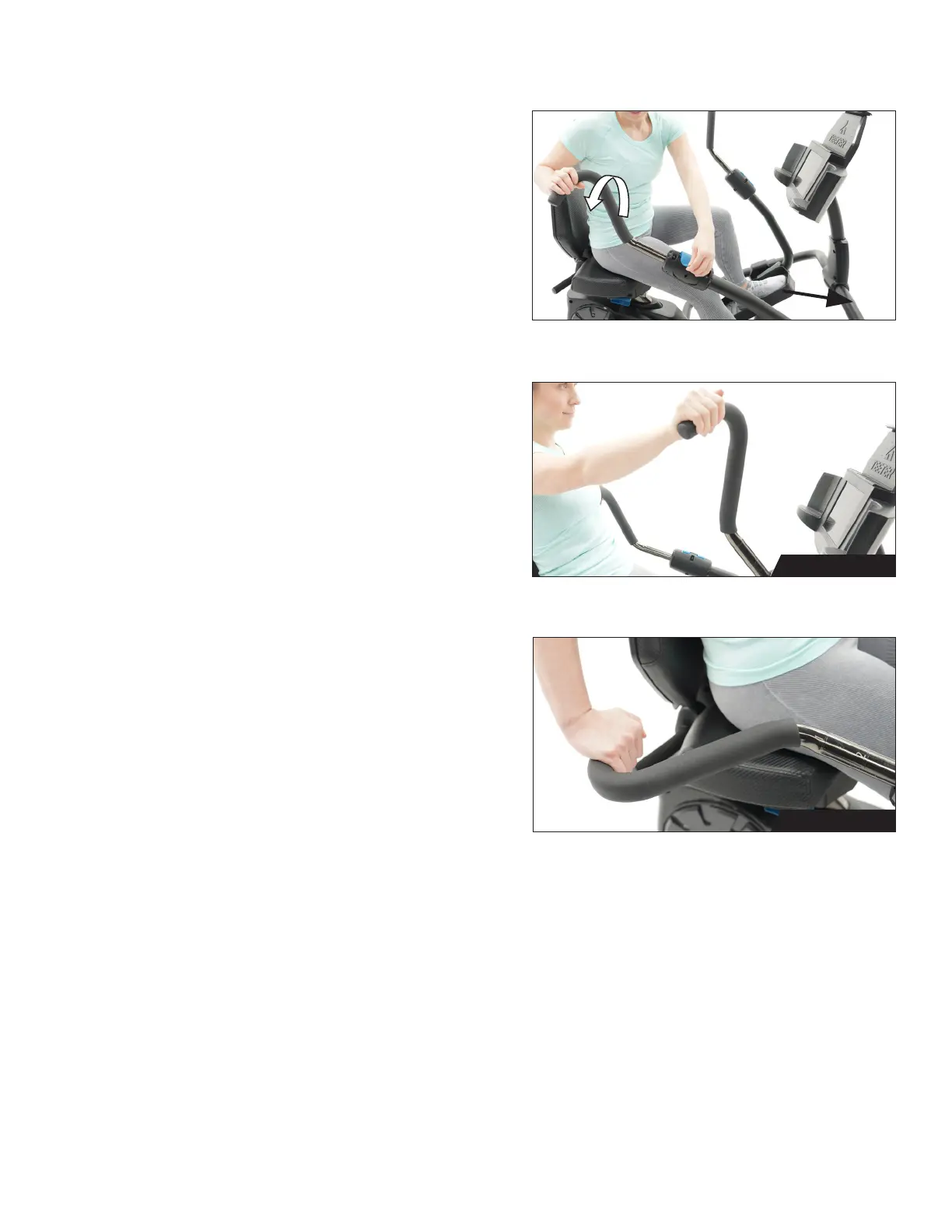
Grip Position
The handles can be rotated to an Upright Grip or
Lower Grip to target different muscle groups.
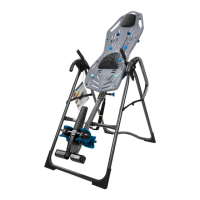
Figure 42: To change grip position, open the
Handle Cam Lock. Rotate the Handle into the
desired position until you feel the Cam Lock
housing engage into the ‘groove’ in the handle
tube. Close the Handle Cam Lock.
18
USER GUIDE
Figure 42
Figure 43
Figure 44
Lower Grip
Upright Grip
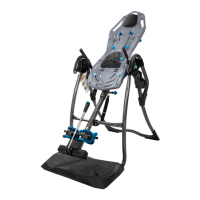
Figure 44: Adjust the Handles to the Lower Grip
to target triceps, biceps, forearms, and shoulder
muscles with a downward pushing/pulling motion.
In this position, you have two options for hand
placement: Overhand (shown) or Underhand.
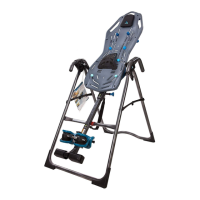
Figure 43: Adjust the Handles to the Upright Grip
to target biceps, shoulders, and chest muscles
with a forward pushing/pulling motion.
In this position, you have two options for hand
placement: Overhand (shown) and Vertical.



 To Next Page