© 2016 284_D - 05/16
51 of 60
A Watts Water Technologies Company
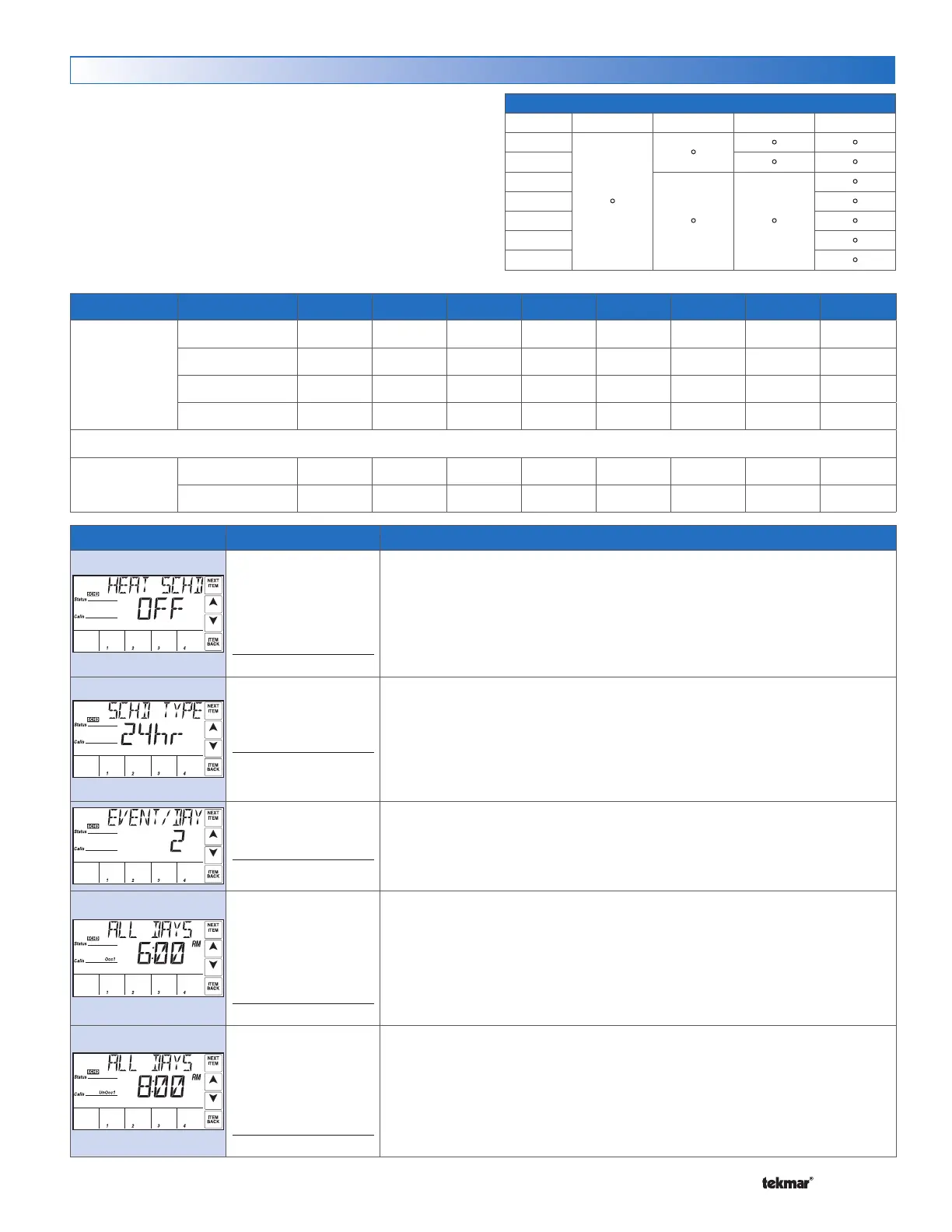
Schedule Menu (1 of 1)
Events / Day Event 24Hr Sat Sun Mon Tue Wed Thu Fri
4
Occupied 1
6:00 AM 6:00 AM 6:00 AM 6:00 AM 6:00 AM 6:00 AM 6:00 AM 6:00 AM
UnOccupied 1
8:00 AM 8:00 AM 8:00 AM 8:00 AM 8:00 AM 8:00 AM 8:00 AM 8:00 AM
Occupied 2
6:00 PM 6:00 PM 6:00 PM 6:00 PM 6:00 PM 6:00 PM 6:00 PM 6:00 PM
UnOccupied 2
10:00 PM 10:00 PM 10:00 PM 10:00 PM 10:00 PM 10:00 PM 10:00 PM 10:00 PM
or
2
Occupied
6:00 AM 6:00 AM 6:00 AM 6:00 AM 6:00 AM 6:00 AM 6:00 AM 6:00 AM
Unoccupied
10:00 PM 10:00 PM 10:00 PM 10:00 PM 10:00 PM 10:00 PM 10:00 PM 10:00 PM
Schedule Type
Day 24 Hour 5-2 5-11 7 day
Sa
•
•
• •
Su
• •
Mo
• •
•
Tu
•
We
•
Th
•
Fr
•
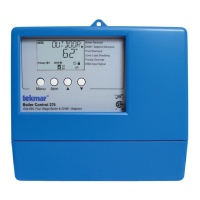
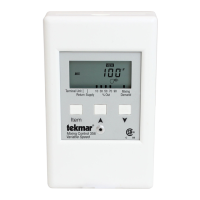
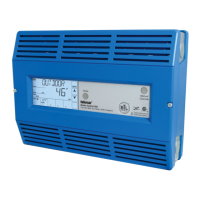
The 284 can follow an internal schedule or an available
schedule on a
tekmarNet
®
network. Four heating schedules
can be present on one network. The number of available
schedule times depends on selections made for the Heat
Schedule, Schedule Type & Events / Day settings.
Default Times
Item Field
Range
Description
OFF, CTRL, MST1,
MST2, MST3, MST4,
MBR1, MBR2, MBR3,
MBR4
Default = OFF
Access: USER
HEAT SCHEDULE
OFF = No schedule.
CTRL = Schedule only used by this control.
MST1 to MST4 = Schedule is shared with other tN4 devices.
MBR1 to MBR4 = Schedule is set on another tN4 device.
This item is only available when the Setback / Off switch is set to Setback.
24hr, 5-2, 5-11, 7DAY
Default = 24hr
Access: USER
SCHEDULE TYPE
24hr = One schedule for all days of the week.
5-2 = One schedule for weekdays & one for weekends.
5-11 = One schedule for weekdays, one for Saturday & one for Sunday.
7DAY = A schedule for each day of the week.
This item is only available when the Setback / Off switch is set to Setback & the
Heat Schedule is set to CTRL or MST1 to MST4.
2 or 4
Default = 2
Access: USER
EVENTS / DAY
2 = 2 Events per day (Occ, Unocc)
4 = 4 events per day (Occ 1, Unocc 1, Occ 2, Unocc 2)
This item is only available when the Setback / Off switch is set to Setback & the
Heat Schedule is set to CTRL or MST1 to MST4.
12:00AM to 11:50PM,
SKIP
or
00:00 to 23:50, SKIP
Default = 6:00AM
Access: USER
OCCUPIED START TIME (ALL DAYS, MON-FRI, SAT-SUN)
Select the time for the Occupied period to start. Additional occupied event times
are available depending on the schedule type & mode settings.
This item is only available when the Setback / Off switch is set to Setback, Heat
Schedule is set to CTRL or MST1 to MST4.
12:00AM to 11:50PM,
SKIP
or
00:00 to 23:50, SKIP
Default = 8:00AM
Access: USER
UNOCCUPIED START TIME (ALL DAYS, MON-FRI, SAT-SUN)
Select the time for the Unoccupied period to start. Additional unoccupied event
times are available depending on the schedule type & mode settings.
This item is only available when the Setback / Off switch is set to Setback, Heat
Schedule is set to CTRL or MST1 to MST4.


 To Next Page