___________________________________
햶
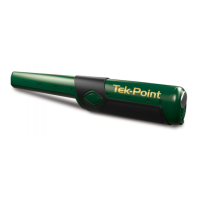
QUICK START:
Power on/off:
Power On: Quick-Press (press-and-release button, quickly)
• Hear beep and vibrate, indicating ready to detect.
• Wait for ready indication before presenting pinpointer to metal. If
metal is near pinpointer before ready indication, pinpointer will
overload (not detect) or operate at reduced sensitivity (see
Overload p.16). Press button to exit overload.
Power Off: Press-and-Hold the button.
• Release the button when you hear the BEEP. Pinpointer is off.
Programming Alarm and Sensitivity:
1. Start with power on.
2. Press-and-hold button. Do not release the button at the first
alarm (Power-down-alarm).
3. Following the power-down-alarm, hear the programming alarm:
JINGLE-JINGLE-JINGLE.
4. Release button when you hear JINGLE-JINGLE-JINGLE; device
is now in programming mode.
5. Each press of the button will advance to a different setting.
6. Each setting is indicated with beep(s), vibration(s) or both.
7. To choose a program, stop pressing the button at the desired
setting. Ready to hunt.
Ground-Mineral Calibration:
1. With Power on, touch the tip of probe to the soil.
2. Quickly press-and-release the button.
3. Hear beep, confirming calibration is complete.


 To Next Page