Getting started
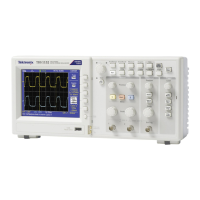
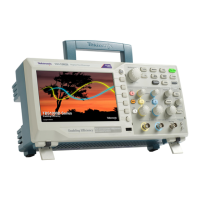
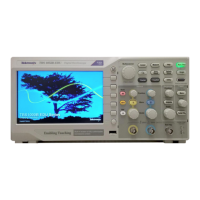
TBS1000B and TBS1000B-EDU Series Digital Storage Oscilloscopes are small,
lightweight, benchtop instruments, which you can use to take ground-referenced
measurements.
This chapter describes how to do the following tasks:
■
Install your product
■
Perform a brief functional check
■
Perform a probe check and compensate probes
■
Match your probe attenuation factor
■
Use the self calibration routine
NOTE. You can select a language to display on the screen after you power on the
oscilloscope. At any time, you can access the Utility ► Language option to select
a language.
General features
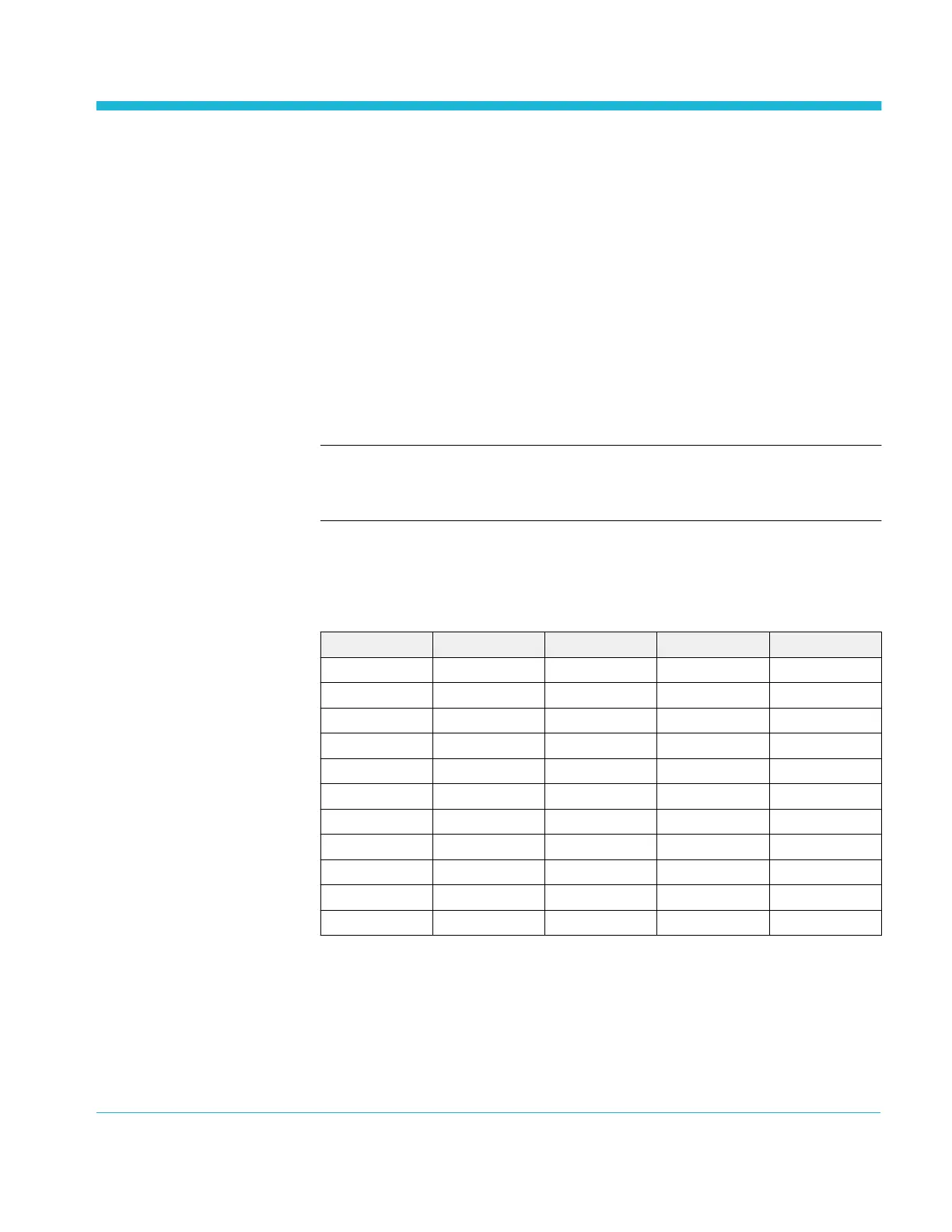
Model Channels Bandwidth Sample rate Display
TBS1032B
1
2 30 MHz 500 MS/s Color
TBS1052B-EDU 2 50 MHz 1 GS/s Color
TBS1052B 2 50 MHz 1 GS/s Color
TBS1072B-EDU 2 70 MHz 1 GS/s Color
TBS1072B 2 70 MHz 1 GS/s Color
TBS1102B-EDU 2 100 MHz 2 GS/s Color
TBS1102B 2 100 MHz 2 GS/s Color
TBS1152B-EDU 2 150 MHz 2 GS/s Color
TBS1152B 2 150 MHz 2 GS/s Color
TBS1202B-EDU 2 200 MHz 2 GS/s Color
TBS1202B 2 200 MHz 2 GS/s Color
■
Context-sensitive help system
■
7-inch color LCD display
■
Educational courseware integrated in the instrument (EDU models only)
■
Limit tests, data logging, and trend plots (non-EDU models only)
■
Dual-channel independent counters
1
Available only in North America and Europe.
TBS1000B and TBS1000B-EDU Series Oscilloscopes User Manual 1



 To Next Page